
AutoSprite
AI sprite sheet generator for game enginesOne image in, engine-ready animations out
Highlights
What you can do with it
- An indie developer turns a character sketch into animated sheets for a 2D platformer
- A studio team shares characters and action sets across a large project
- An art designer controls poses and looks precisely for a strategy game
How to use it
- 1 Open the AutoSprite website
- 2 Upload a sprite image or describe the character in a text prompt
- 3 Select an action set, either preset or custom
- 4 Add reference images and storyboard keyframes if you need precise control
- 5 Generate, then download the PNG sprite sheet with frame data
Who it is for
Pros
- Fast path from one image to engine-ready output
- Character consistency holds across actions and variants
- Exports include frame data for supported engines
- Free version lets you test the workflow
Limitations
- The free version covers basics while advanced features need a paid plan
- Precise control takes setup with keyframes and reference images
- Generated frames may still need manual cleanup before shipping
- API access is limited to users who are granted it
What AutoSprite is
AutoSprite is an AI sprite sheet generator that turns a single image or a text prompt into game-ready animation sheets. Instead of drawing frame after frame, you upload one character image, describe what you want, and the system produces consistent animations such as idle, walking, and running. Output is aimed at common engines including Unity, Godot, GameMaker, and Phaser, and downloads include the PNG sheet plus frame data. There is a free version for trying the workflow, and paid plans add advanced features such as batch processing and API access.
What you can do with it
- Convert a single sprite image or text prompt into a full action set in minutes.
- Guide each beat with custom prompts, storyboard keyframes, and reference images.
- Build eight-direction isometric motion sets where each direction keeps the same character.
- Generate props, icons, weapons, and pickups that match the game's visual language.
- Explore costumes, skins, and variants while the core character stays consistent, then queue several animations at once in advanced mode.
Who it is for
- Independent developers who need character animations for a 2D game without a large art budget.
- Game artists who want to control poses, proportions, and looks with references.
- Studios that need shared characters and reusable action sets across a team.
What to watch out for
The free version covers the basics, while batch queueing, saved action sets, and API access sit behind paid plans. Precision work takes setup: without keyframes and references, results follow the model's interpretation more than your intent. Generated frames can contain artifacts or slight drift, so plan a cleanup pass before they go into a shipped build. Frame data formats and engine support vary, so test one export early rather than after a full batch is rendered.
FAQ
Is there a free version?
Yes, AutoSprite offers a free version, and the paid plan adds more advanced features.
Which engines can use the output?
The tool targets engines such as Unity, Godot, GameMaker, and Phaser, and exports PNG sheets with frame data.
How precise is the animation control?
Custom text prompts, storyboard keyframes, and reference images let you guide each action beat.
Is there an API?
A REST API is available to users with API access for creating characters and requesting animations.
Why it is free
What the official page says: free version
Free limits, trial length and features are decided by the official site and can change at any time.
Product preview
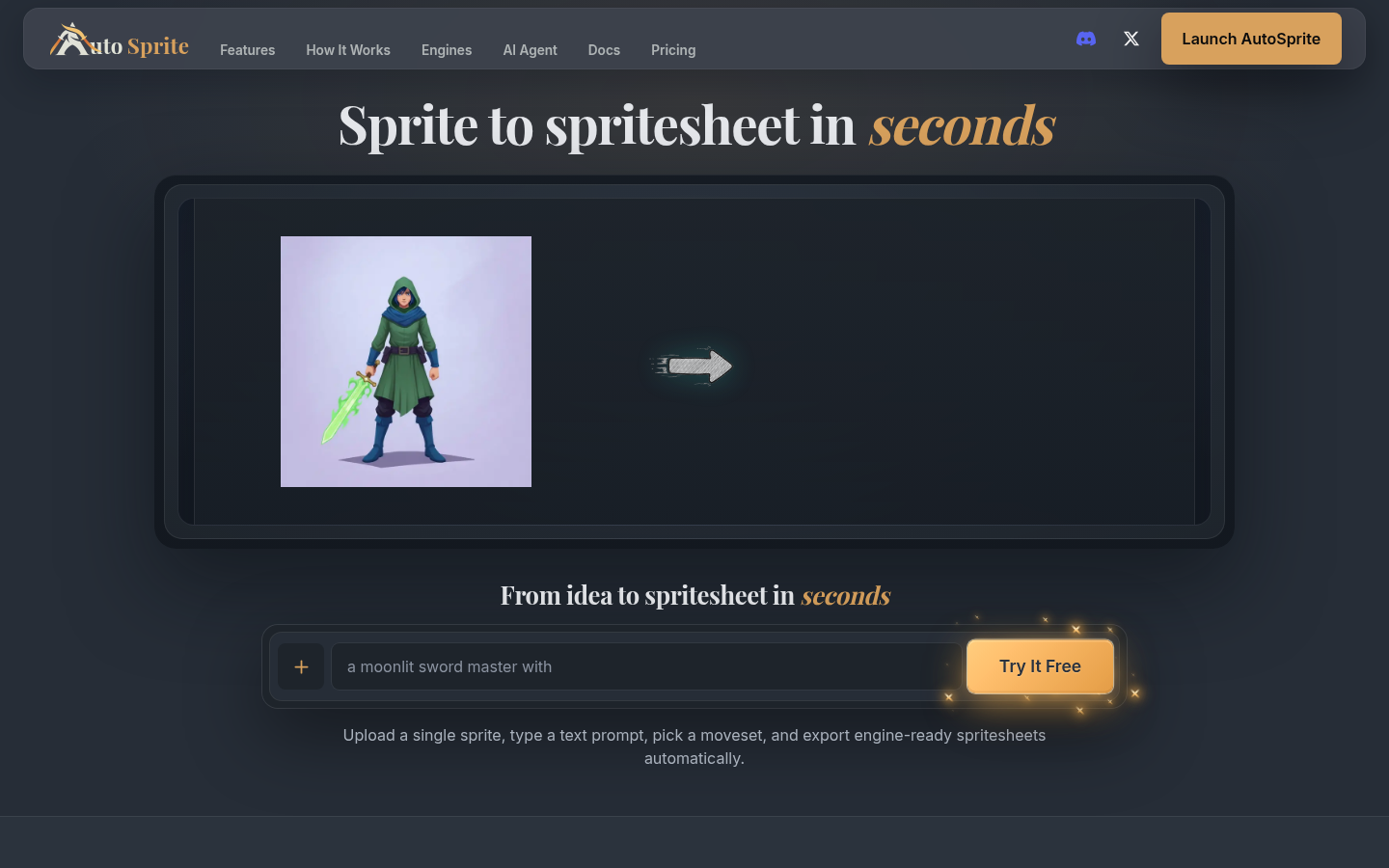
Screenshot archived from the listing page, for preview only.











