
ArchyBase
AI renderings and 3D floor plans in secondsTurn sketches and photos into realistic renders
Highlights
What you can do with it
- Show clients several living room furnishing styles in one meeting
- Render a backyard renovation from a single photo
- Test exterior paint colors and materials on a house photo
How to use it
- 1 Register and log in, then start a free trial
- 2 Pick a module such as Interior AI, Exterior AI, Sketch to Render, or Floor Plan
- 3 Upload your photo, sketch, or floor plan
- 4 Choose a style, room type, and material or lighting settings
- 5 Click Generate, preview in about 10 seconds, then download or switch styles
Who it is for
Pros
- Fast renders speed up design iteration
- No deep 3D modeling skills needed to start
- A Free Plan and free trial let you test it first
Limitations
- The Free Plan has only 4 quotas and plan terms may change
- Watermark-free, high-resolution output may need a paid plan
- Complex or precise projects may still need manual refinement
What ArchyBase is
ArchyBase is an all-in-one AI design and rendering platform for architecture and indoor and outdoor spaces. It uses AI image and spatial computing to read light, materials, textures, and depth, then converts sketches, photos, or 2D floor plans into realistic architectural renderings. Output can reach 4K resolution and is produced in about 10 seconds. The goal is to cut the long cycles and steep learning curve of traditional 3D modeling. It offers tools for interiors, exteriors, facades, and landscapes, and lets you generate several style options to compare. There is a Free Plan with 4 free quotas, paid plans that start at $15.92 per month, and full-featured free trials. It is aimed at architects, interior designers, and homeowners.
What you can do with it
- Convert sketches, photos, or floor plans into realistic renders
- Design interiors, exteriors, facades, and landscapes in one place
- Generate multiple styles and compare options quickly
- Export high-resolution images up to 4K
Who it is for
- Architects and interior designers iterating on concepts
- Renovation contractors previewing changes for clients
- Homeowners exploring designs with no prior experience
What to watch out for
The Free Plan includes only 4 quotas, and the plan terms and pricing may change over time, so confirm current details before you commit. Watermark-free, high-resolution output may require a paid plan, so check what the free tier actually delivers before you rely on it. Complex or highly precise projects may still need manual refinement after the AI pass. Because results depend on your input photo or sketch, clearer source material generally gives better renders, so start with a clean, well-lit image for the best output. Treat the render as a strong concept visual rather than a final construction document.
FAQ
How fast are the renders?
The platform outputs renderings in about 10 seconds, with up to 4K resolution.
Do I need design experience?
No. Homeowners can upload a photo and try styles without prior design training.
Is there a free option?
Yes. There is a Free Plan with 4 free quotas and full-featured free trials.
Why it is free
What the official page says: free planfree trial
Free limits, trial length and features are decided by the official site and can change at any time.
Product preview
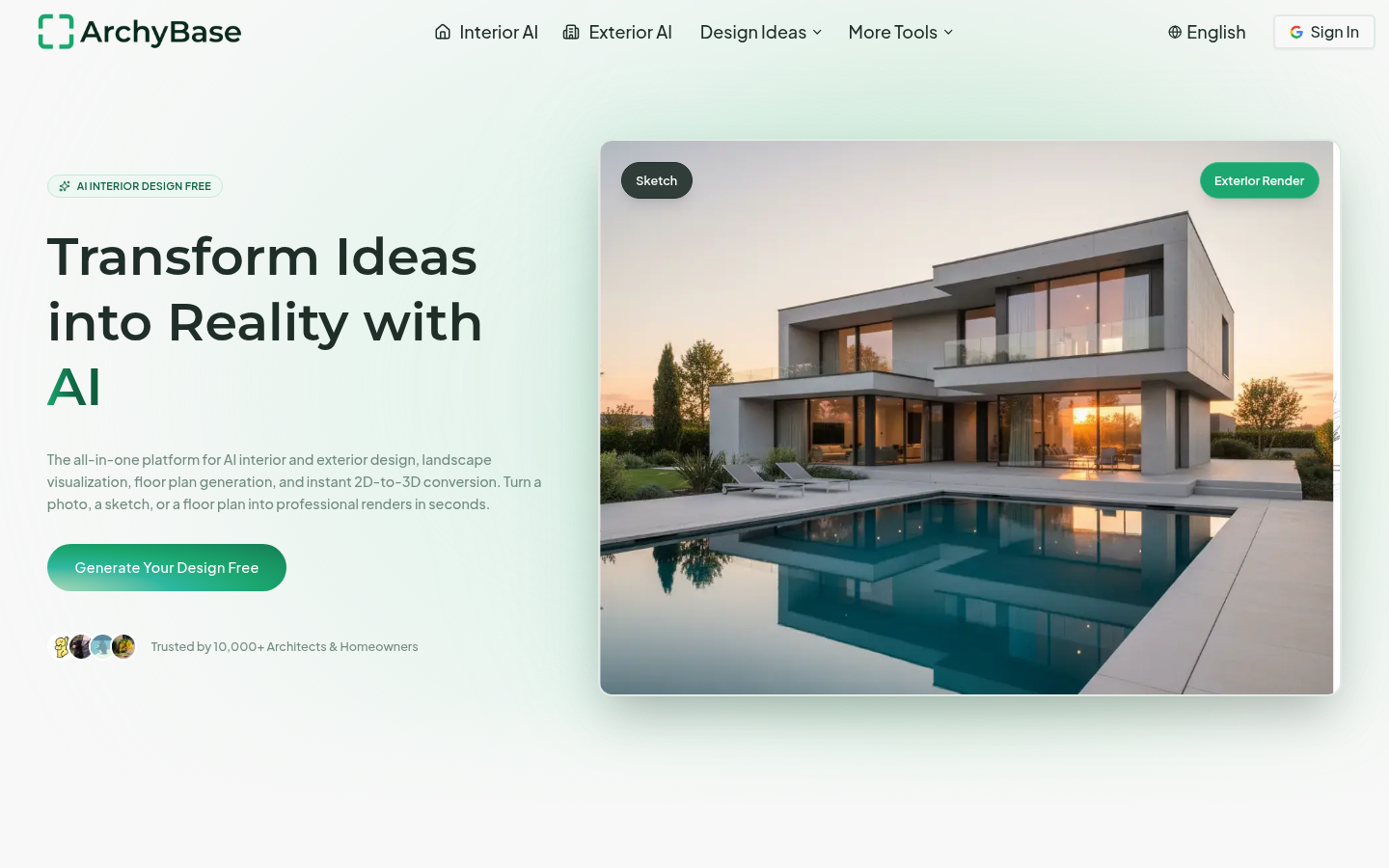
Screenshot archived from the listing page, for preview only.











