API.box
AI API platform for music, image, video, and textOne API key for four kinds of generation
Highlights
What you can do with it
- Generating background music for a mobile app
- Producing campaign images from text prompts
- Creating short video clips from an image
How to use it
- 1 Register an account on the API.box site
- 2 Browse the available AI interfaces
- 3 Read the documentation for the interface you want
- 4 Integrate it using the sample code
- 5 Test through the free trial, then licence it if it fits
Who it is for
Pros
- Four generation types behind one account
- Commercial licensing on outputs
- Documentation and logs support debugging
- Free trial before committing
Limitations
- Free trial limits and pricing can change
- Output quality varies by modality and prompt
- You depend on one provider for several features
- Integration and error handling are still your work
What API.box is
API.box packages AI capabilities as APIs for developers. Four families of interface are listed: music generation from text, image generation covering text-to-image and image-to-image, video generation from text or images, and text generation. Having them behind one account and one set of credentials is the practical appeal, since it removes the integration sprawl of stitching several vendors together. The listing emphasises intuitive APIs with comprehensive documentation, detailed invocation logs for debugging, enterprise-level security, and scalability for high concurrency. A free trial is offered, and outputs are described as licensed for commercial use.
What you can do with it
- Generate music, images, video, or text through API calls
- Combine modalities in one product behind a single key
- Debug with invocation logs and sample code
- Test everything through the free trial before licensing
Who it is for
- Developers adding generation to an existing product
- Teams that need clear commercial rights on output
- Builders who would rather manage one provider than four
What to watch out for
Free trial limits and pricing can change, and the listing does not quantify them, so measure your actual usage before you depend on a plan. Output quality varies by modality and by prompt, and video and music generation in particular may need several attempts. Consolidating on one provider is convenient but concentrates risk: an outage or policy change there affects every feature you built on it. Finally, integration work is yours, including error handling, retries, and content moderation for anything user-facing. Run one full task end to end first, then expand once you are comfortable with the workflow and the result quality.
FAQ
What interfaces are available?
Music generation, image generation including text-to-image and image-to-image, video generation, and text generation.
Can I use the output commercially?
The listing mentions licensed outputs for commercial use, so check the specific licence terms for your case.
Is there a free trial?
Yes, a free trial is offered so you can test the APIs before buying.
Is it suitable for high traffic?
The listing claims enterprise-level security and scalability for high concurrency, but verify against your own load.
Why it is free
What the official page says: free trial
Free limits, trial length and features are decided by the official site and can change at any time.
Product preview
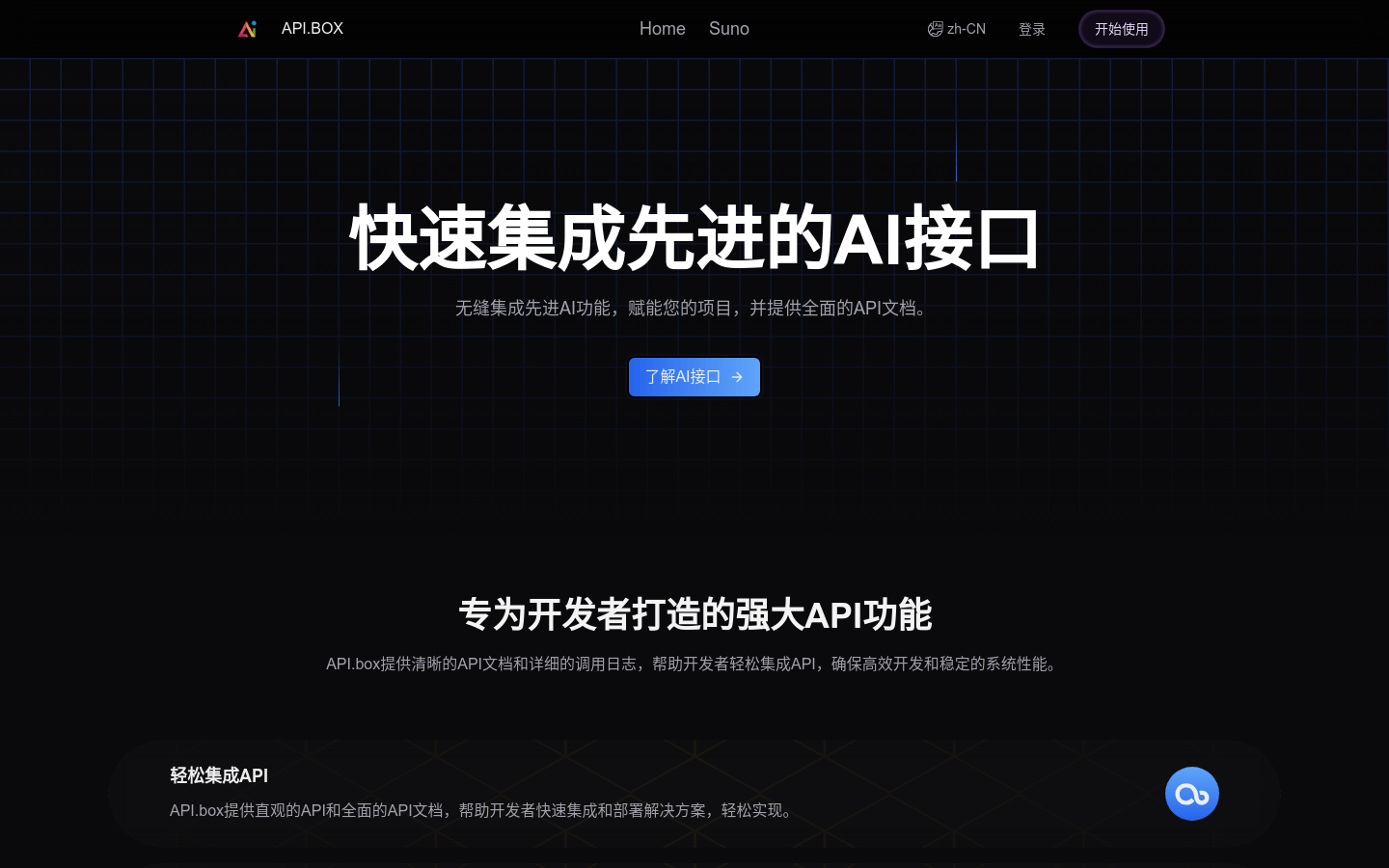
Screenshot archived from the listing page, for preview only.