AnyToSpeech
Text and document to speech converterTurn text, PDFs, and images into speech
Highlights
What you can do with it
- Turn a PDF into audio for easier reading
- Convert an article into speech for a video
- Create audiobook narration from text
How to use it
- 1 Upload your text, PDF, document, or image
- 2 Choose a voice and generate the speech
- 3 Preview the audio and adjust as needed
- 4 Download the file or upgrade for longer text
Who it is for
Pros
- Handles many input types including scans
- Free characters to test before paying
- Flexible one-time or monthly plans
Limitations
- Only 500 characters are free and more needs payment
- Accuracy depends on the quality of scanned input
- Synthetic voices may not suit every project
What AnyToSpeech is
AnyToSpeech is a simple text-to-speech tool that converts text, PDFs, documents, scanned documents, and images into speech. You can use 500 characters for free, with charges applying beyond that limit. It also handles websites and scanned files, making it useful for audiobook production, article-to-audio, PDF narration, and educational content. Pricing includes one-time and monthly plans, and the site mentions a free trial, a refund policy, and the option to cancel a subscription anytime.
What you can do with it
- Convert text, PDFs, and documents to speech
- Turn scanned documents and images into audio
- Change websites or articles into spoken form
- Create audiobook narration and educational voiceovers
Who it is for
- Students turning study material into audio
- Content creators adding voice to videos
- Readers who prefer listening to long documents
What to watch out for
Only 500 characters are free, and longer text needs payment, so check current pricing. Accuracy depends on the quality of scanned or photographed input, so clean files work well. Synthetic voices may not suit every project, so test a sample before committing. Terms, refunds, and cancellation are set by the provider and can change, so read them before buying. Start with a small sample to confirm the output meets your expectations before processing the full batch. Free tiers and usage limits can change, so check the current rules on the official page before relying on it long term. Save a backup of the original file before large batch jobs, and keep an exported copy of key results in case the page or service becomes temporarily unavailable. Save a backup of the original file before large batch jobs, and keep an exported copy of key results in case the page or service becomes temporarily unavailable.
FAQ
Is AnyToSpeech free?
You can use 500 characters for free, with charges beyond that. A free trial is also offered.
What can it convert?
It converts text, PDFs, documents, scanned documents, images, and websites into speech.
What are the pricing options?
There are one-time purchase and monthly subscription plans, with a refund policy and cancellation anytime.
Why it is free
What the official page says: free trial
Free limits, trial length and features are decided by the official site and can change at any time.
Product preview
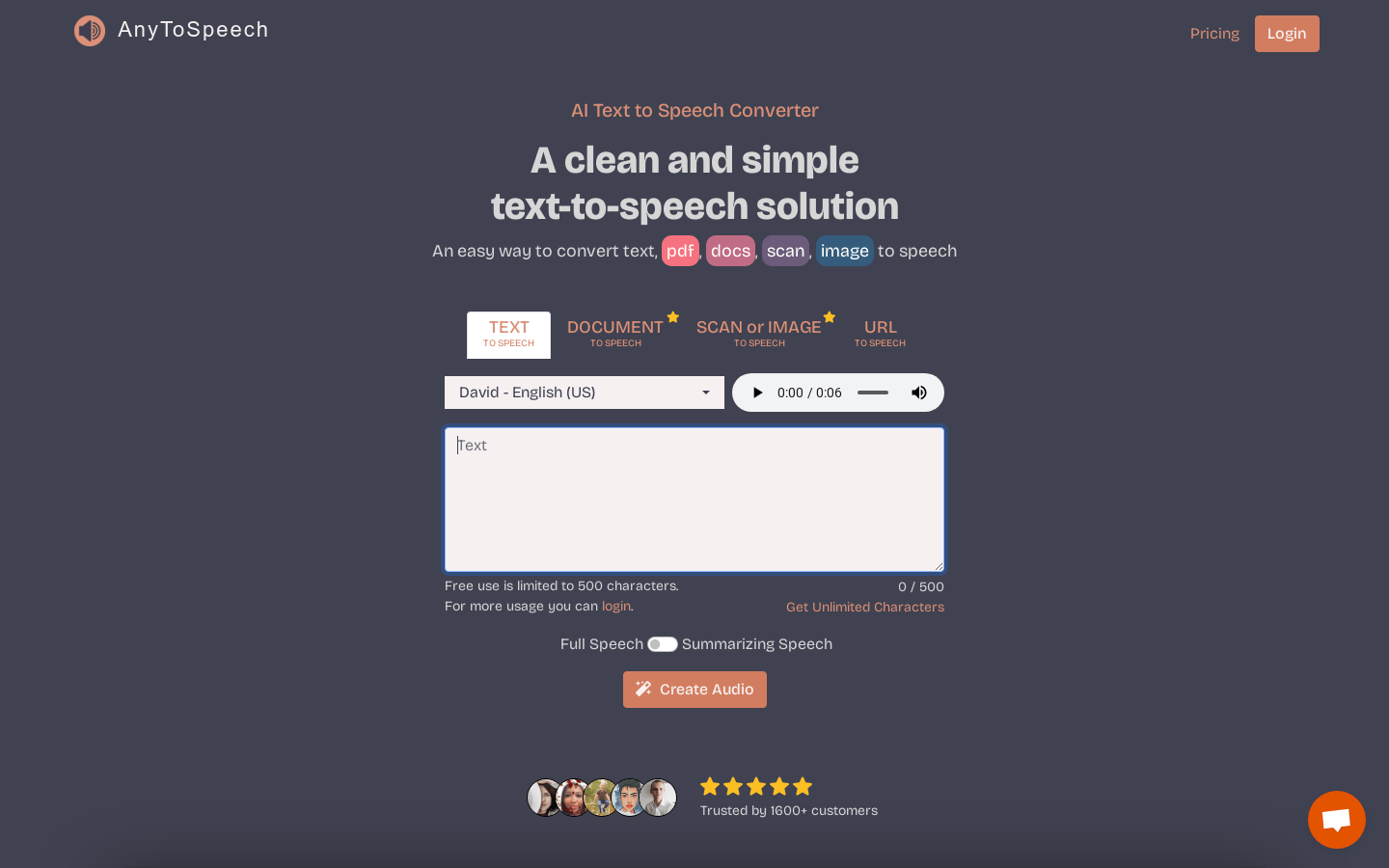
Screenshot archived from the listing page, for preview only.