
Androidify
Free Google tool that turns a selfie or prompt into an Android botGenerate a personal Android robot from a photo or text, free to use
Highlights
What you can do with it
- Make a robot that looks like you and share it
- Design creative robots with text prompts
- Create robot avatars for social accounts
How to use it
- 1 Visit androidify.com
- 2 Upload a photo or enter a text description
- 3 Wait for the AI to generate and customize the robot
- 4 Download it or share the unique URL
Who it is for
Pros
- Completely free to use
- Fast generation from photo or text
- Easy sharing with a unique link
Limitations
- Made for ages 18 and above
- Saved content deletes after 30 days
- Some effects like Veo animation are limited to certain users
What Androidify is
Androidify is a free, Google-made online tool that builds a personalized Android robot from a selfie or a text description. It uses models such as Gemini Flash, Gemma, and Imagen to read your photo or prompt and create a matching robot character. When you upload a photo, the tool looks at details like clothing and accessories, and when you type a description, it follows your words for outfit, hair, color, and gear. You can pick a color, add up to two accessories, then save or share the result through a unique URL. It is completely free to use and aimed at people aged 18 and above.
What you can do with it
- Turn a selfie into a custom Android robot
- Describe a robot with an English text prompt
- Choose colors and add accessories
- Download the result or share it by URL
Who it is for
- People who like to express their style
- Creative enthusiasts trying new tools
- Active social media users making avatars
- Anyone curious about AI image tools
What to watch out for
Some extra features, like atmosphere and animation effects with Veo, are limited to certain users, so you may not get them every time. Saved robots and animations are stored on a URL for 30 days and then deleted automatically, so download anything you want to keep. The tool is aimed at ages 18 and above. Since it reads your photo to build the character, only upload images you are comfortable sharing, and remember that a shared URL can be opened by anyone who has the link. For best results, start with a small test file and review the output carefully before working on anything important.
FAQ
Is Androidify free?
Yes, the site states it is completely free to use and aimed at users aged 18 and above.
How does it read my photo?
The tool uses Gemini Flash to analyze the image and pick out details like clothing and accessories to build your robot.
How long are creations stored?
Generated robots and animations are kept on a URL for 30 days and then deleted automatically.
Why it is free
What the official page says: completely freefree to use
Free limits, trial length and features are decided by the official site and can change at any time.
Product preview
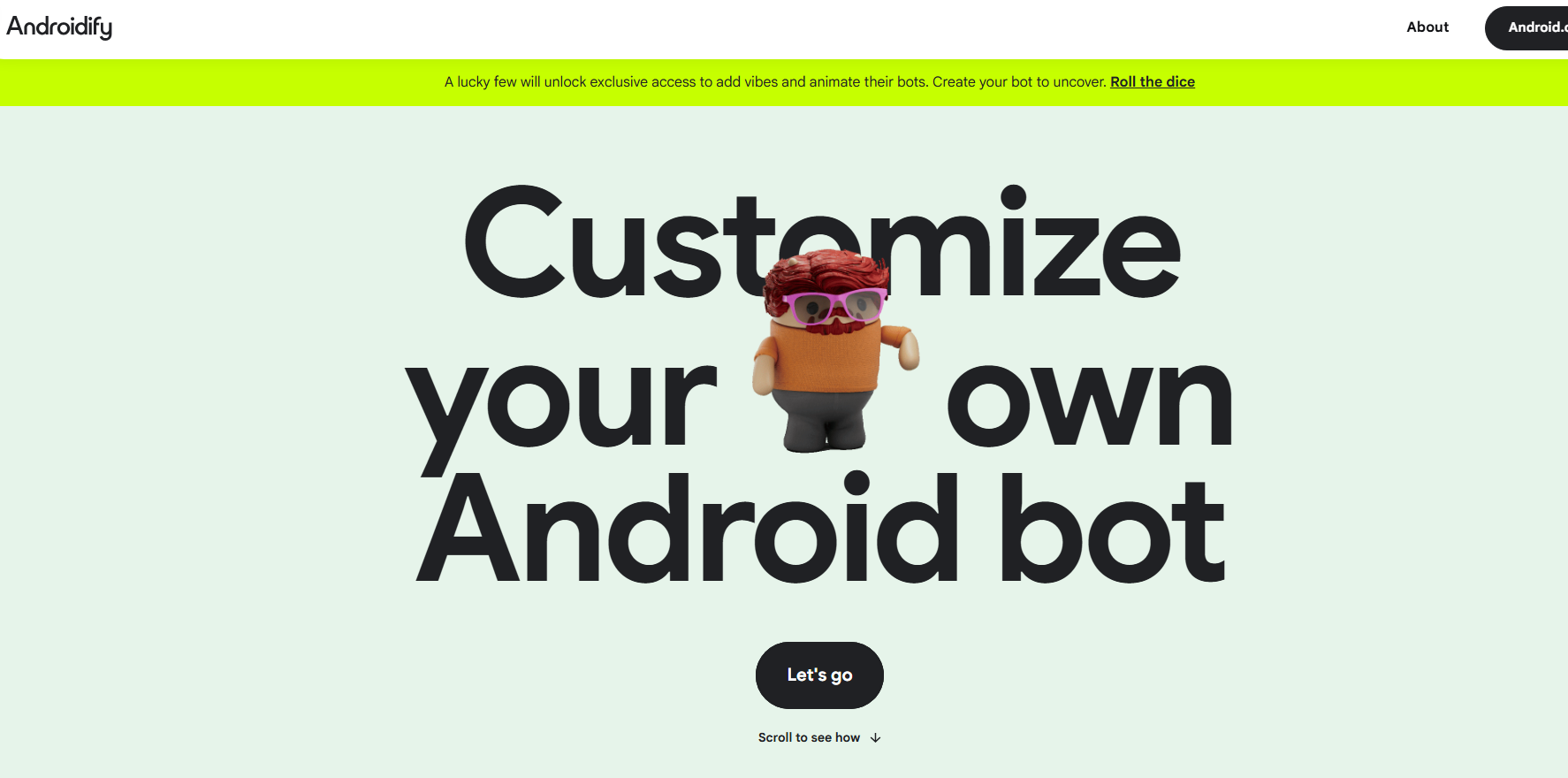
Screenshot archived from the listing page, for preview only.











