
Amurex
Free open-source AI meeting assistantReal-time suggestions in meetings
Highlights
What you can do with it
- A research team getting live suggestions in weekly meetings
- A sales team sending follow-up summaries to clients
- Cross-department meetings where people join late
How to use it
- 1 Open the site and start a session
- 2 Upload background documents before the meeting
- 3 Watch the real-time suggestions during the discussion
- 4 Review the generated summary and action items afterwards
- 5 Use the one-click follow-up email feature
Who it is for
Pros
- Free and open source
- Suggestions are grounded in your own documents
- Summary plus action items save writing time
- Follow-up email generation speeds up admin
Limitations
- It is a new project, so features and stability will change
- Recording and transcribing meetings needs the consent of everyone present
- Open source means setup and upkeep are on you
- Suggestion quality depends on the background files you provide
What Amurex is
Amurex is an open-source AI meeting assistant. Before a meeting you upload background documents, and during the discussion it surfaces real-time suggestions based on that material. Afterwards it produces a summary with action items, so the team leaves with a written record instead of notes someone meant to write. It can draft a follow-up email in one click, offers a recap so people who join late can catch up quickly, and transcribes the meeting in real time. The project describes itself as redefining control over the assistant, and it is currently available for free.
What you can do with it
- Get real-time suggestions during a meeting.
- Generate a summary and action list afterwards.
- Draft and send a follow-up email in one click.
- Let late joiners catch up with a recap.
- Keep a real-time transcript of the discussion.
Who it is for
- Teams that run frequent internal meetings.
- Sales and client-facing teams that send recaps.
- Groups where people regularly join late.
What to watch out for
Recording and transcribing a meeting involves everyone in the room, so get consent from participants before you switch it on, and check your organization's policy on recording. Because it is open source and newly launched, expect rough edges, changing features, and no guarantee of long-term stability. Setup and maintenance land on you rather than a vendor, which is fine for a technical team and a burden for everyone else. Suggestion quality depends entirely on the background documents you upload, so a thin brief produces thin advice. Anything the assistant writes still needs a human check before it goes to a client.
FAQ
Is Amurex free?
The site says the product is currently available for free.
What does it need before a meeting?
Upload relevant background documents so the suggestions are accurate.
Is it open source?
Yes, the page describes it as open source.
Why it is free
What the official page says: for free
Free limits, trial length and features are decided by the official site and can change at any time.
Product preview
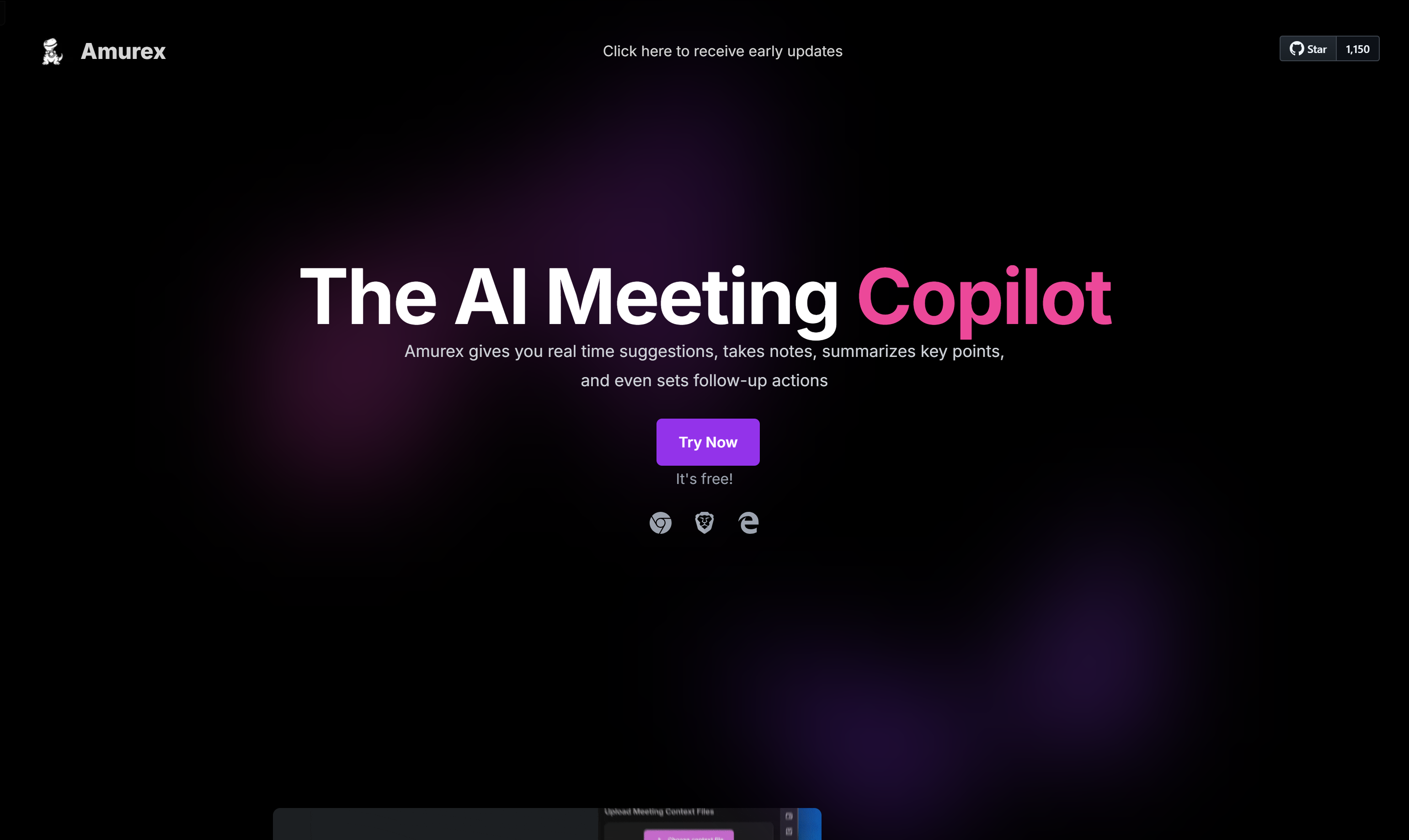
Screenshot archived from the listing page, for preview only.











