
Highlights
What you can do with it
- Add a personal signature to contracts and forms
- Create a consistent signature for invoices and proposals
- Test different handwritten styles before choosing one
How to use it
- 1 Open the AISignature website
- 2 Type your name or draw the signature
- 3 Pick a handwritten style you like
- 4 Download the transparent PNG and place it on your document
Who it is for
Pros
- No registration required to start
- Transparent PNG drops cleanly onto documents
- Free daily allowance covers light personal use
Limitations
- Free version is capped at 10 signatures per day
- Higher volume needs the Pro plan or one-time Pro Pack
- Free rules and pricing can change, so confirm current terms on the official site
What AISignature is
AISignature is an online AI signature generator. It turns a typed or drawn name into a handwritten-style signature that you can download as a transparent PNG and drop onto contracts, invoices, and forms. There is no need to scan paper or install any software. The free version lets you create up to 10 signatures per day and does not require registration, which is enough for occasional personal use. Paid plans, including a monthly Pro option and a one-time Pro Pack, add more capacity for people who sign a lot. The tool is aimed at professionals, freelancers, artists, and personal brands that want a consistent signature look across their documents.
What you can do with it
- Type a name or draw it to produce a handwritten signature
- Choose from several handwritten styles before you commit
- Download the result as a transparent PNG for documents
Who it is for
- Professionals who sign documents electronically
- Freelancers and artists who want a personal mark
- Personal brands that need a consistent signature
What to watch out for
The free daily cap of 10 signatures is fine for occasional use but not for heavy signing, so frequent users will need a paid plan. Because this is an AI-generated signature, treat it as a convenience for low-stakes documents and follow any legal or platform rules that apply to electronic signatures in your region. Free rules and pricing can change, so confirm the current terms on the official site before you rely on it for important paperwork. For best results, start with a small test file and review the output carefully before working on anything important. Free tiers can change over time, so it is worth checking the current limits on the official page before you rely on the tool daily.
FAQ
Is AISignature free?
There is a free version with 10 signatures per day.
What format are downloads?
Transparent PNG.
Do I need to register?
No, you can use it without an account.
Why it is free
What the official page says: 免费使用免费版免费无需注册
Free limits, trial length and features are decided by the official site and can change at any time.
Product preview
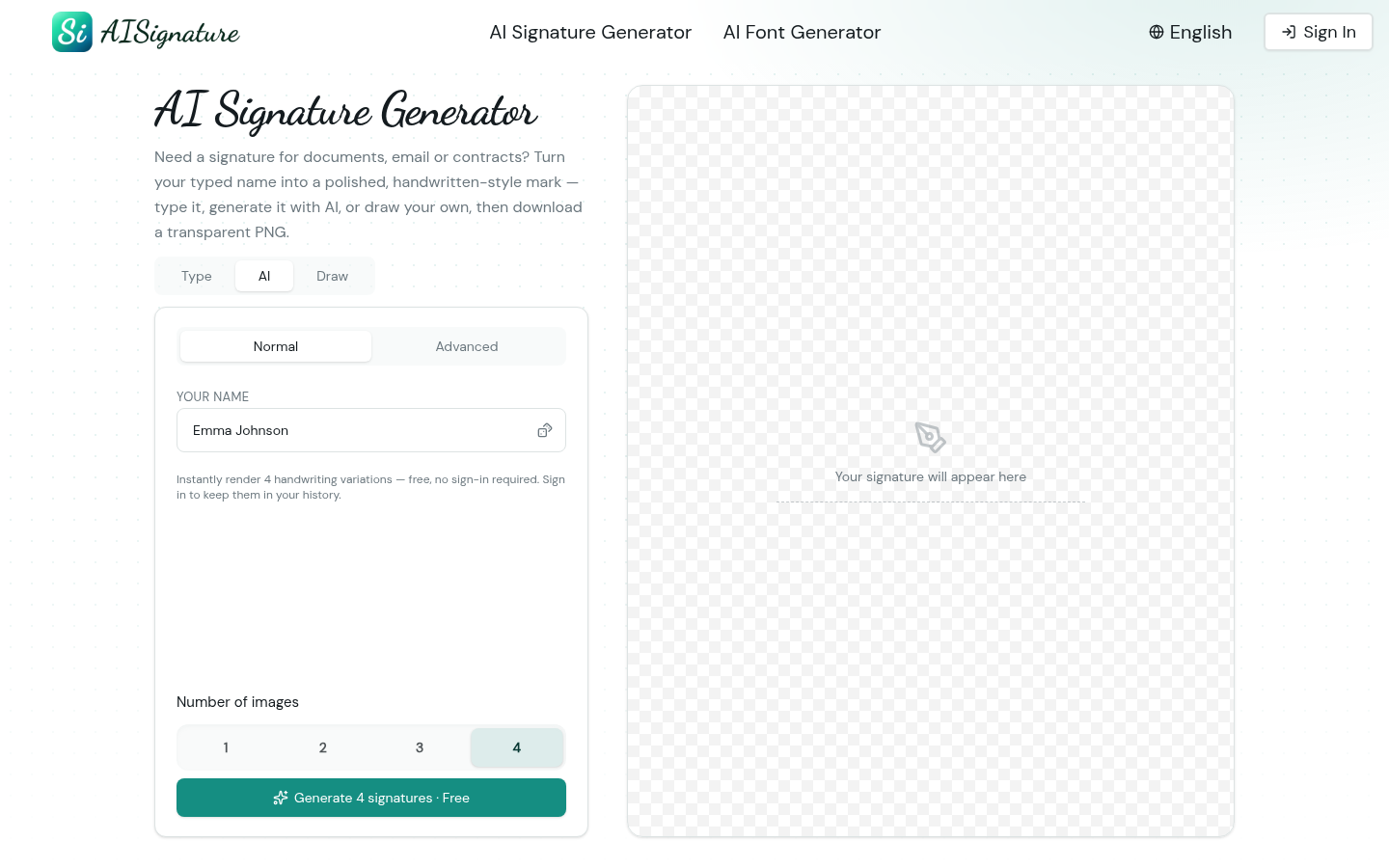
Screenshot archived from the listing page, for preview only.