AI-Powered FAQ Generator
AI FAQ page generator for websitesTurn site content into an FAQ page
Highlights
What you can do with it
- A lodge site adding an FAQ page to answer guest questions faster
- A law firm automating answers to common legal enquiries
- A digital health service improving its consultation experience
How to use it
- 1 Visit the site and create an account
- 2 Select your website or enter its URL
- 3 Let the system analyse the content and generate the FAQ list
- 4 Edit and customise the questions and answers
- 5 Publish the FAQ page to your website
- 6 Monitor usage and refine based on feedback
Who it is for
Pros
- No coding needed to get a page live
- Pulls questions from your own content, so they stay on topic
- Multiple languages supported
- Free trial available to test the output quality
Limitations
- Free trial only, with pricing for continued use not clearly stated
- Generated questions still need human editing for accuracy
- Works from public page content, so thin sites give thin results
- An FAQ page reduces but does not remove support work
What AI-Powered FAQ Generator is
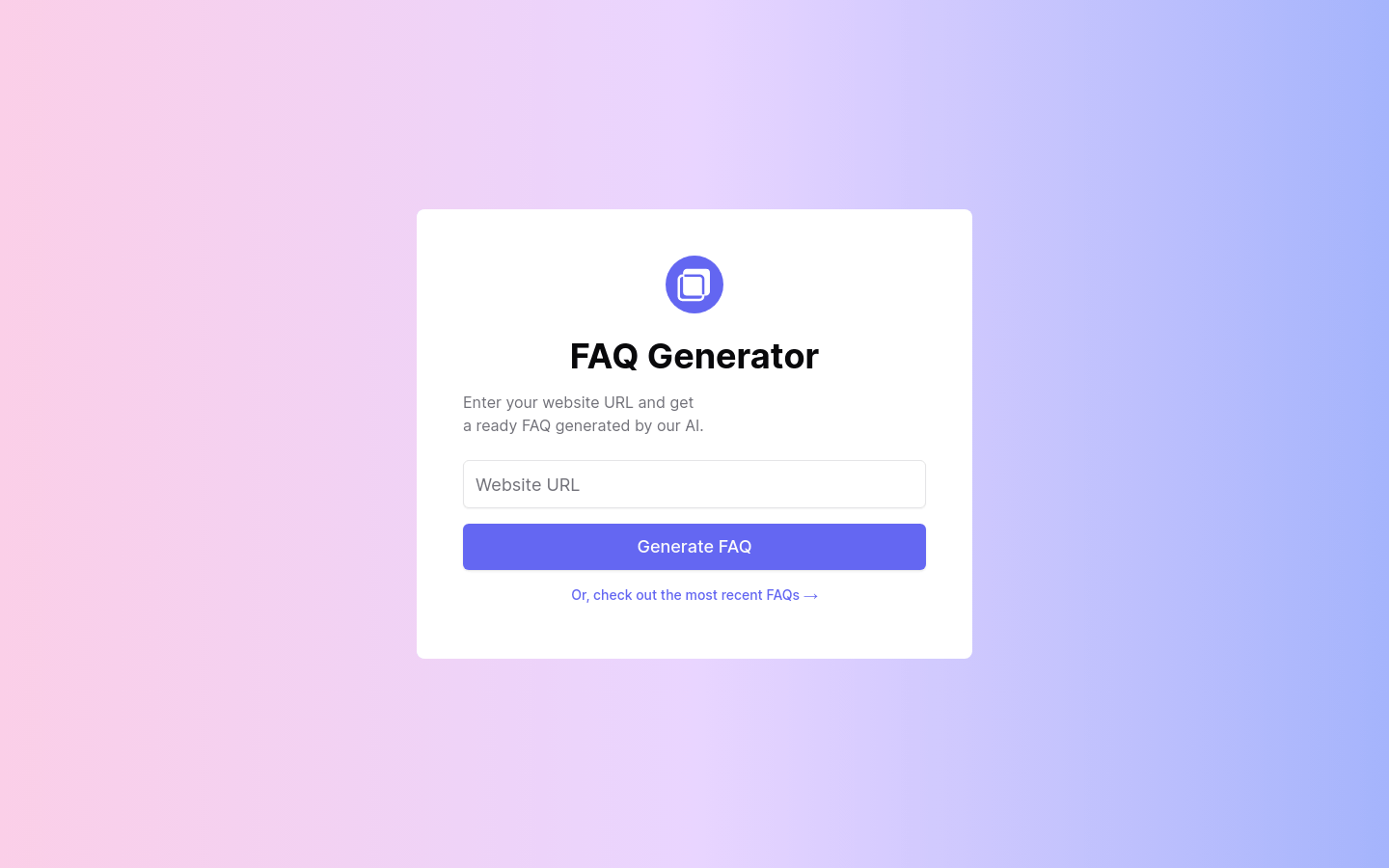
AI-Powered FAQ Generator is a tool that reads a website and writes a list of frequently asked questions for it. You give it a URL, it analyses the content on the pages, and returns questions and answers you can publish as a support page. The listing describes it as needing no coding knowledge, supporting multiple languages, and letting you edit the output. A free trial is offered, and the stated aim is faster customer support with less manual writing.
What you can do with it
- Point the tool at a site and get a starter FAQ list without writing questions by hand.
- Edit the questions and answers so they match how your business actually talks.
- Publish the page to your own website and link it from support emails.
- Generate FAQs in more than one language for international visitors.
- Track how the page is used and refine the answers over time.
Who it is for
- Small business owners who want a support page without hiring a developer.
- Service firms such as law practices and consultancies that answer the same questions daily.
- Support teams that want to cut down repetitive replies.
- Site owners who already have good content but no structured FAQ.
What to watch out for
A free trial is offered, and pricing for continued use is not clearly stated, so confirm the terms before you rely on it for a live site. The questions come from your existing page content, so a thin or poorly written site will produce thin questions. Everything the tool writes still needs a human read for accuracy, especially in fields like law or health where a wrong answer carries risk. An FAQ page reduces support load but does not remove it, and you will need to revisit the answers as your service changes.
FAQ
How does it generate questions?
It analyses the content of the website URL you provide and produces a list of frequently asked questions.
Do I need to code?
No, the listing says no coding knowledge is required and the interface is designed for quick setup.
Which languages are supported?
The feature list names multiple languages, including English.
Can I change the output?
Yes, the workflow includes editing and customising the generated FAQs before publishing.
Is there a free option?
A free trial is offered. Longer term pricing is not clearly stated on the page.
Why it is free
What the official page says: free trial
Free limits, trial length and features are decided by the official site and can change at any time.
Product preview
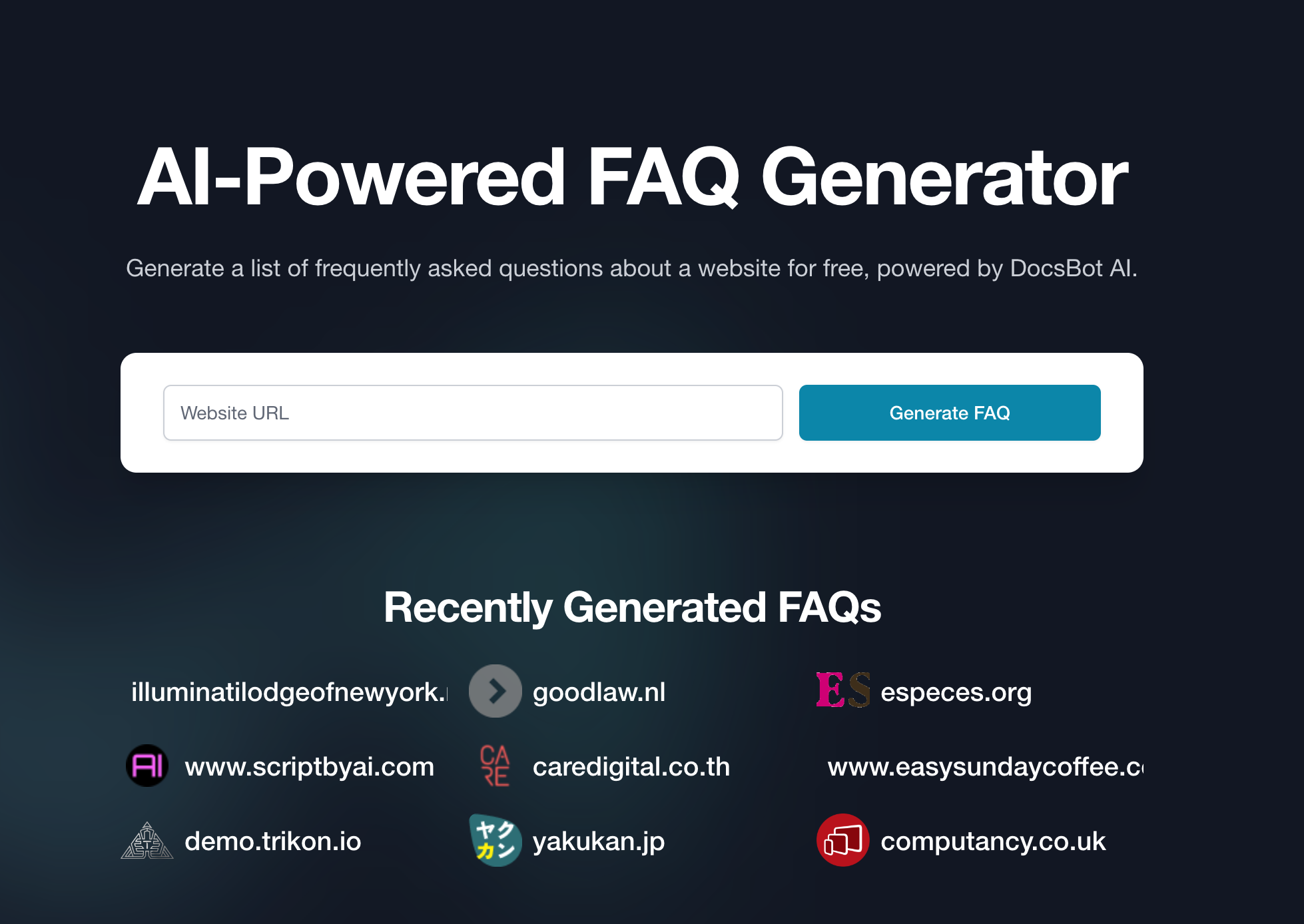
Screenshot archived from the listing page, for preview only.