
AI Image Cleaner by Experte
Free image cleaner with no signupClean up a photo without an account
Highlights
What you can do with it
- Cleaning a noisy snapshot
- Touching up a photo before posting
- A quick fix without installing any software
How to use it
- 1 Open the AI Image Cleaner page
- 2 Upload the image you want to clean
- 3 Let the automatic cleanup run
- 4 Adjust filters or sliders if the result needs it
- 5 Download the finished image
Who it is for
Pros
- Free to use
- No registration required
- Both automatic and manual controls available
Limitations
- Scope is cleanup rather than full editing
- Your image is uploaded to a third party
- Results vary with how damaged the source is
What AI Image Cleaner by Experte is
AI Image Cleaner is a free online tool for cleaning and optimising images. AI algorithms automatically remove noise, blur, and other blemishes, which lifts the overall quality of a photo without you touching a slider. If the automatic result is not quite right, multiple filters and adjustment options let you take manual control. The product is described as entirely free and requiring no registration, so you open the page, upload, and download. It suits one-off fixes where installing an editor would be overkill.
What you can do with it
- Remove image noise automatically
- Reduce blur and clean up small blemishes
- Apply filters and manual adjustments
- Optimise a photo before sharing it
Who it is for
- People who want a fast photo fix with no setup
- Anyone who refuses to create an account for a single edit
- Casual posters tidying an image before publishing
What to watch out for
It is a cleanup tool, not an editor. There is no layering, masking, or detailed retouching, so anything beyond noise and blemish removal belongs in dedicated software. Uploading means sending your image to a third party, so keep sensitive or private photos local. Results depend entirely on how damaged the source is: mild noise cleans up well, while a genuinely blurred or heavily artefacted image will only improve slightly. Free availability can change, so do not build a workflow around it. When quality matters, export a small draft first to confirm the result before producing the final file. Generated suggestions are for reference only, so verify anything that affects professional judgment or important data.
FAQ
Is registration required?
No. The tool is described as entirely free and requiring no registration.
What does it remove from an image?
Noise, blur, and other blemishes, using AI algorithms.
Can I adjust the result manually?
Yes, it provides multiple filters and adjustment options alongside the automatic cleanup.
Why it is free
What the official page says: no registration
Free limits, trial length and features are decided by the official site and can change at any time.
Product preview
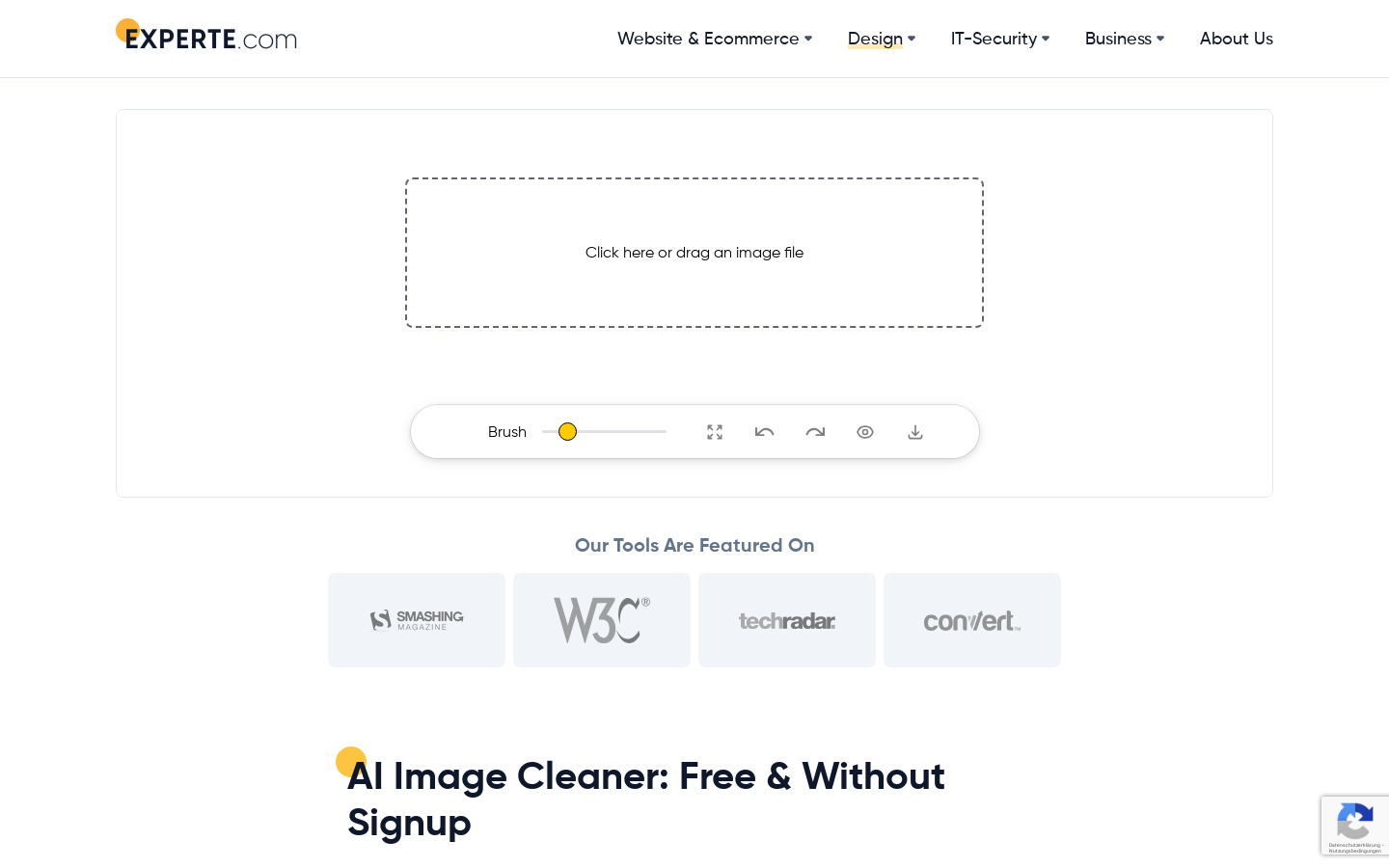
Screenshot archived from the listing page, for preview only.











