
AI Dubbing
Free online AI video dubbing with voice cloningDub videos in over 20 languages without signing up
Highlights
What you can do with it
- Add narration or dubbing to short video clips
- Translate a video into another language with matching lips
- Create a personal AI voice from a short recording sample
How to use it
- 1 Upload a video, text, or audio clip (0 to 300 seconds, under 30MB)
- 2 Select an AI voice and set speed, pitch, and pauses
- 3 Preview the result and export high-quality audio
Who it is for
Pros
- Free to use and no account needed to start
- Wide language and voice selection with emotion control
- Exports common audio formats at up to 48kHz
Limitations
- Voice cloning may violate school, platform, or consent rules, and the consequences rest with the user
- Uploads are capped at 300 seconds and 30MB per file
- Free access and the voice library can change as the service updates
What AI Dubbing is
AI Dubbing is a free online video dubbing tool you can use without registering an account. You upload a video, text, or audio clip, choose an AI voice, and export natural-sounding audio in formats such as MP3, WAV, and AAC at up to 48kHz. It supports more than 20 languages and over 100 voice tones, and it can read emotion from text to adjust tone and rhythm. The service also handles multi-language translation with lip-syncing and offers voice cloning that builds a personal AI voice from a short recording. Use these features responsibly and only on content you own or have permission to change.
What you can do with it
- Turn text or an uploaded clip into smooth spoken audio in many languages.
- Translate a video into another language and match the lip movement.
- Create a personal AI voice from a 10-second to 3-minute recording sample.
- Fine-tune speed, pitch, and pauses before you export.
Who it is for
- Video producers who need fast, repeatable dubbing for short clips.
- Content creators who want one consistent voice across many videos.
- Educators and course makers who need multi-language material.
What to watch out for
Uploads are limited to clips between 0 and 300 seconds and under 30MB, so long videos must be split first. The voice cloning feature needs the most care: cloning a voice can break consent, school, or platform rules, and any consequences fall on you as the user, so only clone voices you have clear permission to use. Since the tool is currently free with all functions open, that access and the voice library can change later. Audio quality also depends on your source file, so a clean recording gives better results.
FAQ
Is AI Dubbing really free?
The listing says all functions can be used for free and no registration is needed, but free terms can change.
How does voice cloning work?
It builds a personal AI voice from a clear recording of roughly 10 seconds to 3 minutes.
Are there limits on uploads?
Yes, clips should be between 0 and 300 seconds and under 30MB.
Why it is free
What the official page says: for free
Free limits, trial length and features are decided by the official site and can change at any time.
Product preview
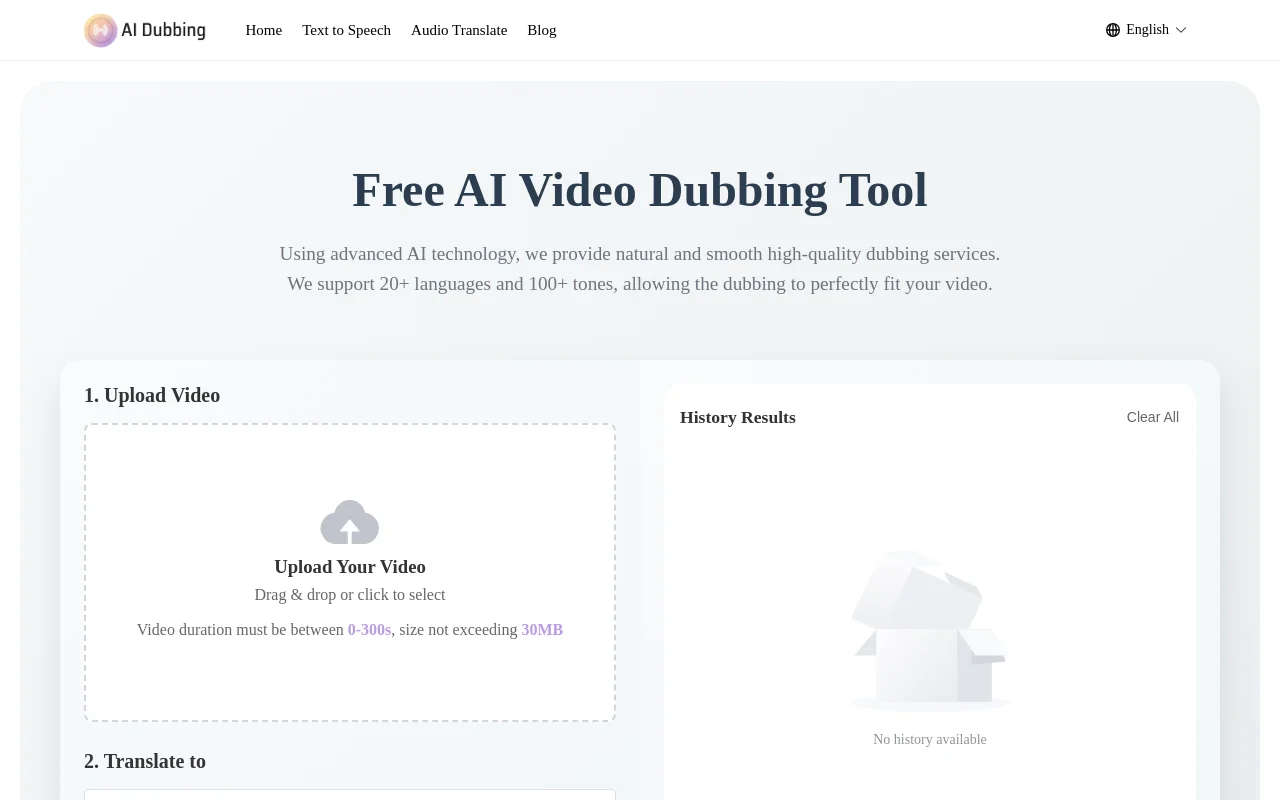
Screenshot archived from the listing page, for preview only.











