100Resume
Free Chrome job search assistantScrape, score, and sort job listings
Highlights
What you can do with it
- Find suitable positions faster and apply through the plugin
- Prioritize applications using fit scores from GPT
- Understand the job market better through collected data
How to use it
- 1 Download the 100Resume.zip file from the site
- 2 Open Chrome and go to chrome://extensions/
- 3 Enable Developer mode in the upper right corner
- 4 Drag the .zip file onto the extensions page and confirm
- 5 Start using the plugin for your job search
Who it is for
Pros
- Completely free to use
- Automates scraping and removes duplicates
- GPT scoring helps you focus on the best fits first
Limitations
- Not on the Chrome Web Store, so manual installation is required
- Scraping depends on job sites keeping their page structure stable
- Free status and availability may change as the project develops
What 100Resume is
100Resume is a Chrome plugin built for job seekers who are tired of copying job details by hand. It automates the repetitive part of a search: it scrapes job information such as titles, locations, company names, company size, and detail page links, removes duplicates, and opens detail pages to collect descriptions and communication status. It then uses GPT to score how well each job fits you and sorts the openings by that score, so the most promising roles come first. Everything happens inside the browser, so there is no separate dashboard to learn. The plugin is completely free. It is not listed on the Chrome Web Store yet, so you install it from a downloaded file instead of the store.
What you can do with it
- Scrape job listings automatically and keep only unique entries
- Read job detail pages, including descriptions and contact status
- Score role fit with GPT and sort openings by that score
- Jump straight to target positions, locations, and pagination pages
Who it is for
- Active job seekers who review dozens of listings every week
- Applicants who want a data-driven way to prioritize applications
- Chrome users who are comfortable installing extensions manually
What to watch out for
Because the plugin is not on the Chrome Web Store, you have to enable Developer mode and install the zip yourself, which takes a few extra steps. Scraping depends on job sites keeping their page structure stable, and sites can change or block automated collection at any time. The tool is completely free today, but free status and availability can change as the project develops. Treat GPT scores as a guide rather than a decision, read each posting yourself before you apply, and keep your own notes, since the plugin collects data but cannot judge company culture or salary fit for you.
FAQ
Is 100Resume free?
Yes, the plugin is completely free.
How do I install it?
Download the zip, enable Developer mode at chrome://extensions, then drag the file in and confirm.
What does the GPT scoring do?
It scores how well a job description fits you and sorts openings by that score.
Is it on the Chrome Web Store?
Not yet, so you install it from the download link provided.
Why it is free
What the official page says: completely free
Free limits, trial length and features are decided by the official site and can change at any time.
Product preview
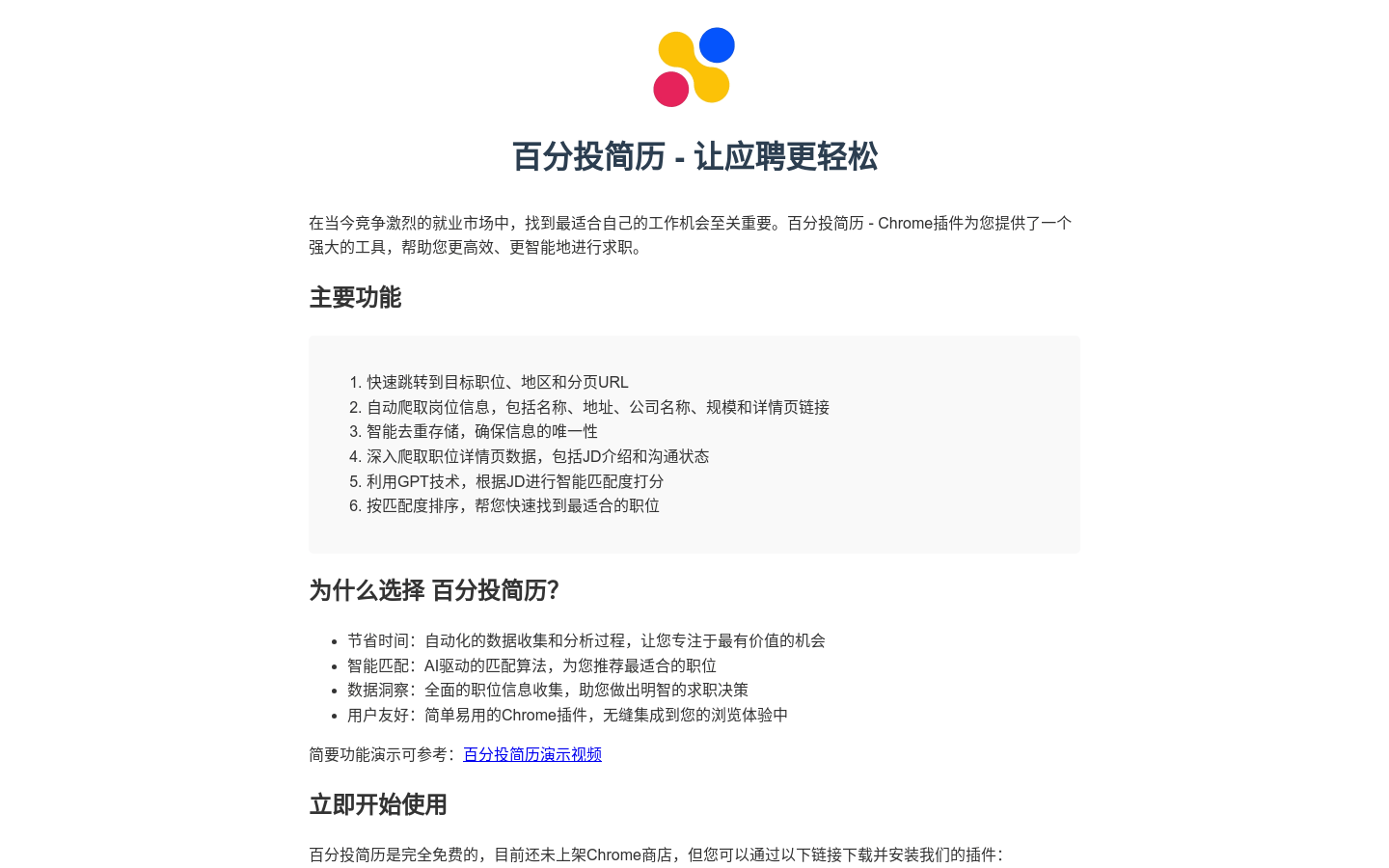
Screenshot archived from the listing page, for preview only.