
ZipReel
MiniMax H3 Max powered online AI video generator with free starter credits.From prompt to video, with 150 free credits for new users.
Highlights
What you can do with it
- Turn a written concept into a short video for social media
- Animate a first frame image into a moving clip for ads
- Produce commercial video content without watermark restrictions
How to use it
- 1 Register on ZipReel and claim the 150 free starter credits
- 2 Write a text prompt or upload a first frame image
- 3 Choose your settings and start generation with the MiniMax H3 Max model
- 4 Preview the generated video
- 5 Download and use it, including commercially; upgrade to a paid plan for more credits
Who it is for
Pros
- 150 free credits let you generate a real video before paying
- No watermarks and commercial use are explicitly supported
- Simple operation with fast generation speed
Limitations
- The free credits are one time starter credits, so continued use requires a paid plan
- 150 credits produce a short 5 second 480P clip, so longer or higher resolution work costs more
- Free rules and plan pricing may change over time, so check current terms
What ZipReel is
ZipReel is an online AI video creation tool powered by the MiniMax H3 Max model. It transforms text prompts into videos and can animate a first frame image into motion, giving users a convenient and efficient path from idea to finished clip. The platform emphasizes simple operation and fast generation, and two practical details matter a lot for creators: output videos carry no watermarks, and commercial use is supported. New users receive 150 free credits upon registration, which the platform says is enough to generate a 5 second 480P video, so you can test real output before spending anything. Beyond the free starter credits, ZipReel offers three paid plans: the Basic Plan at $9.90 per month with 1,000 credits, the Professional Plan at $29.90 with 4,000 credits, and the Advanced Plan at $79.90 with 12,000 credits. It is positioned as a professional and efficient video creation solution for creators.
What you can do with it
- Convert a written prompt into a short video without any filming or editing software.
- Upload a first frame image and let the model animate it into a moving sequence.
- Generate watermark free clips that you can use in commercial projects and ads.
- Scale your production by choosing a monthly plan that matches your credit consumption.
Who it is for
- Content creators who need quick short videos for social platforms.
- Marketers producing promotional clips where commercial rights and no watermark are essential.
- Newcomers to AI video who want to evaluate quality using free starter credits first.
What to watch out for
The 150 free credits are a one time starter allowance, not a renewable free tier, and they cover roughly one short 480P clip, so regular production will require one of the paid plans. Free rules and plan pricing may change over time, so confirm the current terms on the official site. Generation quality depends on prompt clarity, and short clips may need several attempts to match your intent. If your video features real people or branded products, verify you have the necessary rights for commercial use before publishing.
FAQ
What do new users get for free?
New users receive 150 free credits upon registration, enough to generate a 5 second 480P video.
Can I use the videos commercially?
Yes. The platform states that generated videos have no watermarks and support commercial use.
What are the paid plans?
There are three plans: Basic at $9.90 per month with 1,000 credits, Professional at $29.90 with 4,000 credits, and Advanced at $79.90 with 12,000 credits.
Why it is free
What the official page says: 免费
Free limits, trial length and features are decided by the official site and can change at any time.
Product preview
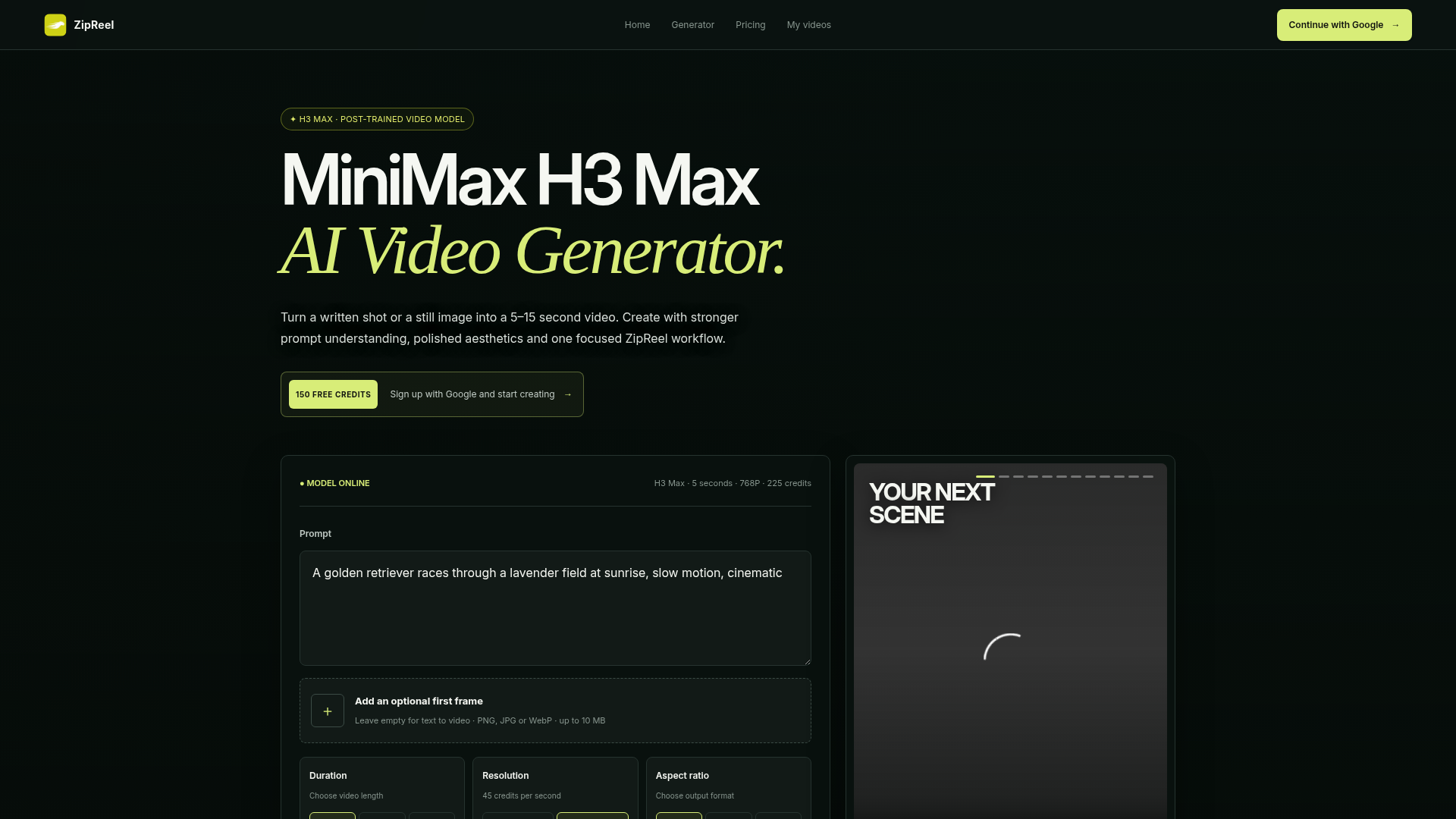
Screenshot archived from the listing page, for preview only.