Zhijian Resume
AI resume builder with free exportThree steps to a resume, exported without watermarks
Highlights
What you can do with it
- A graduate building a first resume quickly
- A professional reformatting a text resume in seconds
- A job seeker tailoring wording to a specific posting
How to use it
- 1 Open the Zhijian Resume mini-program
- 2 Select the recruitment type and job position
- 3 Fill in your information and experience
- 4 Paste a text resume for automatic formatting, or edit manually
- 5 Run AI optimisation and apply the suggestions
- 6 Preview and export as PDF, image, or Word
Who it is for
Pros
- Free export in multiple formats
- No watermarks on exported images
- Automatic formatting from pasted text
- Large template selection included
Limitations
- Free access and template availability can change
- AI suggestions are generic and need judgement
- Runs as a mini-program, so it depends on that platform
- Scope is resume creation, not interview preparation
What Zhijian Resume is
Zhijian Resume is an AI-assisted resume builder for job seekers. The core flow is three steps: choose a recruitment type, choose a job position, and fill in your information, after which you have a professional resume to work with. Automatic typesetting recognises a pasted text resume and formats it into structure, which saves the fiddly part of the job. AI optimisation analyses job requirements and suggests wording changes to highlight key skills, and more than forty free templates are listed. Export is described as free across formats including PDF, watermark-free high-definition images, and Word, which is the detail that matters most when you need to send something today.
What you can do with it
- Build a resume in three steps from a template
- Paste a text resume and have it formatted automatically
- Apply AI optimisation suggestions for a target role
- Export to PDF, image, or Word without watermarks
Who it is for
- Fresh graduates writing a first resume
- Professionals applying for new opportunities
- Anyone who needs a clean, watermark-free export quickly
What to watch out for
Free access and the template set can change, and the tool runs as a mini-program, so it depends on that platform being available to you. AI optimisation suggestions are generic; they can improve phrasing but they do not know your industry, and applying them blindly can make a resume sound like everyone else's. Formatting for applicant tracking systems is worth checking, since unusual layouts can parse badly. Scope is resume creation only. It will not write your cover letter, prepare you for interviews, or track your applications. Run one full task end to end first, then expand once you are comfortable with the workflow and the result quality.
FAQ
Is export really free?
The listing describes free export in multiple formats, including watermark-free images, though terms can change.
How long does it take?
The described flow is three steps: recruitment type, job position, and personal information.
Can it format a text resume?
Yes, pasting a text resume triggers automatic structure recognition and typesetting.
How many templates are there?
More than forty free templates are listed.
Why it is free
What the official page says: 免费
Free limits, trial length and features are decided by the official site and can change at any time.
Product preview
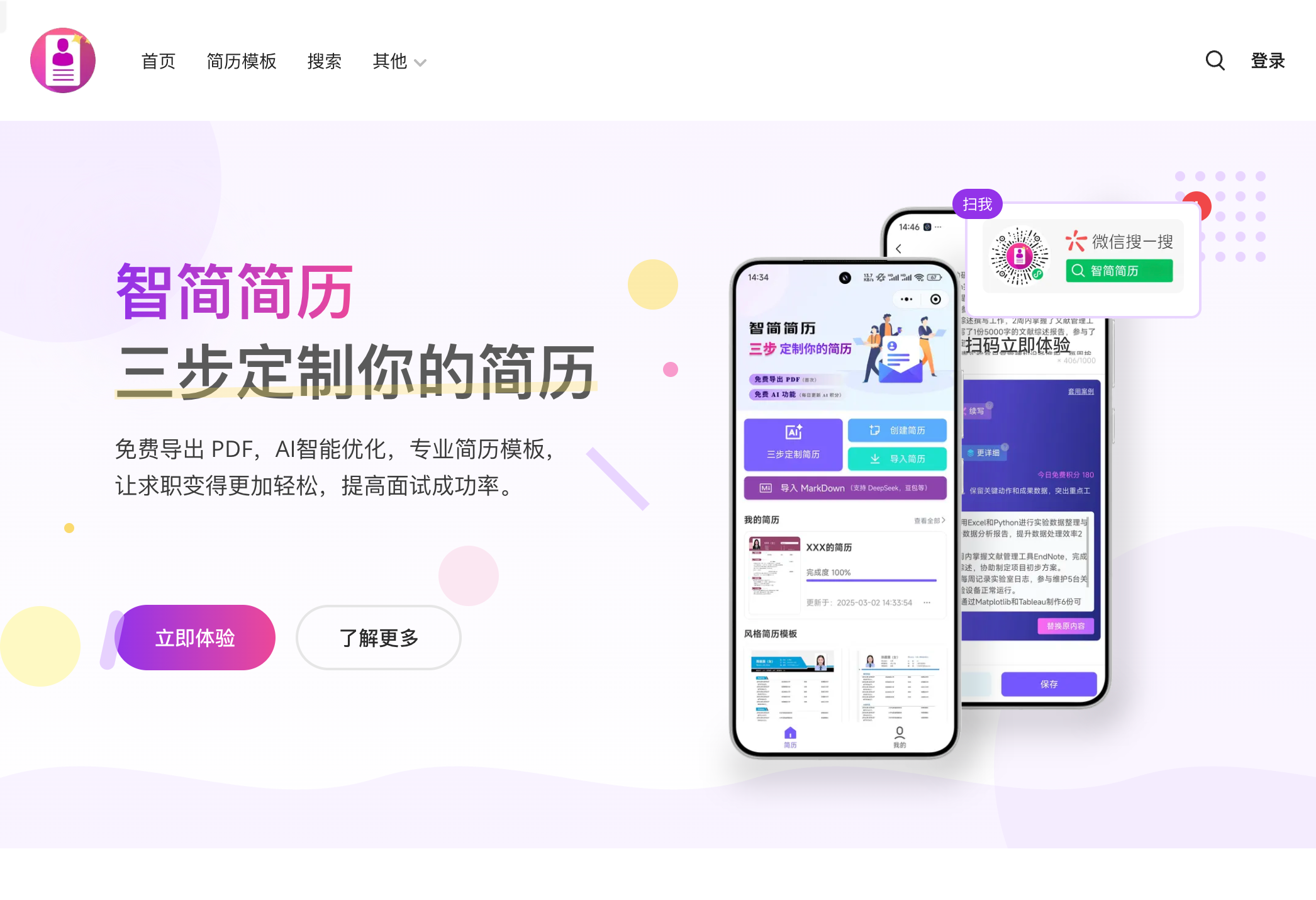
Screenshot archived from the listing page, for preview only.