
ZestyGen
Image-to-image AI with many effectsTurn photos into styled art in seconds
Highlights
What you can do with it
- Adding an artistic style to commercial photography
- Adding effects to short video clips
- Turning text ideas into artwork for a design project
- Generating music to accompany a video edit
How to use it
- 1 Upload a photo to the platform
- 2 Choose from the 100 AI photo effects or apply a style transfer
- 3 Let the image-to-image conversion process the file
- 4 Download the high-resolution result
- 5 Apply more effects or try another style to refine it
Who it is for
Pros
- Large effects library to experiment with
- Free trial needs no credit card
- Covers photo, video, art, and music in one place
Limitations
- Free trial limits how much you can test
- Advanced models sit behind paid access
- Results depend on the quality of the source photo
- Heavy effects may not suit every professional brief
What ZestyGen is
ZestyGen is an image-to-image AI platform for photo conversion and style transfer. The core action is uploading a photo, choosing an effect or style, and downloading the converted result, with the site claiming the conversion happens in seconds. Around that core it bundles a library of 100 AI photo effects together with AI video effects, an AI art generator that turns text prompts into artwork and illustrations, image-to-video conversion for adding motion to stills, and an AI music generator for audio. Access starts with a free trial that does not require a credit card, and advanced users can reach models such as Nano Banana Pro and Suno V5. Check the site for current trial limits and pricing.
What you can do with it
- Convert a photo with image-to-image and style transfer
- Apply effects from a library of 100 AI photo presets
- Turn a text idea into artwork for a design project
- Add motion to stills and generate music for the result
- Iterate with more effects until the image works
Who it is for
- Professional photographers styling client work
- Creative designers turning text ideas into visuals
- Video creators adding effects to short clips
- Hobbyists experimenting with photo styles
- Anyone who wants one tool for photo, video, and audio
What to watch out for
The free trial limits how much you can test, and the advanced models sit behind paid access, so budget before you plan a project around them. Result quality tracks the source photo closely: low resolution, heavy compression, or bad lighting will carry through into the output, and a weak input cannot be rescued by a strong effect. The effect library is broad but not subtle, and a heavy preset may not suit a professional brief that needs restraint. If output is going into client or commercial work, check the license terms first, and expect to run several passes before you get something you would actually deliver.
FAQ
Is there a free trial?
Yes, a free trial is offered and the site says no credit card is required. Check current trial limits.
What does the 100 effects library cover?
AI photo effects plus video effects, applied through image-to-image conversion and style transfer.
Can it generate art from text?
Yes. The AI art generator takes text prompts and produces artwork, illustrations, and creative visuals.
Which advanced models are available?
Advanced users can access models such as Nano Banana Pro and Suno V5.
Why it is free
What the official page says: free trial
Free limits, trial length and features are decided by the official site and can change at any time.
Product preview
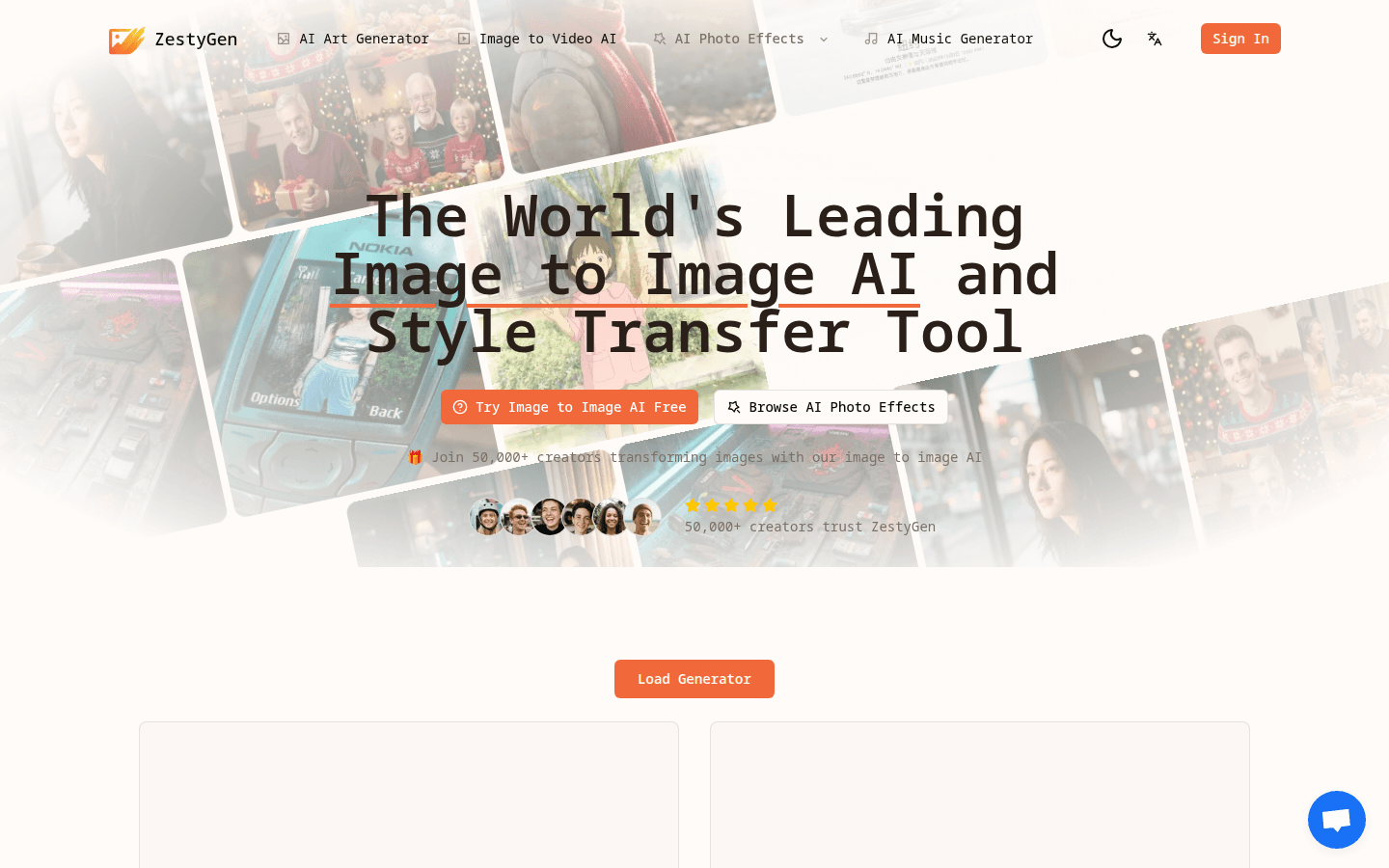
Screenshot archived from the listing page, for preview only.











