
Zanta AI
Free browser studio for AI video and imagesCreate AI videos and images from text or photos
Highlights
What you can do with it
- Marketing teams generating advertising videos and promotional images
- E commerce teams creating product promotion videos and images
- Designers producing concept visuals in different styles
How to use it
- 1 Visit the Zanta AI website and log in if required.
- 2 Pick a workflow, starting from text or from an image.
- 3 Enter a text description or upload source images.
- 4 Select models and tools, then adjust the settings.
- 5 Compare the generated variants and download the result you like.
Who it is for
Pros
- One studio covers both video and image creation
- Multiple models and workflows in a single browser page
- Free to use and the output can be used commercially
Limitations
- Free access rules and available models may change over time
- Large source files are capped at 64MB per image
- Results vary by model, so several attempts may be needed
What Zanta AI is
Zanta AI is a web browser based multimedia application developed by Zanta ai Company. It provides a unified browser studio where teams can create AI videos and AI images in one place. The idea is to let users start from prompts or source assets, quickly compare different models, and move faster from creativity to usable output. It supports text to video conversion with tools such as Veo 3.1, image to video conversion from existing photos, and AI image generation and editing with tools such as Nano Banana or GPT Image. Common image files such as PNG, JPG, JPEG, WEBP, and GIF can be uploaded, and the AI source image supports a maximum of 64MB per file. The product supports free use with a price of $0, and teams can use the generated output for commercial scenarios such as advertising, landing pages, product marketing, thumbnails, concept work, and promotional visuals. It is positioned to provide convenient AI creation tools for teams and individual creators.
What you can do with it
- Turn a text description into video content
- Convert uploaded images into videos with dynamic effects
- Generate and edit images with selectable AI models
- Compare variants and download the result that fits the project
Who it is for
- Creative teams that want video and image tools in one studio
- Marketers producing advertising videos and product promotion assets
- Individual creators who need simple tools for concept work and thumbnails
What to watch out for
The product is listed as free to use, but free access rules and the available models can change over time, so check the site before you plan a project around a specific tool. Source images are capped at 64MB per file, which is fine for most web use but may limit very large photography files. Output quality varies by model and by how detailed your prompt or source material is, so expect to test a few variants before you get a usable result.
FAQ
Is Zanta AI free?
The product supports free use with a price of $0.
What can it create?
It can create AI videos from text or images and generate and edit AI images.
What files can I upload?
It accepts PNG, JPG, JPEG, WEBP, and GIF, with AI source images up to 64MB per file.
Why it is free
What the official page says: 免费使用免费
Free limits, trial length and features are decided by the official site and can change at any time.
Product preview
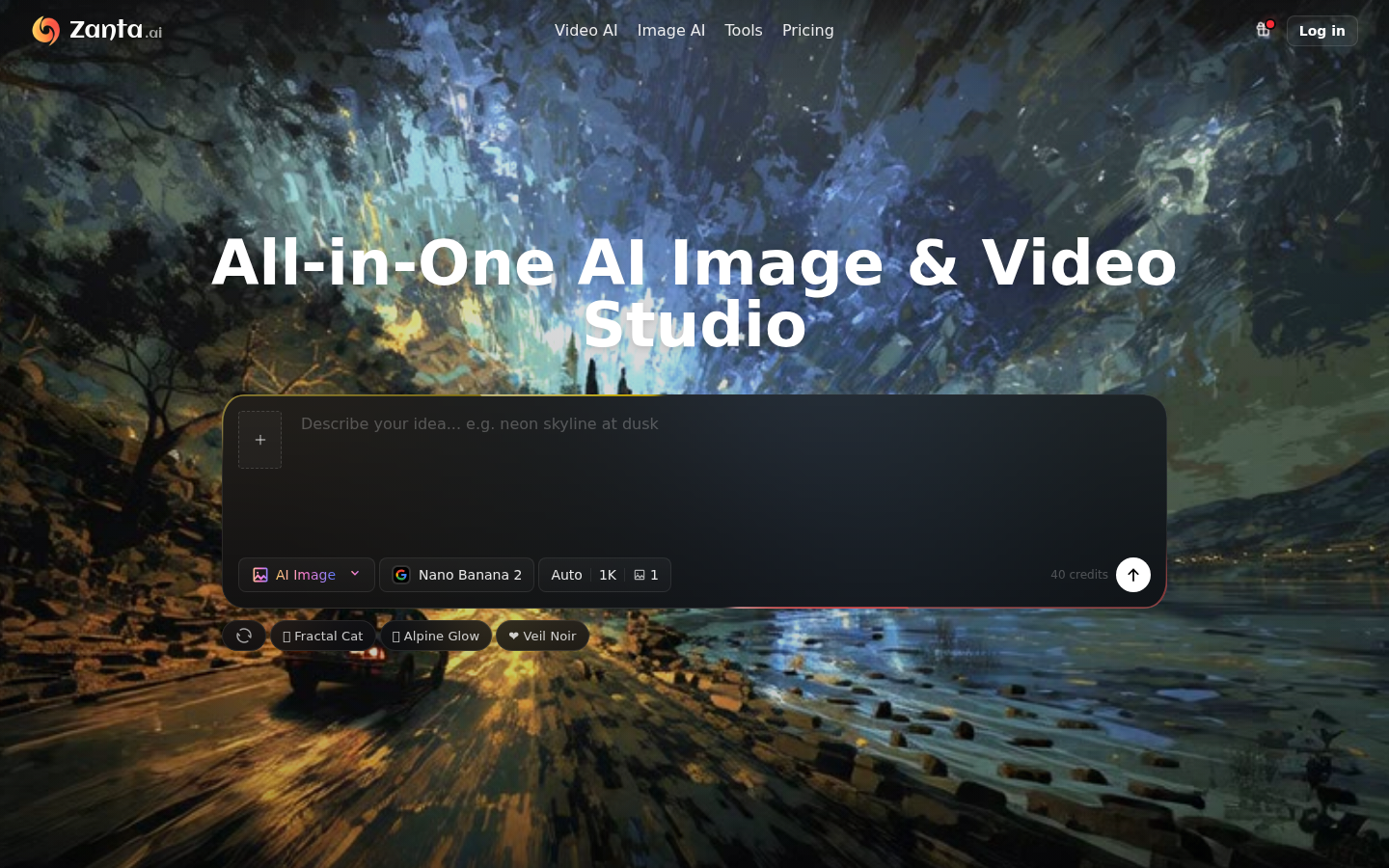
Screenshot archived from the listing page, for preview only.











