
YT Copycat
YouTube to blog postsAny video into a post, tweet, or brief
Highlights
What you can do with it
- Turn a tutorial video into a detailed blog post
- Summarize new uploads from subscribed channels by email
- Automate a blog so new videos publish as posts without manual work
How to use it
- 1 Sign up on the YT Copycat site and start the free trial.
- 2 Paste the link to the YouTube video you want to convert.
- 3 Choose the output type: blog post, tweet, or news brief.
- 4 Review and edit the generated text before publishing.
Who it is for
Pros
- Multiple output formats from a single video
- GPT-4 based with more than 30 languages supported
- WordPress automation removes manual publishing steps
Limitations
- The free trial is limited and paid plan terms are not listed
- AI output needs editing for accuracy, tone, and originality before publishing
- Repurposing other creators' video raises copyright and permission questions
What YT Copycat is
YT Copycat is a tool that turns YouTube videos into written content. Powered by GPT-4 and supporting more than 30 languages, it can convert a video into a detailed blog post, an insightful tweet, or a news brief. Beyond one-off conversion, you can subscribe to channels and receive email summaries of new uploads, which keeps you current without checking back every day. For bloggers, the automation goes further: link a WordPress site to a YouTube channel and new videos are converted into posts and published automatically. A free trial is available so you can test the quality on your own material before paying for continued use.
What you can do with it
- Convert any YouTube video into a blog post, tweet, or news brief.
- Subscribe to channels and get email summaries of new videos.
- Link WordPress to a YouTube channel for automatic publishing.
- Work in more than 30 languages on the same video source.
Who it is for
- Bloggers and writers who repurpose video into text.
- Creators who want summaries of channels they follow.
- Site owners who want a blog updated from a video feed.
What to watch out for
The free trial is limited and the paid plan terms are not described, so confirm pricing before you rely on the workflow. AI-generated text still needs editing for accuracy, tone, and originality, and automatic publishing means an unchecked mistake can go live without a human pass. If the videos belong to other creators, republishing derived text can raise copyright and permission questions, so check rights before you automate. Support covers YouTube as the source, so other platforms sit outside the described scope.
FAQ
Is there a free trial?
Yes, YT Copycat offers a free trial.
What can it generate from a video?
Detailed blog posts, tweets, and news briefs, with support for more than 30 languages.
Can it automate my blog?
Yes. You can link a WordPress site to a YouTube channel, and new videos are converted and published automatically.
Why it is free
What the official page says: free trial
Free limits, trial length and features are decided by the official site and can change at any time.
Product preview
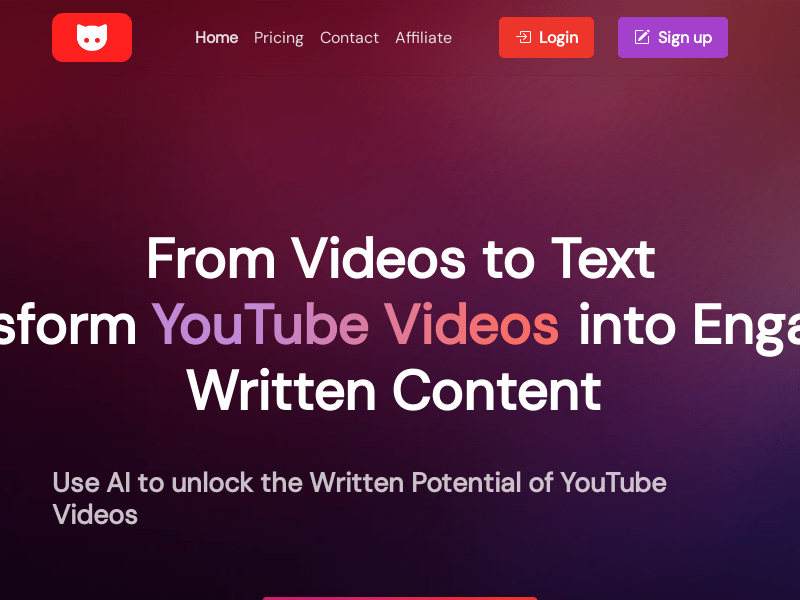
Screenshot archived from the listing page, for preview only.











