
Yolly AI
All-in-one AI video and image generatorTurn text and images into short videos in seconds
Highlights
What you can do with it
- A short video creator turns a written script into a 1080p 24fps clip in minutes instead of hours
- A UGC producer drops in a voice track and gets a matching five to ten second video without extra editing
- An e-commerce video director generates product launch clips that can be published directly
How to use it
- 1 Open the Yolly AI website and register or log in
- 2 Pick a creation type such as text-to-video, image-to-video or text-to-image
- 3 Enter your prompt, upload an image or video, then choose a model or start from a template
- 4 Generate, preview the result, then download or share it
Who it is for
Pros
- Free plan lets you try the basic tools without paying
- Many input and output modes in one place, so no need to switch services
- Templates and model choices cover common short video formats
Limitations
- Free quota is small: three to five creations and three full-feature uses before a subscription is needed
- Output quality depends on the upstream models the platform connects to, which can be updated or swapped
- Templates that place real people into scenes raise consent and platform rule questions, so use them carefully
What Yolly AI is
Yolly AI is an all-in-one generator for short videos and still images. It puts several AI video and image models into one workspace, so you can choose a model for each job instead of subscribing to a separate service. Input modes cover text-to-video, image-to-video, video-to-video, text-to-image and image-to-image, and a library of 100 templates handles common formats such as AI kissing, hugging and ASMR style clips. There is a free plan that allows three to five creations, the basic functions and three uses of every feature, with paid subscriptions adding creation quota and advanced options. Generation is fast, and the site says audio and visuals are synchronized within seconds.
What you can do with it
- Text-to-video: turn a written script into a clip with camera movement
- Image-to-video: add motion, transitions and effects to a still image
- Video-to-video: restyle an existing video or change its format
- Text-to-image and image-to-image for artwork and design variants
- Start from one of the 100 templates and adjust the prompt
- Download or share the finished video or image
Who it is for
- Short video creators and UGC producers who need fast turnaround
- Designers, marketers and e-commerce teams making product visuals
- Social media staff at labels, studios and small brands
What to watch out for
The free plan is small: three to five creations and three full-feature trials are enough to test the workflow but not to run a channel, and anything heavier needs a paid subscription. Plan rules and pricing can change without notice. Output quality also depends on the upstream models the platform connects to, which may be updated or swapped at any time. Finally, templates that place real people into scenes raise consent and likeness questions, some platforms restrict that material, and the responsibility for how the output is used sits with you.
FAQ
Is Yolly AI free?
There is a free plan that covers three to five video or image creations and three uses of all features. Paid plans add quota and advanced options.
Do I need design or editing skills?
No. You type a prompt or upload an image, pick a template or a model, and generate a video or image.
Can I use the results in commercial work?
Check the current subscription terms first, since rights, watermark rules and model terms differ by plan.
Why it is free
What the official page says: free planfor free
Free limits, trial length and features are decided by the official site and can change at any time.
Product preview
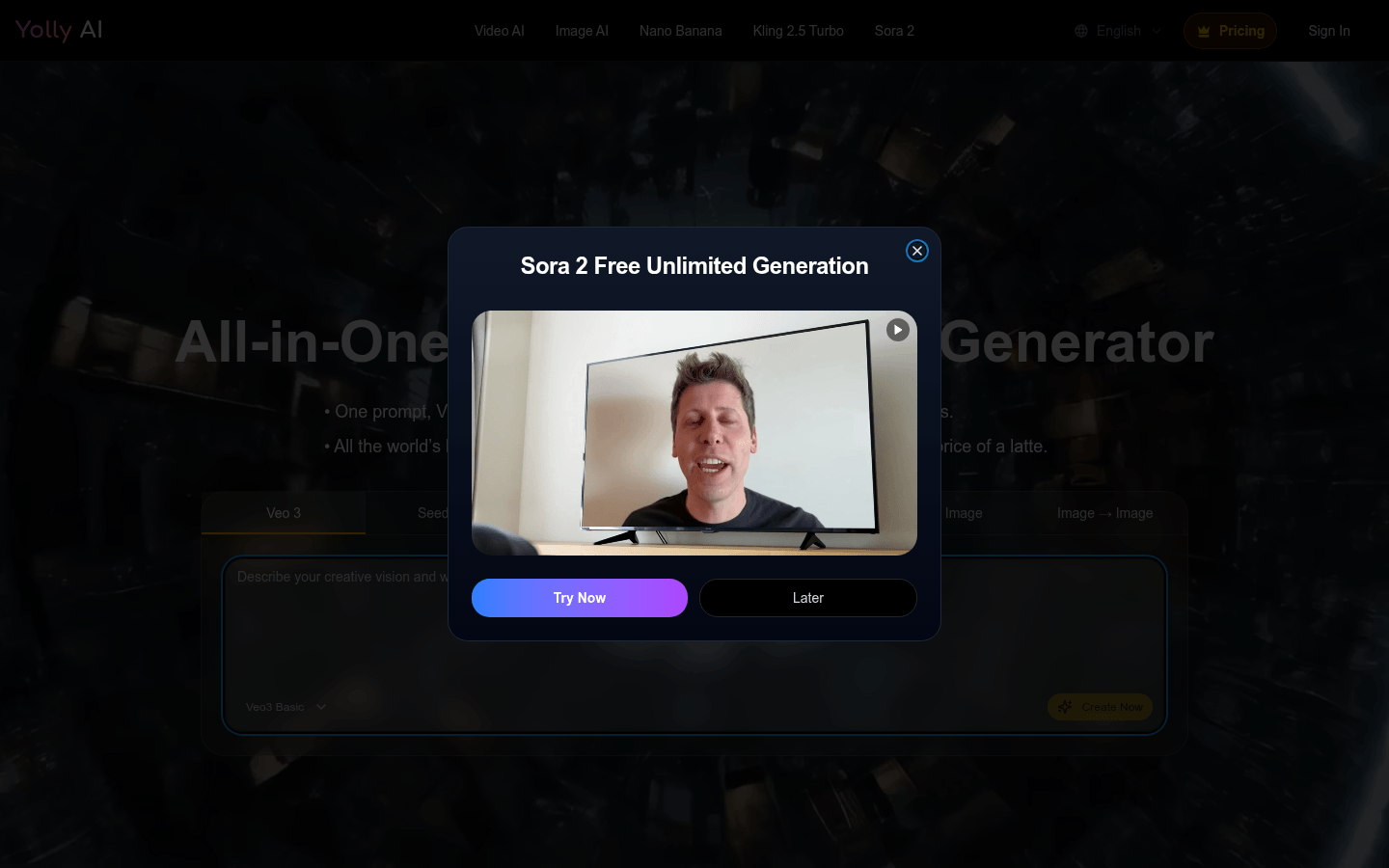
Screenshot archived from the listing page, for preview only.











