
Yiying AI
Free AI video generator with three input modesText, image, or video into AI video
Highlights
What you can do with it
- Turn a novel plot into an anime video
- Make a short-form advertisement for a product
- Animate static images for a portfolio
How to use it
- 1 Open the Yiying AI website
- 2 Choose video-to-video, text-to-video, or image-to-video
- 3 Upload or enter your content
- 4 Adjust style and effects, then preview
- 5 Download or share the generated video
Who it is for
Pros
- Three input modes in one place
- Free to start
- Style options cover anime and more
Limitations
- The site is very new and was unreachable in our checks
- Free limits and paid options are not documented
- Video quality and stability vary by style
- Generation time for long videos can be significant
What Yiying AI is
Yiying AI is a free AI video creation tool focused on artificial intelligence video. It converts text, images, or video into AI-generated video, and it offers three distinct paths rather than one: video-to-video conversion with stable multi-style anime output, text-to-video generation for original content, and image-to-video to animate a still frame. On top of those it provides professional video production functions, and the stated scenarios include short-form social videos, novel promotional posts, AI short films, and AI movies. The breadth of input modes is the practical selling point, since you can start from whatever material you already have.
What you can do with it
- Convert an existing video into multi-style anime video
- Generate video from a text description alone
- Animate a static image into moving footage
- Produce short social clips, promos, and short film content
Who it is for
- Short-form video creators publishing to social platforms
- Writers who want to promote a story visually
- Social media marketers producing quick advertisements
- Hobbyists experimenting with AI film and animation
What to watch out for
The site is very new and was unreachable in our checks, so availability is uncertain and worth verifying before you plan work around it. Free limits and any paid options are not documented, which makes it hard to judge how much you can generate. Video quality and stability vary noticeably by style, and multi-style anime conversion in particular can shift character consistency between shots. Generation time for longer videos can also be significant, so build that into your schedule. As with any generative video tool, review output carefully before publishing, since artifacts and odd motion are common.
FAQ
What input types does Yiying AI accept?
Text, images, and video.
Does it support anime styles?
Yes, video-to-video conversion into multi-style anime video is listed as a feature.
What can I make with it?
Short-form social videos, novel promotional posts, AI short films, and AI movies, among other scenarios.
Why it is free
What the official page says: 免费
Free limits, trial length and features are decided by the official site and can change at any time.
Product preview
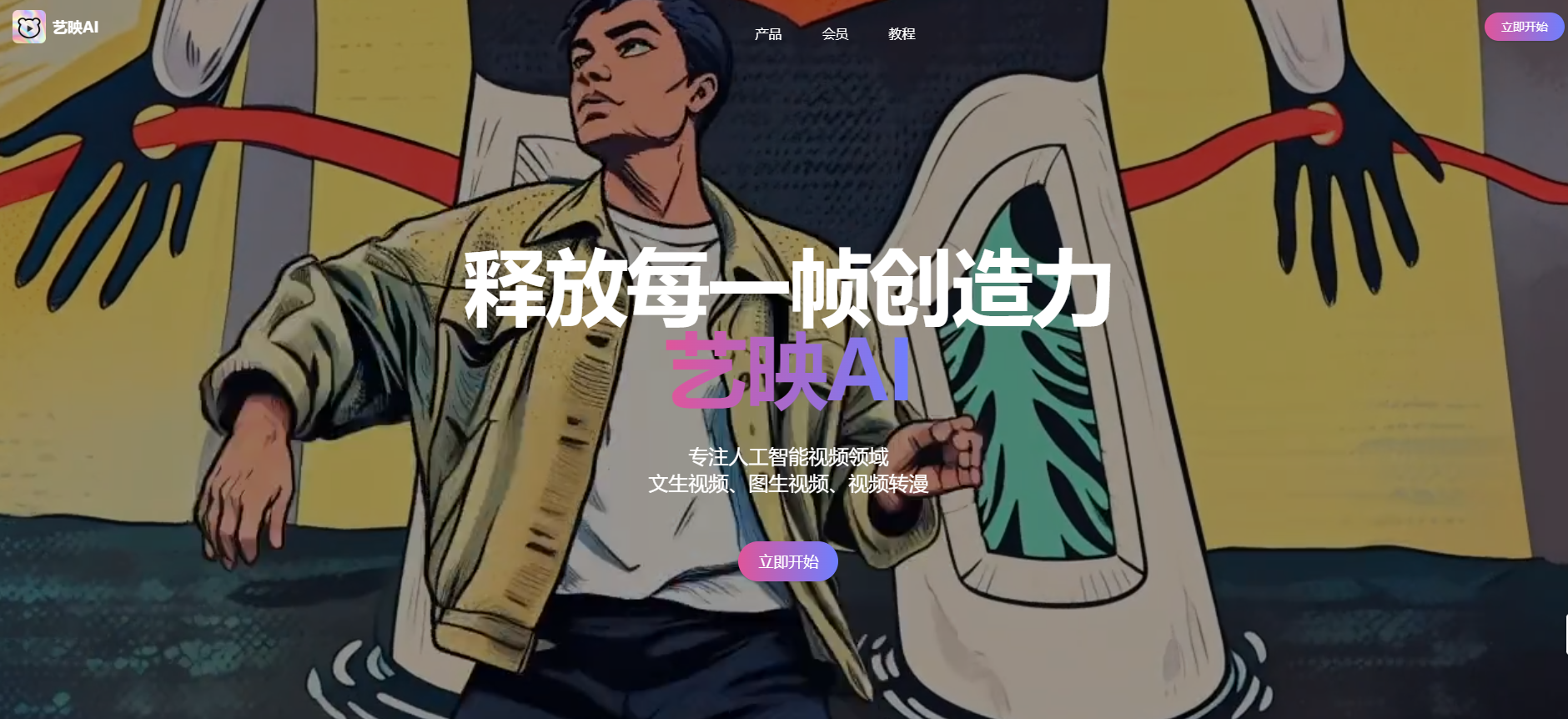
Screenshot archived from the listing page, for preview only.











