
Yiban
WeChat editor browser pluginFormatting, AI writing, and data insights
Highlights
What you can do with it
- Format public account articles quickly
- Generate long-form content with AI
- Analyze graphic performance to tune strategy
How to use it
- 1 Download the Yiban plugin from the official site
- 2 Install it for your browser
- 3 Log in with WeChat by scanning the code
- 4 Use formatting and image tools in the account backend
- 5 Use AI writing and data insights, then export data
Who it is for
Pros
- One-click formatting saves time
- AI writing and title tools
- Data insights guide strategy
- Free trial to test it
Limitations
- Full features need a paid membership
- Free trial terms may change
- Tied to the WeChat ecosystem
What Yiban is
Yiban is a browser plugin designed specifically for WeChat public account operators. It brings together formatting, image editing, material collection, and message replies in one place to improve operational efficiency. The product is built around the need for efficient tools among public account operators, and its main advantages are one-click formatting, AI writing support, and data insights. Yiban is priced with a free trial and paid membership packages, so you can test it before deciding whether to pay. It works inside the WeChat public account backend after you install the plugin and log in.
What you can do with it
- Format articles with one click using AI formatting
- Generate long-form content, titles, and templates with AI
- Analyze content performance with data insights
- Collect and manage images and materials
- Export article data and follower growth metrics
Who it is for
- WeChat public account operators
- Content creators producing regular articles
- Operations teams tracking content performance
- Editors who want faster formatting and material management
What to watch out for
Yiban is not fully free. It offers a free trial, but the complete set of features, including some VIP style templates, requires a paid membership, and the trial and pricing terms may change over time. The plugin is built for the WeChat public account ecosystem, so it is only useful if you work within that platform, and it depends on the WeChat backend staying compatible. Because it uses AI writing and data insights, review generated content for accuracy and treat the data suggestions as guidance rather than guarantees. Install it only from the official site to avoid unwanted add-ons.
FAQ
What is Yiban?
It is a browser plugin for WeChat public account operators.
Is it free?
It offers a free trial and paid membership packages.
What does it do?
Formatting, image editing, material collection, AI writing, and data insights.
How do I start?
Download the plugin, install it, and log in with WeChat.
Why it is free
What the official page says: for freefree trial
Free limits, trial length and features are decided by the official site and can change at any time.
Product preview
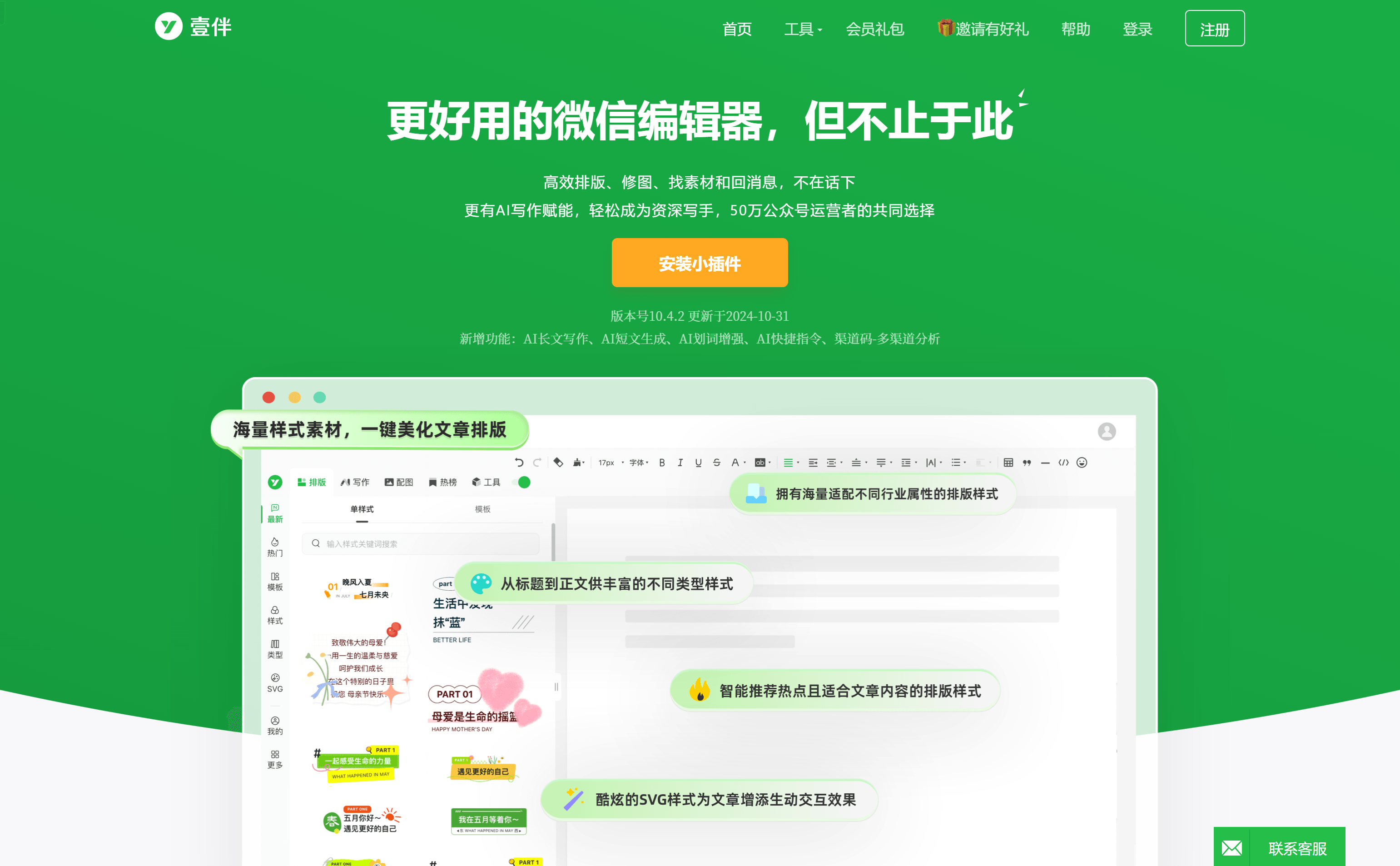
Screenshot archived from the listing page, for preview only.











