
Yansu
Proactive AI that learns your workBackground AI that turns work into knowledge
Highlights
What you can do with it
- Roll updates from Jira, Notion, and Sheets into one daily summary.
- Track AI usage fees across different vendors.
- Pull action items out of meeting notes into draft tickets.
How to use it
- 1 Download the desktop client for Mac, Windows, or Linux.
- 2 Install it, open it, and sign in to your account.
- 3 Work as normal while it observes and builds knowledge.
- 4 Pick the plan that fits if you need more than the basics.
Who it is for
Pros
- Free edition covers the basic functions.
- Local data storage for privacy.
- Automates knowledge capture without prompts.
Limitations
- The free edition is limited and higher tiers cost more.
- It observes your desktop, so review what it records.
- It depends on desktop access and third-party models, which can change.
What Yansu is
Yansu is a proactive AI assistant from Isoform that watches how you work and then acts on its own. Instead of waiting for prompts, it observes your desktop and messaging activity, learns your patterns, and turns that into knowledge, handover notes, and automated processes. It runs quietly in the background with its own virtual cursor so it does not fight your mouse or steal focus. Your data, including observations, memories, and automations, is stored locally rather than uploaded. It also picks the model it thinks fits each task, choosing among options like Claude, GPT, and Gemini. A free edition covers the basics.
What you can do with it
- Roll updates from Jira, Notion, and Sheets into one daily summary.
- Track AI usage fees across different vendors.
- Pull action items out of meeting notes and turn them into draft tickets.
- Let it build reusable knowledge and handover docs from your daily work.
Who it is for
- Individual workers who want repetitive tasks handled.
- Teams that need shared work patterns and knowledge.
- Enterprises that want managed knowledge and memory.
What to watch out for
The free edition is limited, and the paid tiers cost more, so check which plan you actually need. Because it observes your desktop, review what it records and keep sensitive work off the machine if that bothers you. It depends on desktop access and third-party models, so its behavior can change when those models update. Give it simple tasks first and check the results before you trust it with anything important. For best results, start with a small test file and review the output carefully before working on anything important.
FAQ
Is there a free version?
Yes, the free edition covers basic functions.
Where is my data stored?
On your local device, not uploaded to a server.
Which models does it use?
It auto-selects from options like Claude, GPT, and Gemini.
Why it is free
What the official page says: 免费版免费
Free limits, trial length and features are decided by the official site and can change at any time.
Product preview
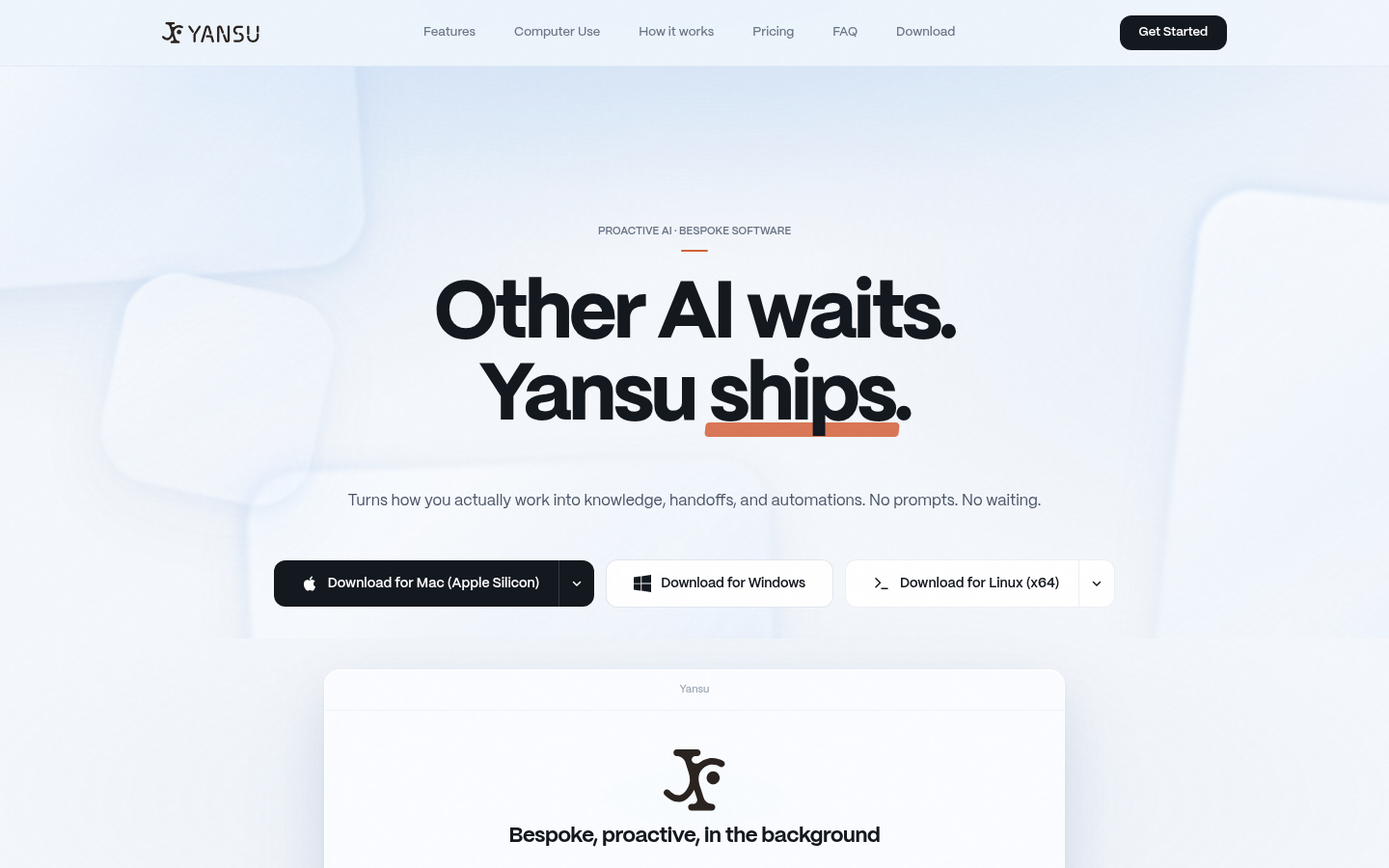
Screenshot archived from the listing page, for preview only.











