
Xpptx
One-click AI presentation generatorTurn Word, PDF, or mind maps into slides
Highlights
What you can do with it
- A researcher turns collected data into a market analysis deck
- A professional builds a work report deck from an outline
- A teacher turns lesson content into teaching courseware
How to use it
- 1 Open the Xpptx website.
- 2 Choose a conversion method such as Word or PDF to PPT.
- 3 Input or upload your content.
- 4 Customize the theme, font, and color if you want.
- 5 Generate the deck, then export it as PPTX or PDF.
Who it is for
Pros
- Fast generation from several document types
- Customizable styles and multi-format export
- Free trial to test the workflow
Limitations
- Free trial only, with membership for continued use
- Generated slides still need review and edits
- Complex PDFs may convert with layout errors
What Xpptx is
Xpptx is an online presentation tool that creates slides with AI. Its core job is to convert documents in several formats, including Word files, outlines, mind maps, and PDFs, into editable presentations. Generation is described as fast, usually around one minute, and it supports full-style customization plus multi-format export such as PPTX and PDF. It is pitched for many scenarios, from market research and work reports to marketing plans, training materials, project reports, and teaching courseware. A free trial is offered alongside membership options. The target users are students, professionals, and educators who need a deck quickly and would rather edit a draft than start from a blank slide.
What you can do with it
- Convert a Word document or outline into slides
- Turn a mind map into a structured presentation
- Convert a PDF into an editable deck
- Customize style and export as PPTX or PDF
Who it is for
- Students who need courseware and project decks
- Professionals making reports, plans, and summaries
- Educators turning lesson notes into slides
What to watch out for
It is a paid product with a free trial, so continued use needs a membership. Generated slides are a starting point and still need review, since content and layout may not match what you intended. Complex or image-heavy PDFs can convert with layout errors, so check each deck carefully before you present or share it. Run one full task end to end first, then expand once you are comfortable with the workflow and the result quality. Behavior may vary across browsers and devices, so test before production use and consult the help docs if errors appear.
FAQ
What does Xpptx do?
It uses AI to convert documents such as Word, outlines, mind maps, and PDFs into presentation slides.
How long does generation take?
The vendor says the whole process usually takes about one minute.
Is there a free trial?
Yes. It offers a free trial along with membership options.
Why it is free
What the official page says: free trial
Free limits, trial length and features are decided by the official site and can change at any time.
Product preview
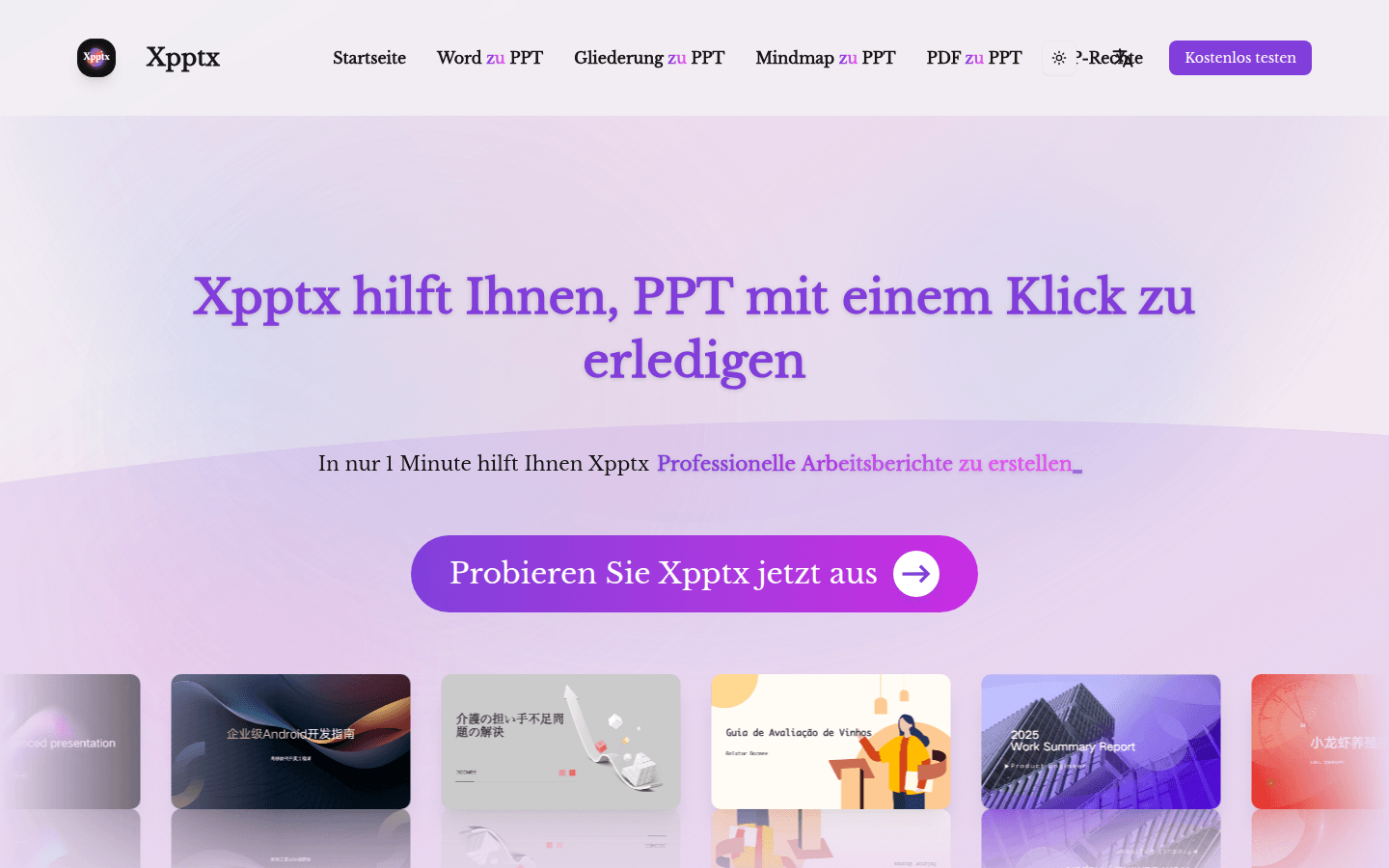
Screenshot archived from the listing page, for preview only.











