
xPath Labs
Website chatbot for leads and supportCapture leads and answer visitors instantly
Highlights
What you can do with it
- Answering repetitive visitor questions from site content
- Collecting visitor emails for follow-up
- Guiding visitors to the right product or service page
- Qualifying interest before a human sales conversation
How to use it
- 1 Create an account on the xPath Labs site
- 2 Point the chatbot at your website content so it can learn
- 3 Review and adjust the answers it gives
- 4 Add the chatbot to your website pages
- 5 Watch the leads and questions it collects
Who it is for
Pros
- Answers come from your own site content, not generic text
- Captures visitor emails automatically
- You can start for free before paying for premium
Limitations
- Free tier limits can change as the product grows
- Answers are only as good as the content it learned from
- Thin or poorly organized sites produce weak answers
- Collecting emails means you are responsible for that data
What xPath Labs is
xPath Labs is a website chatbot product. You deploy it on your site, it learns from your website content, and it uses that material to answer visitor questions instantly. Beyond answering, it captures visitor emails, detects when someone is showing interest, and guides visitors toward learning more about your products and services. The pitch is aimed at conversion: instead of a visitor bouncing because a question went unanswered, they get a quick reply at the moment they are reading. Pricing is described as simple and transparent, and you can start for free and move to premium plans as the business grows, which makes it a low-risk thing to test on one page before rolling out further.
What you can do with it
- Answer common visitor questions instantly from your own content
- Capture visitor emails when interest shows up
- Guide visitors toward the right product or service page
- Reduce the repetitive questions that land in your inbox
- Engage visitors while they are still on the page
Who it is for
- Small business sites that miss questions outside office hours
- Marketing teams that want more inbound leads
- E-commerce stores with repeated pre-sale questions
- Service businesses that need simple lead qualification
- Anyone whose traffic arrives but rarely converts
What to watch out for
The free starting point is real, but free tier limits can change as the product grows, so confirm what the free level covers before you move live traffic onto it. Answer quality is the other thing to watch. The chatbot only knows what it learned from your website, so thin pages, missing pricing details, or poorly organized content will produce vague or wrong answers, and that reflects on you rather than the tool. Setting it up also is not fully hands off: you should review the answers it gives and keep the source content updated. If you collect emails, you are responsible for handling that data properly and for telling visitors what you do with it.
FAQ
Is xPath Labs free to start?
Yes, the site says you can start for free and switch to premium plans as your business grows. Check the current free limits on the site.
How does the chatbot know what to answer?
It learns from your website content and uses that to provide instant answers to visitor questions.
Can it collect leads?
It captures visitor emails and detects visitor interest, then guides people toward your products and services.
Will it replace my support inbox?
It can reduce repetitive questions, but anything unusual still needs a human. Plan on reviewing the conversations it handles.
Why it is free
What the official page says: for free
Free limits, trial length and features are decided by the official site and can change at any time.
Product preview
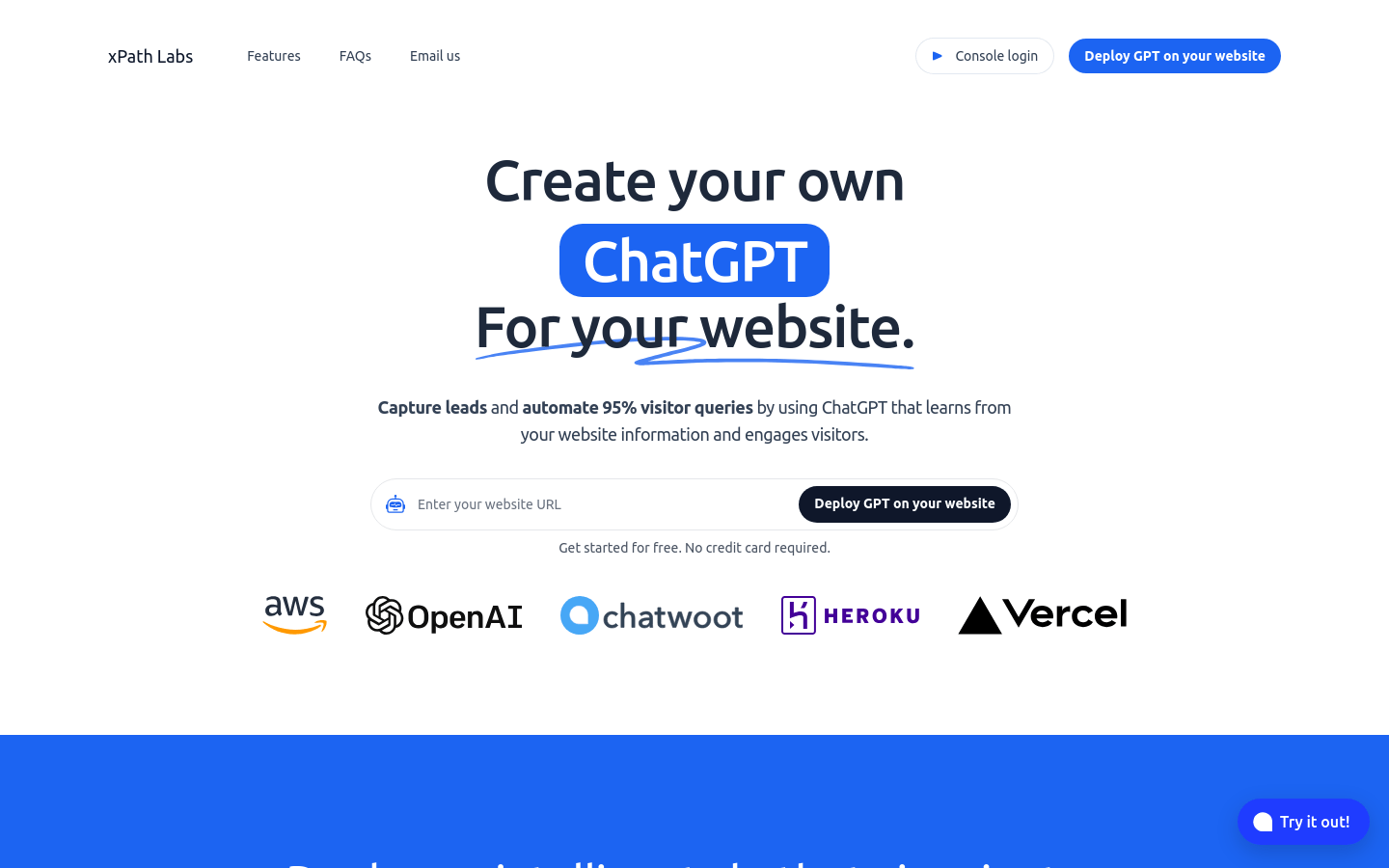
Screenshot archived from the listing page, for preview only.











