
WUI.AI
AI video generation and editing in three stepsText or image to polished video with characters, dubbing, subtitles
Highlights
What you can do with it
- Turn a script or prompt into a narrated video
- Add dubbing and subtitles for different audiences
- Create characters and scenes for short stories
- Polish raw footage toward a cinematic look
How to use it
- 1 Start the free trial on wui.ai
- 2 Enter text, an image, or a prompt
- 3 Let the multi-agent workflow build and polish the video
- 4 Add dubbing, subtitles, or characters as needed
- 5 Export and share the final video
Who it is for
Pros
- Generation and editing in one tool
- Dubbing and subtitles built in
- Simple three-step workflow
- Free trial plus enterprise packages
Limitations
- The free trial is limited and terms may change
- Three-step simplicity may limit fine control
- Cinematic polish depends on your input material
- Enterprise features sit behind paid packages
What WUI.AI is
WUI.AI, at wui.ai, is an AI video generation and editing tool developed by MutuaVox Inc. It accepts text, images, or prompts and returns finished video, and the page highlights multi-agent collaboration as the engine that polishes footage toward a cinematic look. Beyond generation, the tool covers character creation, dubbing, and subtitles, then lets you export and share the result. The makers emphasize adaptation to narrative rhythm, meaning text is turned into visuals that follow the shape of the story rather than a generic template. They also stress simplicity: a creation can be completed in just three steps. A free trial is offered, alongside enterprise solution packages.
What you can do with it
- Turn text, images, or prompts into video
- Add characters, dubbing, and subtitles to your scenes
- Polish raw footage toward a cinematic finish
- Export and share finished videos in one flow
- Keep narration rhythm aligned with your script
Who it is for
- Content creators producing short-form video
- Storytellers and educators who need narration and subtitles
- Teams that want dubbing without a separate audio tool
- Anyone who values a simple three-step creation flow
- Small studios that need quick turnaround on edits
What to watch out for
The free trial is a limited entry point, and heavier or commercial use points toward the enterprise packages, so check what the trial covers before you plan a project. A three-step flow is friendly for beginners, but it can feel limiting when you want frame-level control; plan to do detailed trimming elsewhere if precision matters. Cinematic polish depends on the quality of the footage or prompts you supply, so strong source material still matters. As a hosted service, availability and free trial terms can change, so verify current details on the site before you rely on them.
FAQ
What is WUI.AI?
An AI video generation and editing tool by MutuaVox Inc.
What can it create?
Videos from text, images, or prompts, with characters, dubbing, and subtitles.
How many steps does creation take?
The site says a creation can be completed in three steps.
Is there a free trial?
Yes, along with enterprise solution packages.
Why it is free
What the official page says: 免费试用免费
Free limits, trial length and features are decided by the official site and can change at any time.
Product preview
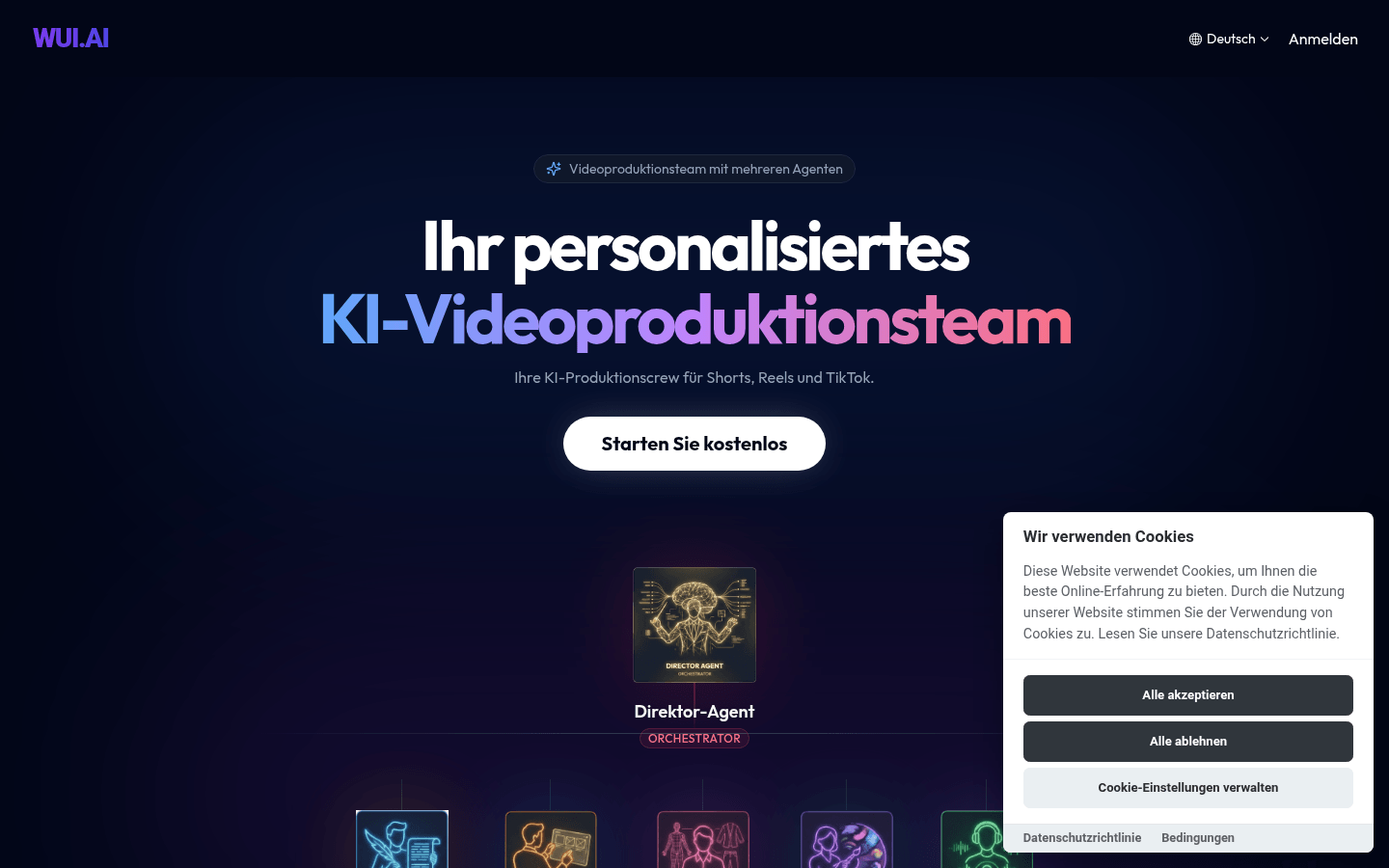
Screenshot archived from the listing page, for preview only.