
WriteSmart
AI comment assistant for LinkedInBetter comments, warmer leads
Highlights
What you can do with it
- Commenting on prospect posts to start conversations
- Staying active on LinkedIn with less writing time
- Keeping a consistent voice in comments
How to use it
- 1 Install or open WriteSmart
- 2 Connect it to LinkedIn
- 3 Open a post you want to comment on
- 4 Generate a comment and customize it
- 5 Post it
Who it is for
Pros
- Free plan to try
- Saves time on comment writing
- Customizable output
- Focused on one platform
Limitations
- The listing recorded an error status at last check
- Free plan capped at 20 comments
- Paid plan needed for volume
- Comments still need a personal touch
What WriteSmart is
WriteSmart is an AI comment assistant for LinkedIn. It reads a post and drafts a relevant, high-quality comment, with the stated purpose of sparking conversations and warming up potential clients rather than posting generic praise. The listing describes large-scale personalization, meaning comments adapt to the post instead of repeating the same line, and you can customize the output so it matches your voice. There is a free plan that provides 20 AI comments and a paid plan that offers 200, which gives you a way to test whether comment-led outreach works for you before paying. It is a single-purpose tool aimed at one platform, which keeps it simple.
What you can do with it
- Generate a comment from any LinkedIn post
- Customize tone so it sounds like you
- Start conversations with potential clients
- Stay visible in your network without writing from scratch
- Test the approach on the free plan before paying
Who it is for
- Founders and executives building a LinkedIn presence
- Salespeople warming up leads before outreach
- Marketers engaging in industry conversations
- Consultants and freelancers staying visible to prospects
- Anyone who wants to comment more but has limited time
What to watch out for
The listing recorded an error status when last checked, so confirm the site is live before signing up or paying. The free plan stops at 20 comments, which runs out quickly if you comment daily, and volume requires the paid plan. Comments are drafts: generic or repetitive replies can hurt your credibility more than help it, so always add something specific before posting. Also remember that comment-based outreach only works if the comment is genuinely useful, and platforms may restrict automated assistance, so stay within LinkedIn's rules when using any helper.
FAQ
What is WriteSmart?
It is an AI comment assistant that generates relevant LinkedIn comments based on post content.
How many comments do I get?
The free plan provides 20 AI comments, and the paid plan offers 200.
Can I customize the comments?
Yes. The listing says comments can be customized so they fit your voice.
Why it is free
What the official page says: free plan
Free limits, trial length and features are decided by the official site and can change at any time.
Product preview
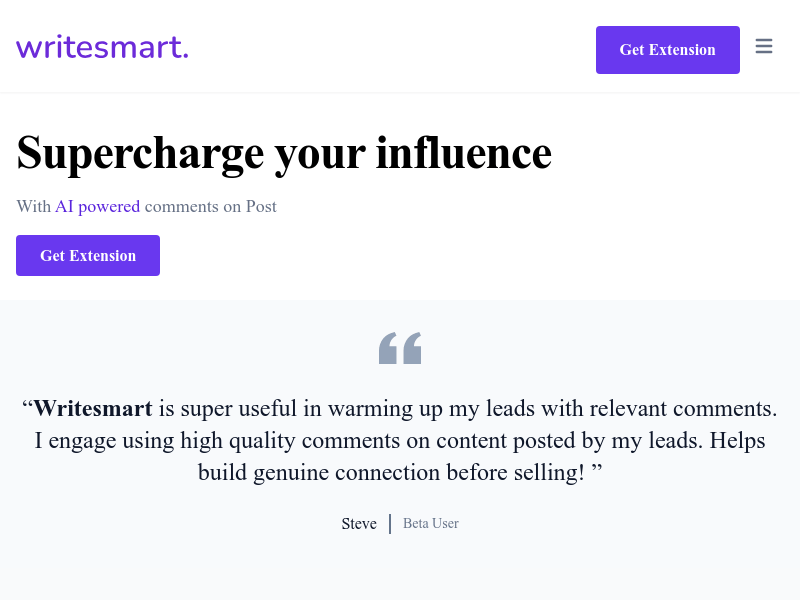
Screenshot archived from the listing page, for preview only.











