
WriteNow AI
AI writing tool with Outlook integrationDraft emails and long-form content with AI
Highlights
What you can do with it
- Draft blog articles and long-form content faster
- Answer emails quickly with generated replies in Outlook
- Save time on routine writing as a professional or business owner
How to use it
- 1 Install WriteNow AI and connect it to Microsoft Outlook.
- 2 Open an email or start a new document.
- 3 Let the AI draft a reply or long-form content.
- 4 Edit the result, then send or save it.
Who it is for
Pros
- Basic functionality is free of charge
- Outlook integration keeps drafting inside the mail client
- Covers both short replies and long-form generation
Limitations
- Advanced features require the paid Essentials plan
- Built on GPT-3, so output quality reflects that model
- Trial terms and pricing may change over time
What WriteNow AI is
WriteNow AI is an AI content generation tool built on OpenAI GPT-3 technology for natural language generation. It covers two jobs: drafting long-form content such as blog articles, and generating email replies that respond to the specific context of a message. The tool integrates directly with Microsoft Outlook, so you can produce replies without leaving your mail client, which keeps writing inside the workflow you already use. The pitch is that the AI handles the first draft and you handle the decisions. The basic functionalities are offered free of charge. For more features, WriteNow AI Essentials is available and starts with a seven-day free trial. It is aimed at individual users, professionals, and small business owners who write regularly and want to save time on routine content.
What you can do with it
- Draft blog articles and other long-form content
- Generate email replies that match the message context
- Work inside Microsoft Outlook without switching applications
- Save time on repetitive replies and first drafts
Who it is for
- Professionals who answer a high volume of email every day
- Writers and creators who produce blog or long-form content
- Small business owners writing their own marketing copy
What to watch out for
The free tier covers basic functions, and the fuller feature set sits behind the paid Essentials plan. Because the tool is built on GPT-3, output quality and style reflect that model, so expect to edit drafts rather than publish them raw. Generated text should always be reviewed for accuracy and tone before it goes out, especially in professional email where a mistake is visible. Check how the add-in handles your mail data before granting access to a busy inbox. The seven-day trial and any pricing can change, so confirm current terms on the site before subscribing.
FAQ
Is WriteNow AI free?
The basic functionalities are offered free of charge, while Essentials adds features and starts with a seven-day free trial.
Does it work with Outlook?
Yes, it integrates directly with Microsoft Outlook so you can draft replies without leaving the client.
What can it generate?
It can generate long-form content such as blog articles and produce email replies tailored to your input.
Why it is free
What the official page says: free trialfree of charge
Free limits, trial length and features are decided by the official site and can change at any time.
Product preview
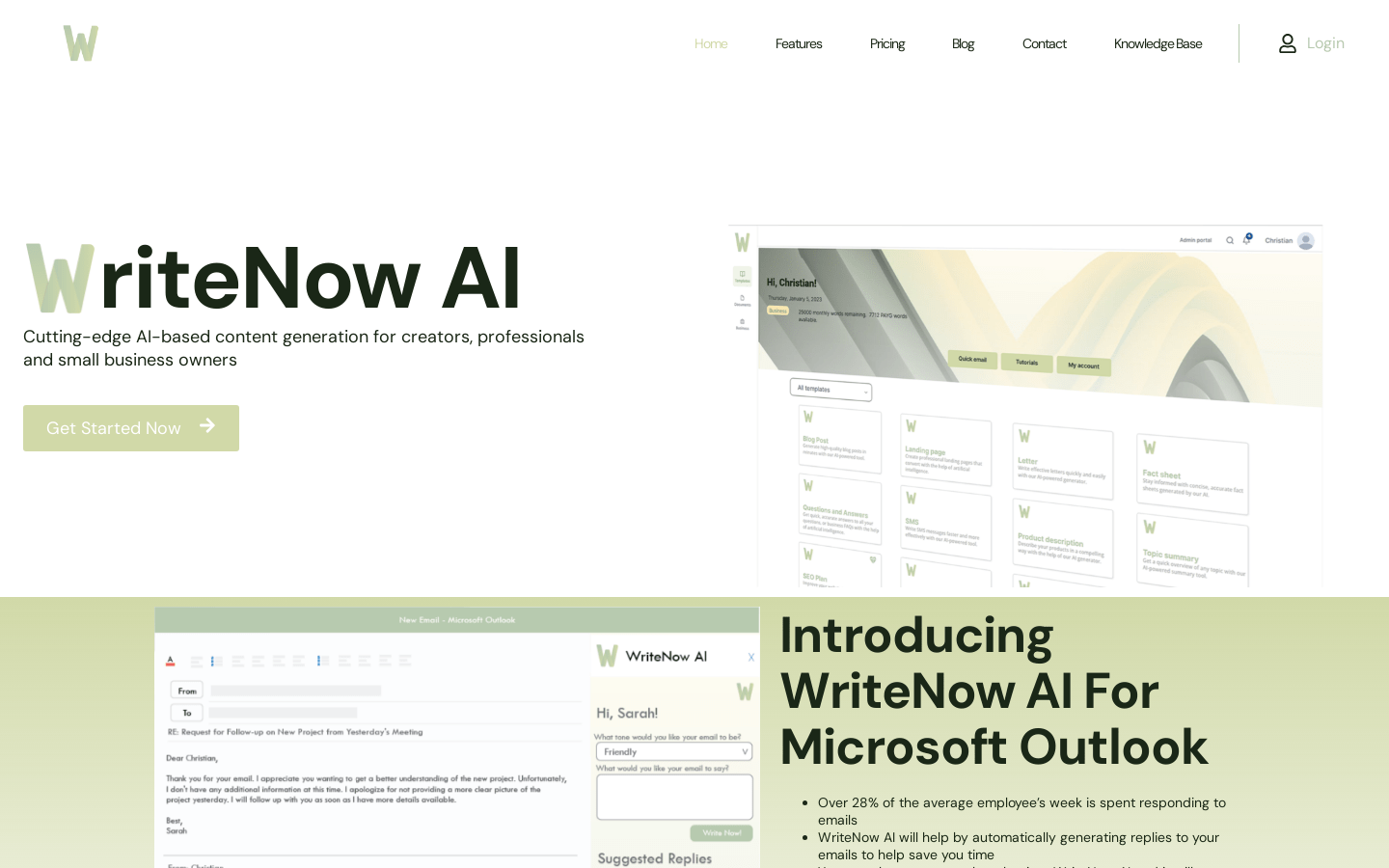
Screenshot archived from the listing page, for preview only.











