WriteMapper 4
Mind map writing toolTurn mind maps into finished drafts
Highlights
What you can do with it
- A writer maps out chapters as branches and expands each one into full sections
- A content marketer plans an article structure visually before writing the copy
- A team collaborates on one document and exports it in the format each stakeholder needs
How to use it
- 1 Visit the WriteMapper website and start the free trial.
- 2 Create a new mind map and add your main ideas as branches.
- 3 Use the AI features to brainstorm points and expand branches into detailed content.
- 4 Export the finished document in one of the supported formats.
Who it is for
Pros
- Mind map plus AI covers both planning and drafting in one app
- One-time purchase instead of a subscription
- Multiple export formats fit different publishing workflows
Limitations
- A free trial is offered, but the full product is a one-time purchase, so budget accordingly
- The mind map style of outlining takes practice if you are used to linear documents
- AI-generated content is a starting point and still needs your own review and editing
What WriteMapper 4 is
WriteMapper 4 is a writing tool that mixes mind maps with AI to speed up the path from idea to draft. You start by laying out an outline as a mind map, where each branch is a section or a point, then use the AI features to brainstorm and expand those branches into detailed content. The finished text can be exported in several formats. A distraction-free writing environment keeps clutter out of the way, and fast search plus shortcut keys help on long documents. The software is sold as a one-time purchase, and a free trial lets you try the whole workflow before paying.
What you can do with it
- Build an outline as a mind map and see the full structure of a document at once.
- Use AI to brainstorm ideas and turn short branches into detailed content.
- Draft in a distraction-free environment designed for long writing sessions.
- Export the result in multiple formats and collaborate with teammates.
Who it is for
- Writers and authors who plan with outlines before they start drafting.
- Content marketers who need structured articles, pages, and campaign copy.
- Teams that want one place to plan, write, and hand off finished text.
What to watch out for
WriteMapper 4 is not a free product: the trial covers the workflow, but continued use requires a one-time purchase, and pricing details beyond that are not spelled out. The mind map approach is different from a normal word processor, so expect a learning curve before restructuring a draft feels natural. AI-generated passages are a starting point and will need your own editing, fact-checking, and voice. Collaboration and export features are listed, but limits such as team size or file size are not described, so check those against your own projects before committing.
FAQ
Is WriteMapper 4 free?
No. It is a paid product with a one-time purchase option, and a free trial is available so you can test it first.
What is the mind map used for?
The mind map holds your outline. You add ideas as branches and expand them into detailed content, keeping the structure visible.
Can I export my work?
Yes. WriteMapper supports multiple export formats so you can move finished text into other tools.
Why it is free
What the official page says: free trial
Free limits, trial length and features are decided by the official site and can change at any time.
Product preview
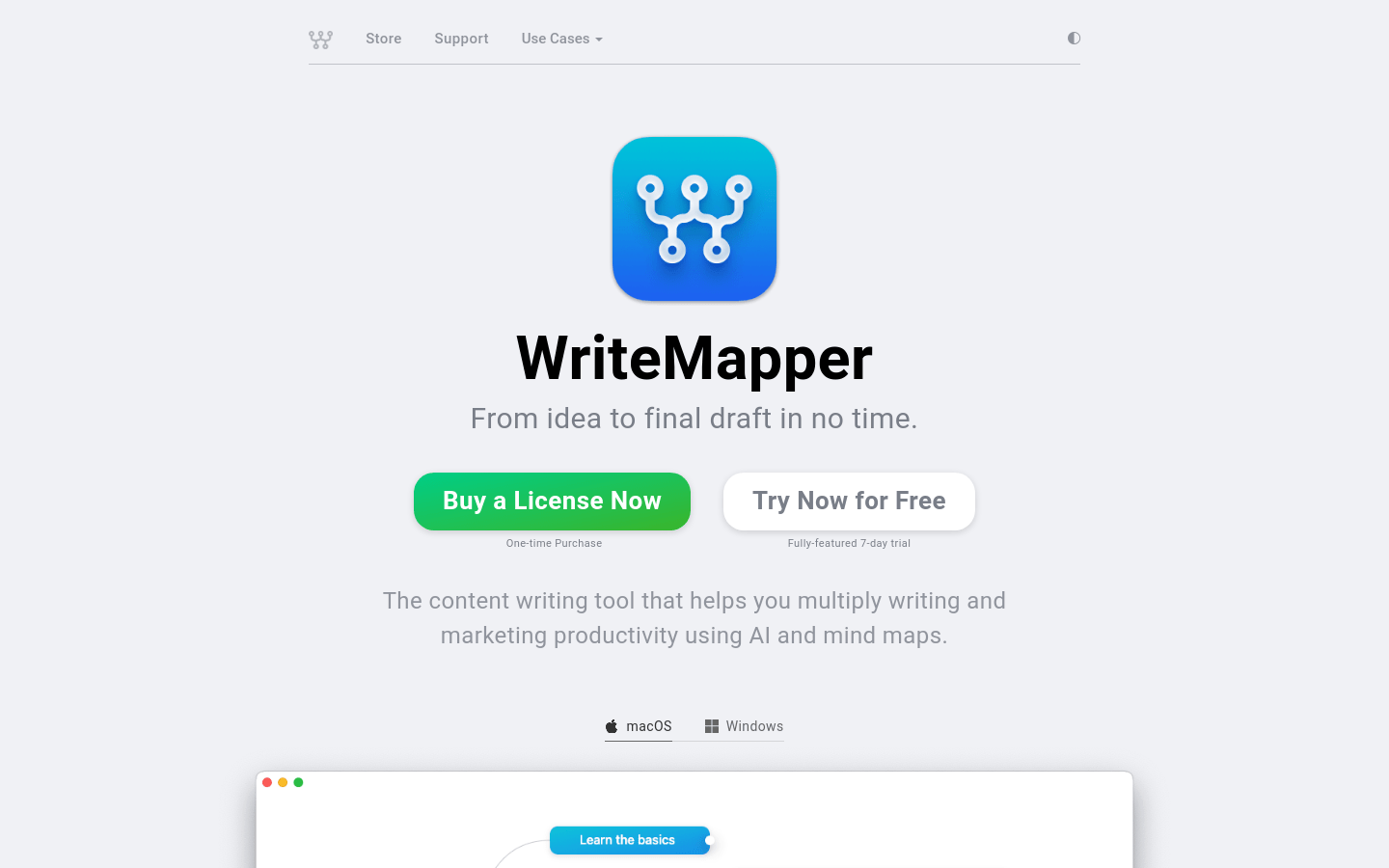
Screenshot archived from the listing page, for preview only.