
WriteAli
AI writing and editingPolish, rewrite, and structure in place
Highlights
What you can do with it
- A student polishing an academic paper
- A writer tightening a novel draft
- A business team reviewing contract language
How to use it
- 1 Highlight text in your browser, Word, or Outlook
- 2 Pick a tool from the editing, research, or writing workflows
- 3 Apply the improved result directly in place
Who it is for
Pros
- No app switching during writing
- Data is not kept after processing
- Multi-language and tone controls
Limitations
- Pricing is described as planned, not final
- Needs the extension or add-in installed in each app
- Outputs still need human judgment for important documents
What WriteAli is
WriteAli is a professional AI writing and analysis tool that stays close to normal business workflows. Instead of copying text into a separate chat window, you highlight text where you already work, in a browser, Word, or Outlook, and choose a tool. The editing, research, and executive writing workflows cover fixing grammar, rewriting for clarity, restructuring documents, extracting summaries and key points, drafting emails, and creating social posts. A privacy-minded design means text is not retained after processing, and bring-your-own-key encrypted storage is supported.
What you can do with it
- Fix grammar and spelling and improve clarity
- Rewrite wording, adjust tone, and restructure documents
- Extract summaries, key points, and short briefs
- Draft emails, social posts, and creative content
Who it is for
- Students improving structure, tone, and polish
- Writers who want grammar and wording support
- Commercial and professional teams handling contracts, due diligence, and negotiation prep
What to watch out for
Pricing is described as planned rather than final, so confirm current rates before you rely on them. You need the extension or add-in present in each application you use, which means a little setup. AI suggestions are a strong starting point, but contracts, legal text, and academic work still need human review before they are sent or submitted. Behavior may vary across browsers and devices, so test before production use and consult the help docs if errors appear. Features and interface details may change between versions, so review the latest notes on the page before you start. Name and archive exported files consistently so you can find and reuse them, and keep a backup copy of key data.
FAQ
Where does WriteAli work?
It works in common writing surfaces such as browsers, Word, and Outlook, so you do not switch applications.
What does it cost?
Plans are planned to start from $8 per month, with a 7-day free trial of premium access.
Is my data stored?
The tool does not retain data after processing text, and it supports bring-your-own-key encrypted storage.
Why it is free
What the official page says: free trial
Free limits, trial length and features are decided by the official site and can change at any time.
Product preview
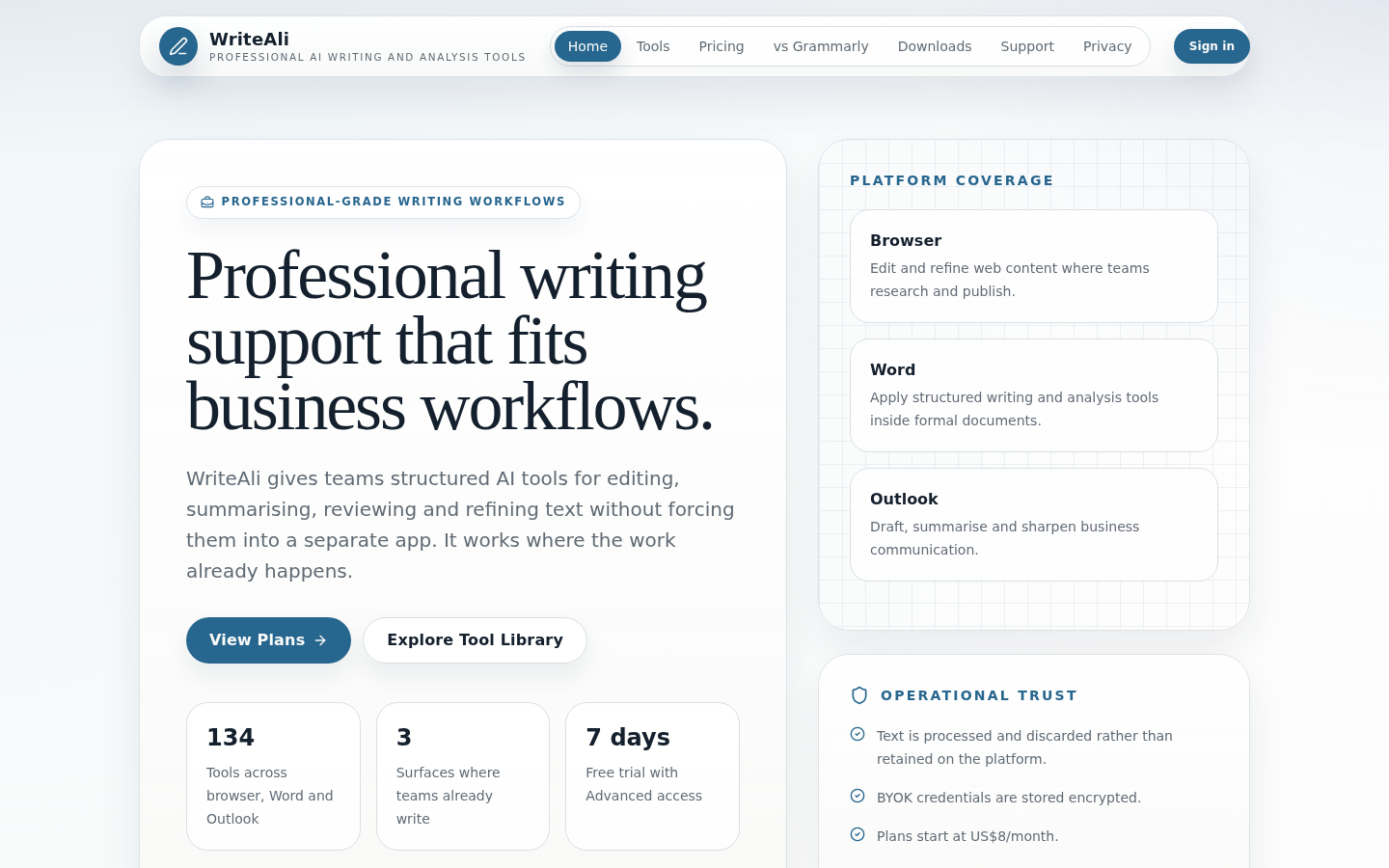
Screenshot archived from the listing page, for preview only.











