
//WPimagines
Free text-to-image generator with no registration requiredType a prompt, get an image, download it
Highlights
What you can do with it
- Create an illustration to accompany a blog post
- Generate concept images for a design pitch
- Produce quick visuals for slides or social posts
How to use it
- 1 Open the WPimagines website in your browser.
- 2 Type a description of the image you want into the prompt field.
- 3 Pick the size and style that fit your purpose.
- 4 Wait for the AI to generate the image.
- 5 Download the result and use it in your project.
Who it is for
Pros
- No registration, so you can generate on the spot
- Several sizes and styles for the same prompt
- Free to use and simple to operate
Limitations
- No registration also means no saved history of your prompts
- Output quality varies with how specific the prompt is
- Free access can change, and usage limits are not published
What WPimagines is
WPimagines is a free text-to-image generator. You provide a text description, the AI produces an image from it, and you download the result. It supports different image sizes and offers various styles and themes, so one idea can come out as an illustration, a concept render, or a simple picture for a blog post. The service is free to use and does not require registration, which is the main reason people try it: you can go from a sentence to a picture without signing up for anything.
The tool is deliberately minimal. There is no workspace, no project history, and no editing layer beyond choosing a size and a style. That makes it useful for a quick one-off visual and less useful if you want to iterate on a series of related images over a week, because nothing is stored for you.
What you can do with it
- Generate an image from a written description
- Pick the output size that suits your layout
- Switch between different styles and themes for the same idea
- Download the image and use it directly
- Produce quick visuals without an account
Who it is for
- Bloggers and social posters who need a quick visual
- Designers exploring concept directions before committing
- Teachers and students making simple illustrations
- Anyone who wants a generated image without creating an account
What to watch out for
Because there is no registration, there is also no prompt history or saved gallery, so keep your own record of the prompts that worked. Image quality depends heavily on how specific your description is, and vague prompts tend to return generic results. The listing does not publish usage limits or commercial rights, so check the site terms before you put an image into paid work. As with any free upstream service, access and features can change without notice, so download anything you want to keep.
FAQ
Do I need an account?
No, the listing says it is free to use without requiring registration.
Can I choose the image size?
Yes, it supports generating images in different sizes.
What styles are available?
Various image styles and themes are offered for the same text input.
Why it is free
What the official page says: free to use
Free limits, trial length and features are decided by the official site and can change at any time.
Product preview
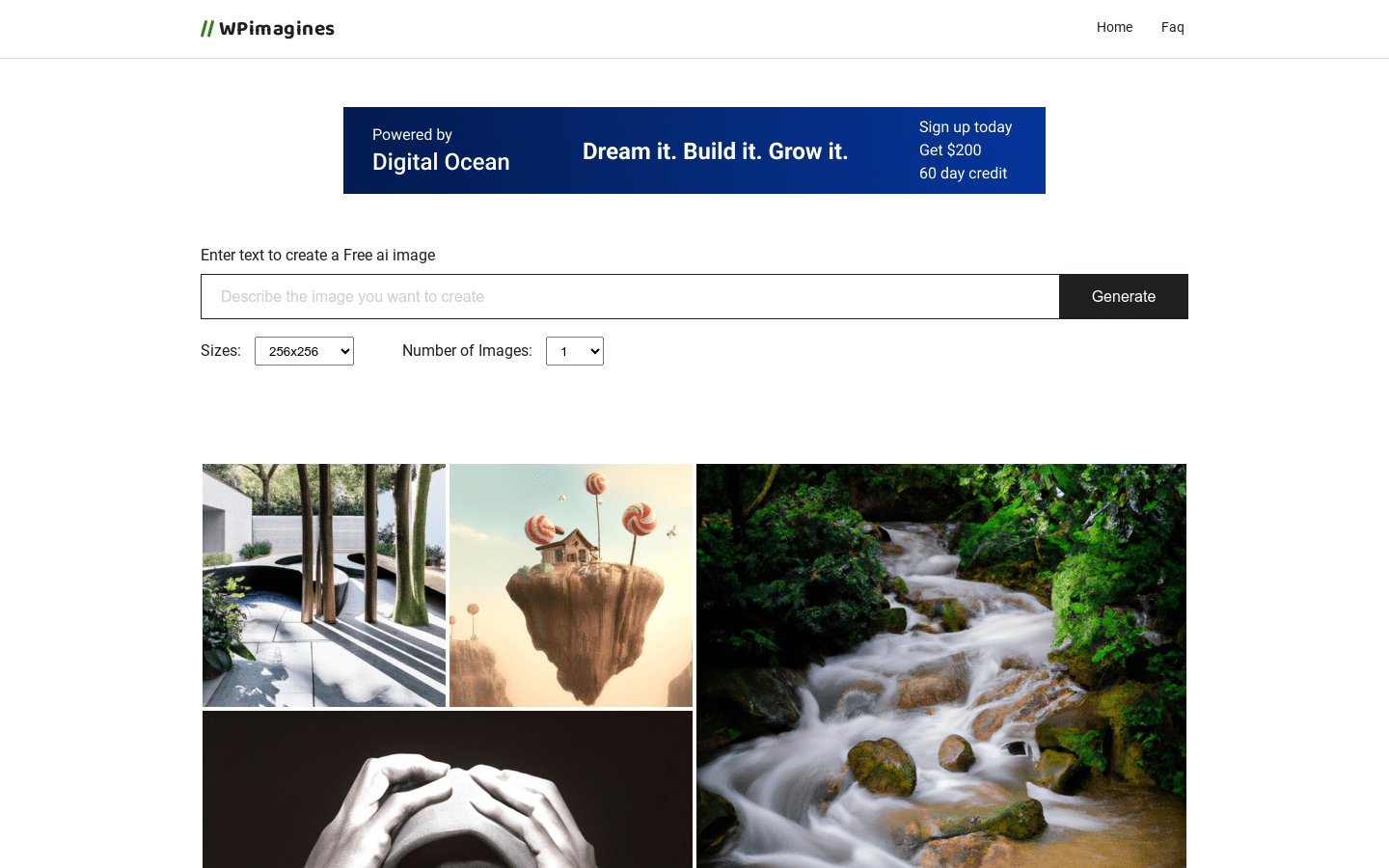
Screenshot archived from the listing page, for preview only.











