
Workspace by Portal Labs
AI-native team workspaceManage models, workflows, and knowledge
Highlights
What you can do with it
- Find project documents fast through the knowledge base
- Automate customer ticket handling
- Pull live web data to support decisions
How to use it
- 1 Register and pick a free or paid plan
- 2 Create a workspace and invite your team
- 3 Set up the knowledge base and workflows
- 4 Use the AI assistant for tasks and decisions
Who it is for
Pros
- Puts models, workflows, and knowledge together
- Custom automation without leaving the workspace
- Free plan to start, paid plans to grow
Limitations
- Free plan limits can change
- Setup takes time to fit your team
- Depends on an external service you do not control
What Workspace by Portal Labs is
Workspace by Portal Labs is an AI-native workspace designed to help teams manage models, workflows, and knowledge in one place. It supports multiple AI models and adds tools like a knowledge base, conversational memory, real-time web search, and data extraction from PDFs or text. You can also trigger custom workflows and automation with one click without leaving the workspace. It is aimed at enterprises and teams that need efficient collaboration and knowledge management, and it offers pricing plans from free to paid so different sizes can start small and grow.
What you can do with it
Here is what you can do in the workspace:
- Open documents and tickets to give the AI context
- Use conversational memory for ongoing threads
- Search the web in real time or pull data from a URL
- Extract data from PDFs into tables
- Trigger custom workflows in one click
Who it is for
It suits a few groups:
- Teams that need shared AI context
- Groups automating repetitive work like tickets
- Organizations managing knowledge in one place
What to watch out for
There is a free plan, but its limits and features can change, and heavier use needs a paid plan. Setup takes time, since the workspace only pays off once your knowledge base and workflows follow how your team works. The service depends on an external provider and the AI models you connect, so availability and output can vary. Keep your own backups of important data, and review AI output before you act on it. Features and interface details may change between versions, so review the latest notes on the page before you start.
FAQ
Is there a free plan?
Yes, it offers pricing plans from free to paid.
What does it manage?
Models, workflows, and team knowledge.
Who is it for?
Teams and organizations that need AI-powered collaboration.
Why it is free
What the official page says: 免费
Free limits, trial length and features are decided by the official site and can change at any time.
Product preview
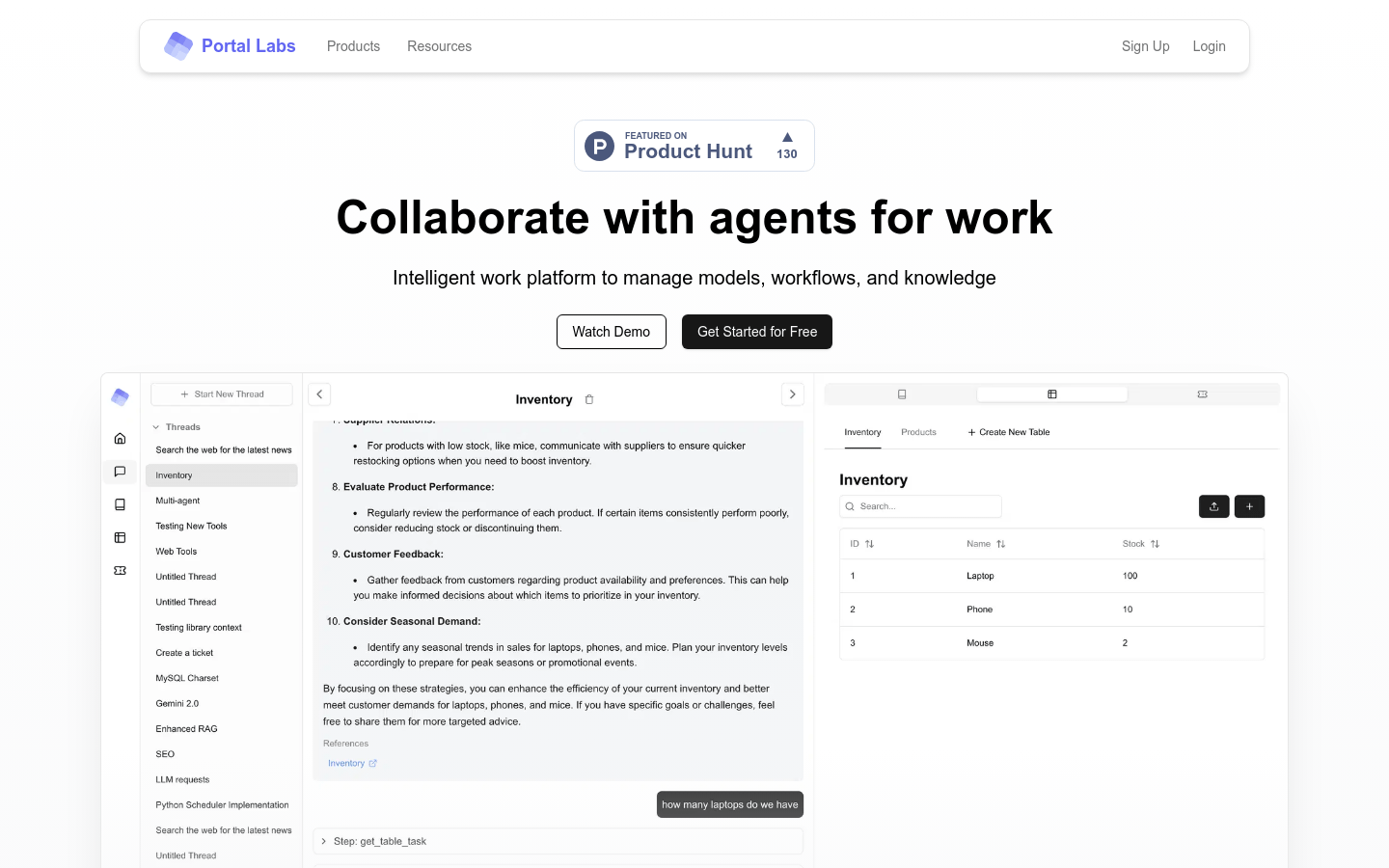
Screenshot archived from the listing page, for preview only.











