
Woopicx
Free AI stock photos, 3D icons, modelsBrowse, download, and edit with AI
Highlights
What you can do with it
- A designer edits a food stock photo for a restaurant poster
- A SaaS startup customizes marketing mockups for a launch
- A blogger converts downloaded images into video content
How to use it
- 1 Open woopicx.com in your browser
- 2 Browse collections such as 3D icons, stock photos, and mockups
- 3 Click a material to edit it with a text description of the change you want
- 4 Convert an image to video if you need motion
- 5 Download the file and check its license information
Who it is for
Pros
- Free downloads across a large library
- Text-based editing is quick to learn
- Image to video adds motion without new tools
- Commercial license files are available
Limitations
- License terms vary by file and must be checked before commercial use
- AI edits sometimes need several attempts
- Serious commercial projects need a license review
- Free access and library contents may change
What Woopicx is
Woopicx is a library of AI-generated stock photos, 3D icons, and models. It exists to shorten the part of creative work that involves hunting for material. The site states more than 60,000 models alongside a large set of stock photos and icons, organized into curated collections such as 3D icons, stock photos, and mockups so you can find something without a long search. Browsing and downloading are free, and some files carry commercial licenses for client work. Beyond downloading, you can edit any image with plain text commands, for example changing an object or a color, convert an image into video, and generate new visual material. Materials can be customized in size and orientation to fit a project.
What you can do with it
- Browse and download stock photos, 3D icons, and models for free
- Edit images by describing the change you want
- Turn a still image into a short video
- Customize material size and orientation for a layout
- Use curated collections to skip the search step
Who it is for
- Creative designers who need assets under deadline
- Marketers producing promotional and social material
- Content creators building image and video content
- Students who need free material for coursework
What to watch out for
License terms are per file. The site notes that commercial license files are provided and that you should pay attention to the license information of each material, so read it before you put an asset into client or commercial work. Free access and library contents can change, and files may be added or removed without notice. AI editing needs plain, specific instructions and sometimes several attempts, since vague descriptions give vague results. Finally, because the material is AI-generated, check that nothing in an image conflicts with existing trademarks or likeness rights before you publish it.
FAQ
Is downloading really free?
The site states that browsing and downloading materials are free, and that high-quality files with commercial licenses are provided.
How does the AI editing work?
You describe the change you want in plain text, such as replacing an object or changing a color, and the tool edits the image online.
How big is the library?
The site states more than 60,000 models, along with a large number of AI-generated stock photos and 3D icons.
Can I use the files commercially?
Commercial license files are offered, but the site says to pay attention to the license information of each material, so check the specific file before use.
Why it is free
What the official page says: for free
Free limits, trial length and features are decided by the official site and can change at any time.
Product preview
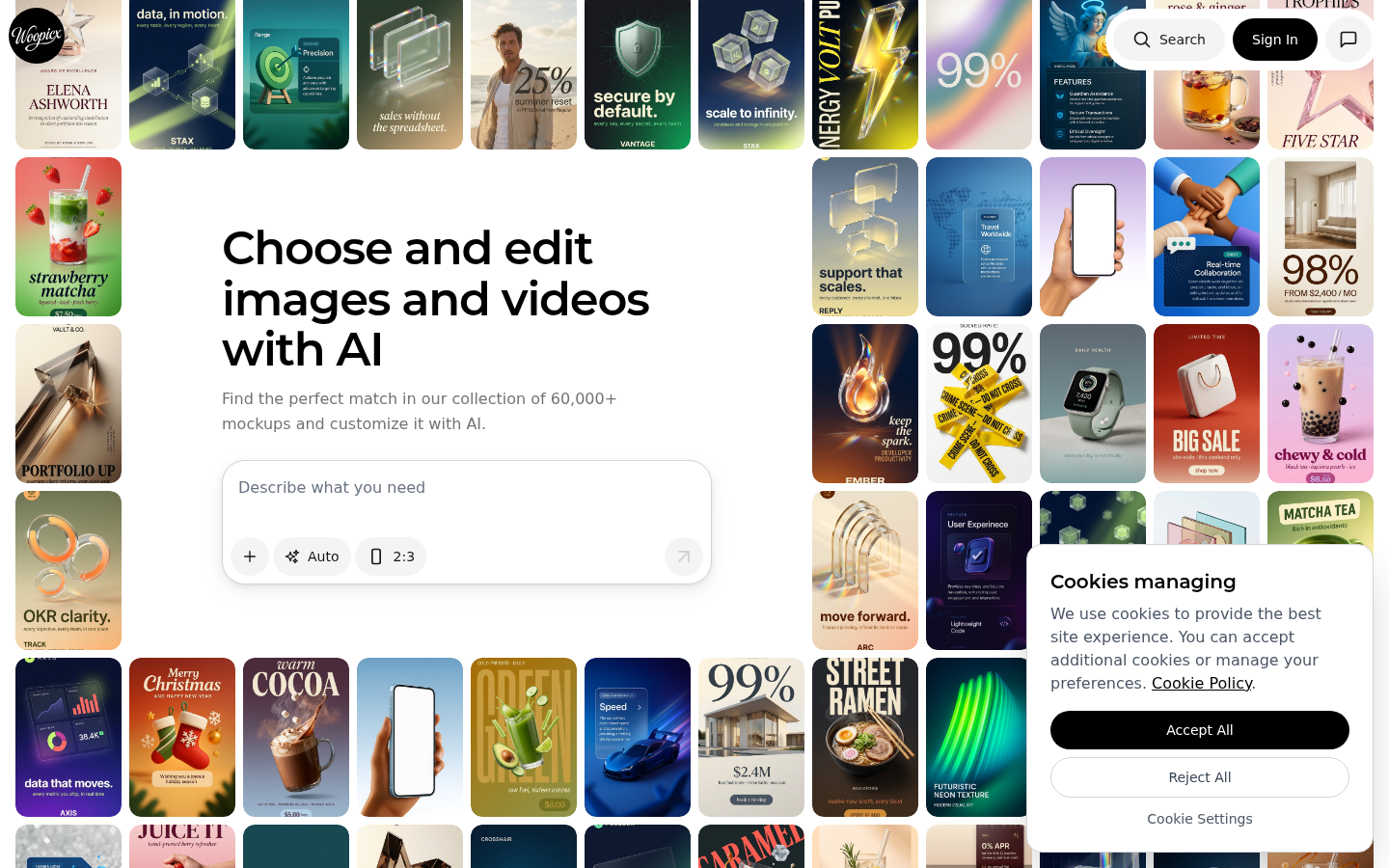
Screenshot archived from the listing page, for preview only.











