
Wondershare Pixcut
Free background removerRemove backgrounds in bulk
Highlights
What you can do with it
- Cutting product photos for an online store
- Making transparent avatars for social media
- Cleaning images for graphic design work
How to use it
- 1 Open Pixcut in your browser.
- 2 Upload the image, or a batch of images.
- 3 Let the automatic removal run.
- 4 Use watermark removal or enlargement if needed.
- 5 Download the transparent result.
Who it is for
Pros
- Automatic removal plus batch support in one place
- Extra tools such as watermark removal and enlargement
- Browser based, so nothing to install
Limitations
- Free access can change and detailed limits are not published in the listing
- Automated cutouts can need manual fixes on complex edges
- Watermark removal should only be used on images you have the rights to
What Wondershare Pixcut is
Wondershare Pixcut is an online photo background remover that uses AI to separate a subject from its background automatically, producing a transparent image. That single job covers a lot of ground: product listings, profile pictures, marketing cutouts, and design elements all start with a clean edge. The listing also includes batch background removal, which is the difference between editing one photo and clearing a whole folder, plus watermark removal and image enlargement for follow-up fixes. It runs in the browser and is described as a free online tool, and the scenarios named include e-commerce, personal use, marketing, social media, and graphic design.
What you can do with it
- Remove a background automatically and export a transparent image
- Process several images at once with batch removal
- Remove watermarks from images you own
- Enlarge an image for print or a larger layout
Who it is for
- E-commerce sellers preparing product photos
- Social media users who want transparent avatars
- Designers and marketers doing quick cleanups
What to watch out for
Free access is how the listing describes it, and free terms change, so check current limits before you plan bulk work. Automatic cutouts are good on clear subjects and weaker on fine detail such as hair, glass, and thin lines, so keep the original files and expect some manual correction. Watermark removal is the feature that needs the most care: only use it on images you own or have permission to edit, since stripping marks from someone else's work can breach copyright and platform rules. Image enlargement also has limits, and pushing a small file too far will look soft, so check the output at full size before you use it.
FAQ
What does it do?
It removes photo backgrounds automatically and supports batch removal, watermark removal, and image enlargement.
Is it free?
The listing describes Pixcut as a free online tool.
What is it used for?
E-commerce product images, transparent social avatars, and graphic design work.
Why it is free
What the official page says: 免费
Free limits, trial length and features are decided by the official site and can change at any time.
Product preview
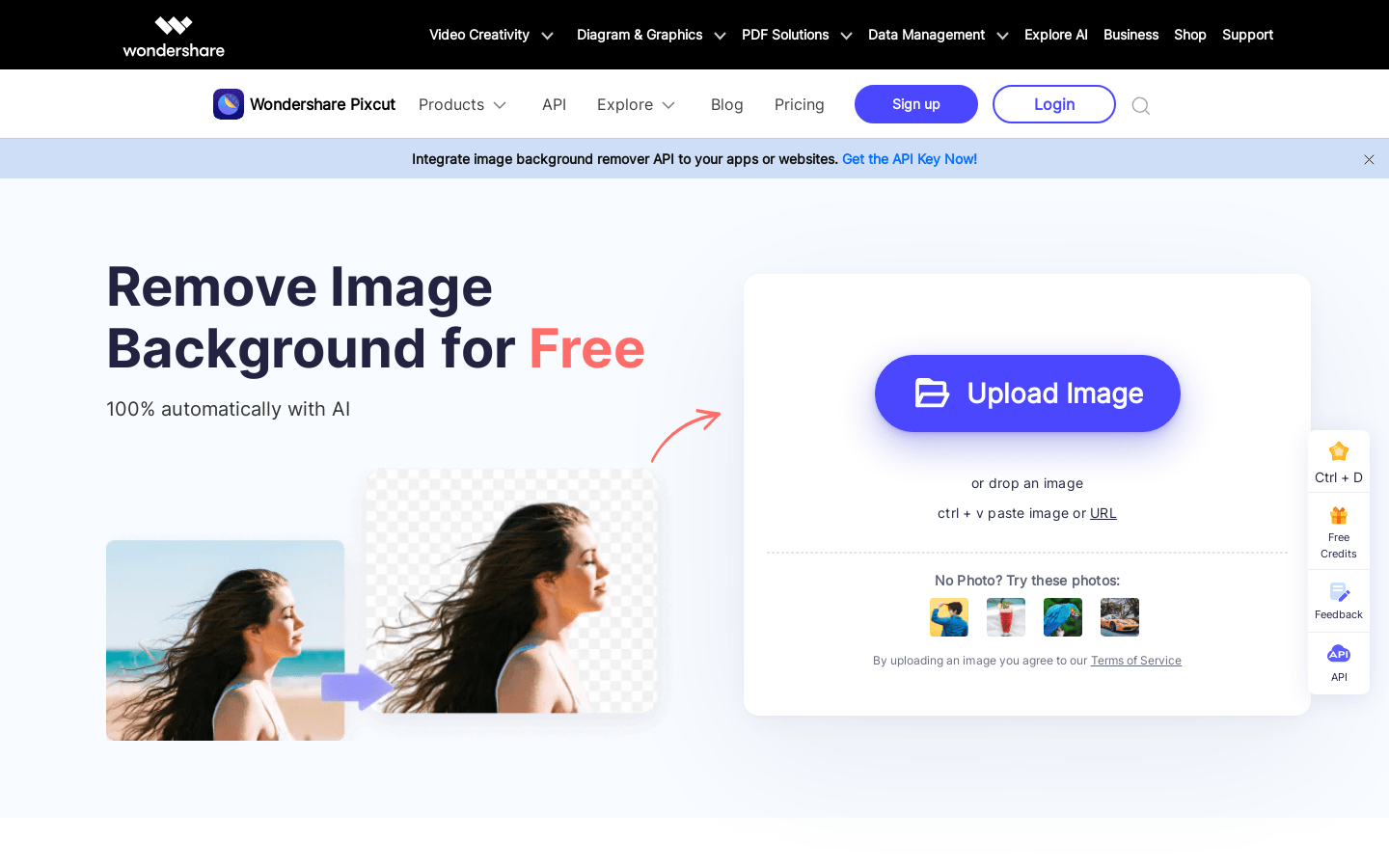
Screenshot archived from the listing page, for preview only.











