WonderPic
Free online AI photo editorTurn photos into cartoons and sketches
Highlights
What you can do with it
- Turning everyday photos into shareable art
- Creating stylised images for creative projects
- Producing promotional visuals for a business
How to use it
- 1 Open wonderpic.art in your browser
- 2 Pick a function such as cartoon or watercolour
- 3 Upload the photo you want to edit
- 4 Choose the style you like
- 5 Click generate and wait for the AI
- 6 Download the finished image
Who it is for
Pros
- Free to use in the browser
- Many styles in one place
- Simple upload, style, download flow
Limitations
- Full use sits behind paid plans from $9.99 a month
- Body and skin editing can be misused, and misuse is the user's responsibility
- Style output may not match a specific reference image
What WonderPic is
WonderPic is an online photo editor that runs on AI and works in the browser. It offers around 40 artistic styles and can turn a photo into a cartoon, a watercolour painting, or a pencil sketch in a few steps. Beyond style conversion it includes AI skin tone adjustment and body shaping tools for slimming and face slimming. The workflow is deliberately simple: pick a function, upload a photo, choose a style, generate, and download. The site claims professional level output quality and says it does not collect user data. It is free to use online, and there are paid plans at $9.99, $19.99, and $39.99 per month for people who need more.
What you can do with it
- Convert photos into cartoon, watercolour, or sketch styles
- Adjust skin tone with AI
- Apply body shaping such as slimming
- Download the finished image for sharing or projects
Who it is for
- Casual users who want a fun version of their photos
- Designers and illustrators exploring visual styles
- Businesses that need quick promotional imagery
What to watch out for
Free use covers the basics, but heavier work runs into the paid plans, which start at $9.99 a month. Body shaping and skin editing are sensitive features: heavy or misleading edits of a person's appearance can be unethical and may break platform rules, and any consequences are on you. Output quality varies by source photo, and an AI render may not match a specific reference you have in mind. Even though the site says it does not collect data, read the current privacy terms before uploading anything sensitive, and label edited images where honesty about the edit matters.
FAQ
Is WonderPic free?
It is a free online editor, with paid plans for heavier use.
How many styles are there?
About 40 artistic styles.
What does it cost if I upgrade?
The page lists plans at $9.99, $19.99, and $39.99 per month.
Why it is free
What the official page says: 免费
Free limits, trial length and features are decided by the official site and can change at any time.
Product preview
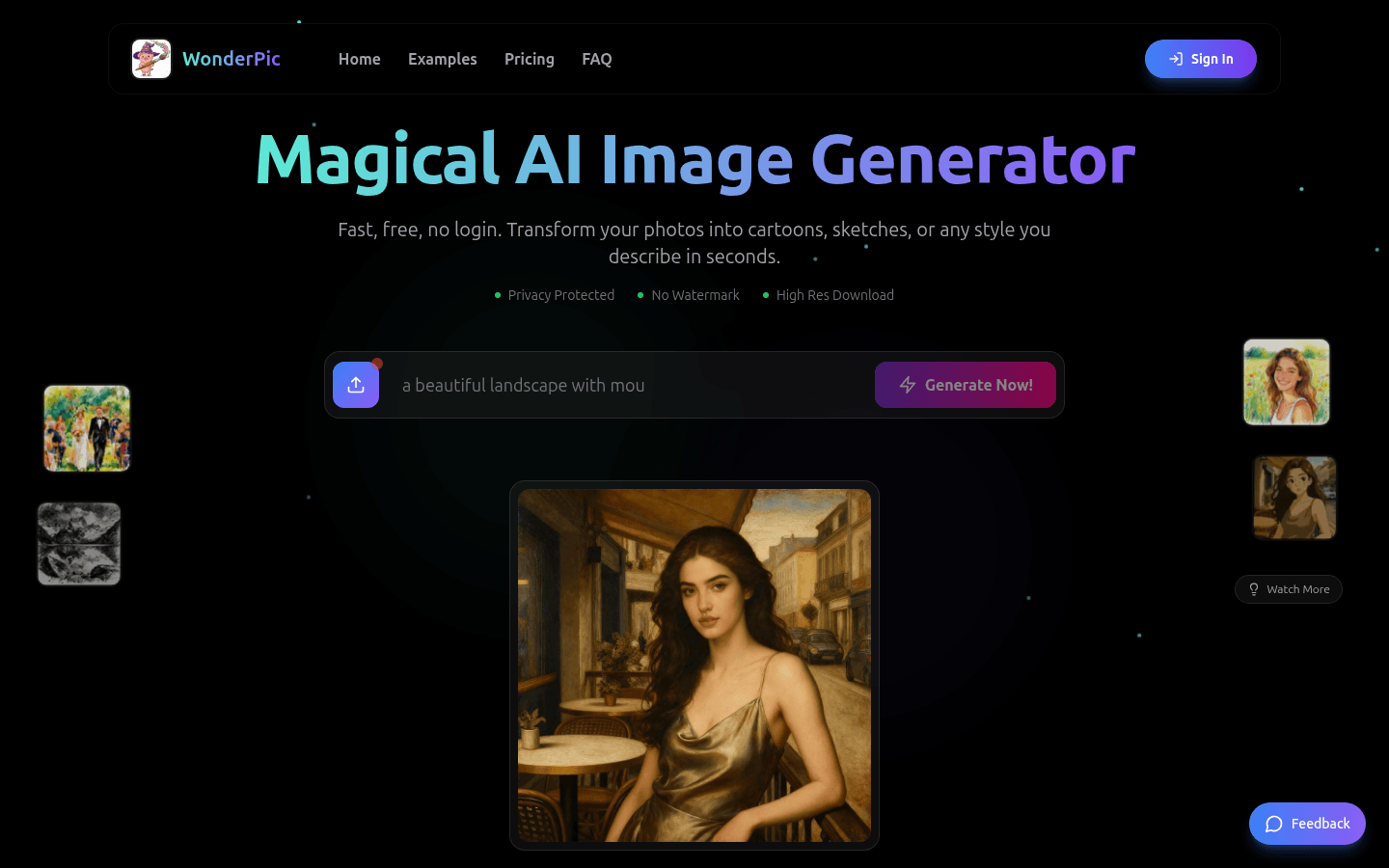
Screenshot archived from the listing page, for preview only.











