
WithUI
No-code builder for small AI applicationsDrag and drop an AI mini app in seconds
Highlights
What you can do with it
- Build a small AI question-answering app
- Prototype an AI recommendation mini app
- Create a simple chatbot interface for a demo
How to use it
- 1 Open WithUI and start a new project.
- 2 Drag the interface blocks you need onto the canvas.
- 3 Connect the AI prompt or feature behind them.
- 4 Preview the app and adjust the layout.
- 5 Share or test the mini application.
Who it is for
Pros
- No code needed to get a working prototype
- AI features are built in from the start
- Free to use
Limitations
- Suited to small apps, not complex products
- Customization is limited to the provided blocks
- A smaller upstream tool, so availability can change
What WithUI is
WithUI is a tool for building small AI applications without writing code. You drag and drop interface blocks around an AI prompt, so a working prototype takes shape in seconds, and all AI features are reachable during creation rather than bolted on afterward. The product describes built-in security and states that it is free to use. Its purpose is to let someone test an AI idea as a small app before committing to a full build.
Blocks rather than a blank canvas is the design choice that makes it fast. You are assembling a known set of pieces instead of inventing a layout, which is why a prototype appears in seconds rather than an afternoon. The cost of that speed is a ceiling: the set of pieces defines the set of things you can build, and anything outside that set needs real development.
What you can do with it
- Assemble an interface from drag-and-drop blocks
- Connect AI features directly into the layout
- Prototype a Q&A, recommendation, or chatbot mini app
- Preview and adjust without deploying code
- Share a small internal tool with a team
Who it is for
- Non-developers who want to test an AI idea quickly
- Designers prototyping an AI interface
- Teams that need a small internal tool
- Founders demoing a concept before building it
What to watch out for
This is aimed at small applications, so anything with complex logic, authentication, user accounts, or scale will outgrow it fast, and migrating out later means rebuilding. Customization is limited to the blocks the tool provides, which constrains how far you can push a design or match an existing brand. The listing mentions built-in security but gives no detail, so review how data is handled before you connect anything sensitive. As a smaller upstream tool, its features, free status, and availability can change without notice, so export or screenshot anything you want to keep.
FAQ
Do I need to code?
No, the interface is built by dragging and dropping blocks.
Is WithUI free?
Yes, the listing says it is free to use.
What can I build?
Small AI apps such as a Q&A tool, a recommender, or a chatbot interface.
Why it is free
What the official page says: free to use
Free limits, trial length and features are decided by the official site and can change at any time.
Product preview
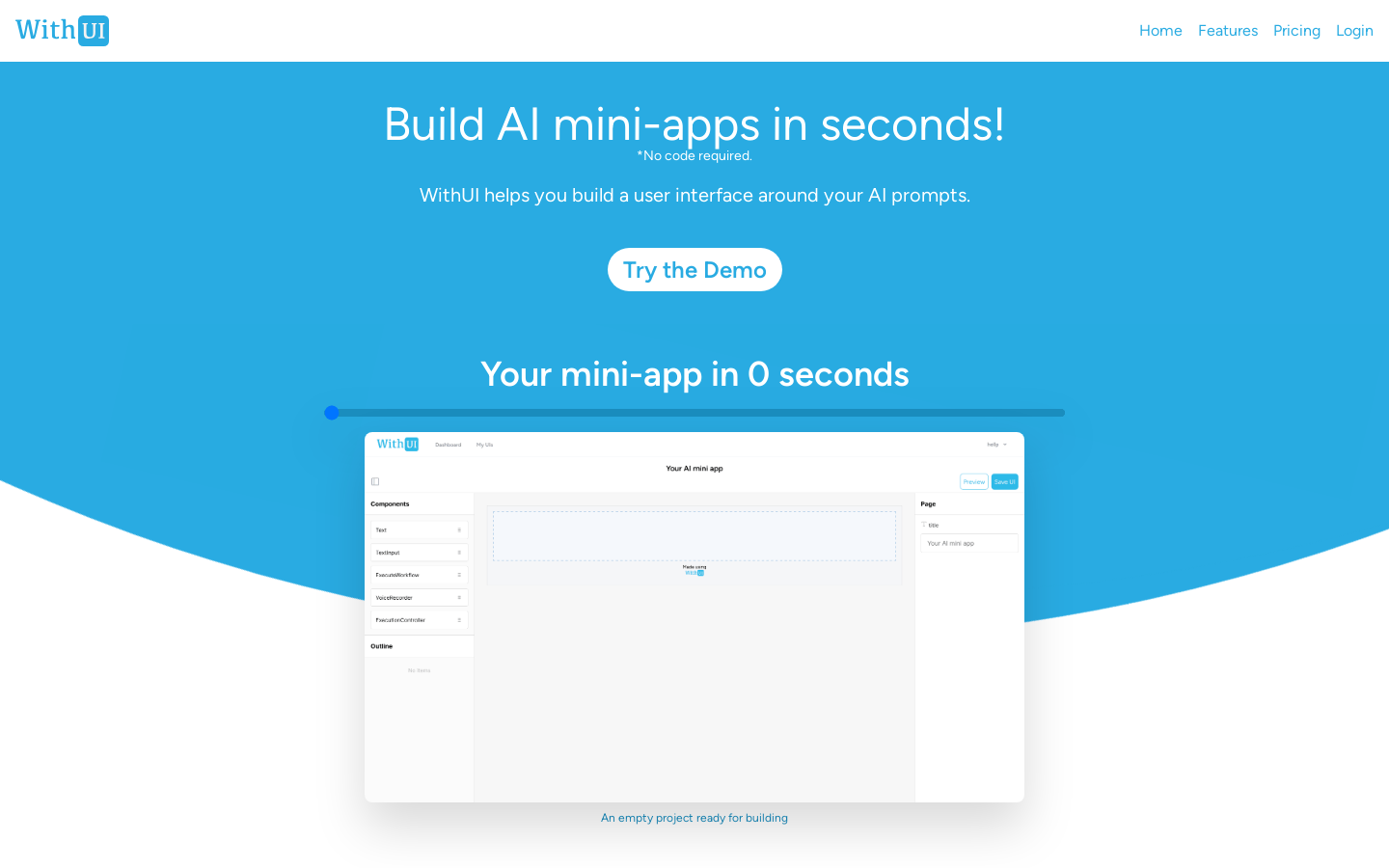
Screenshot archived from the listing page, for preview only.











