Winmov
AI video generator for Shorts, TikTok, and adsTurn text or images into cinematic video, free trial to start
Highlights
What you can do with it
- Create faceless YouTube channel videos from a script
- Turn e-commerce product photos into TikTok ad videos
- Convert SaaS documentation into explainer videos
How to use it
- 1 Open winmov.com in your browser
- 2 Start the free trial or register and log in to get 25 credits
- 3 Choose text-to-video or image-to-video and enter your prompt or image
- 4 Use templates and presets or customize the ratio and style
- 5 Click generate and wait for the video to render
- 6 View and download the video for YouTube, TikTok, and more
- 7 Top up prepaid credits or subscribe when you need more
Who it is for
Pros
- Free trial with 25 credits to start
- Multiple strong models behind one interface
- Flexible prepaid credits instead of forced subscriptions
Limitations
- Credits run out, and paid plans add up with heavy use
- Free trial credits and pricing can change
- Output quality still depends on prompts and the chosen model
What Winmov is
Winmov is an AI video generator made for short-video platforms such as YouTube Shorts and TikTok. It brings together the Kling AI, Wan 2.2, and Flux models behind one interface, so you can turn a simple text prompt or a reference image into a video that looks cinematic. The product is built around a prepaid credit system: you can begin with a free trial that includes 25 credits, and credits are only spent when you actually generate content. After the trial you can either top up prepaid credits or move to a monthly subscription, which makes it easy to start small and expand as your usage grows. It supports both text-to-video and image-to-video, with presets to speed up common jobs.
What you can do with it
- Turn text prompts or images into short videos with a cinematic feel
- Create faceless YouTube channel videos, e-commerce ads, and explainer clips
- Use templates, presets, and multiple aspect ratios for different platforms
- Start on a free trial of 25 credits, then pay only for what you generate
- Download finished videos for use on YouTube, TikTok, and other platforms
Who it is for
- YouTube and TikTok creators who publish short-form video
- E-commerce sellers who turn product photos into ad videos
- SaaS teams that convert documentation into product explainers
- Small studios that want quick video drafts without a full edit suite
What to watch out for
Winmov runs on credits, so once the free trial is used up you need to top up or subscribe, and costs can add up if you generate a lot. The free trial credits and the plan prices are promotional and may change, so check the current rates before you commit. Because it relies on several third-party models, availability and output quality can vary with each model, and you still need clear prompts and good source images to get results you like. Generated clips should be reviewed before publishing, especially for anything that claims to show real events or people.
FAQ
Is there a free trial?
Yes. Winmov offers a free trial that includes 25 credits, and you can start without a credit card.
Which models does it use?
It combines the Kling AI, Wan 2.2, and Flux models.
How does pricing work?
It uses prepaid credits, with a Starter plan at $9.99 per month for 1200 credits and a Pro plan at $29.99 per month for 3600 credits.
Why it is free
What the official page says: free trial
Free limits, trial length and features are decided by the official site and can change at any time.
Product preview
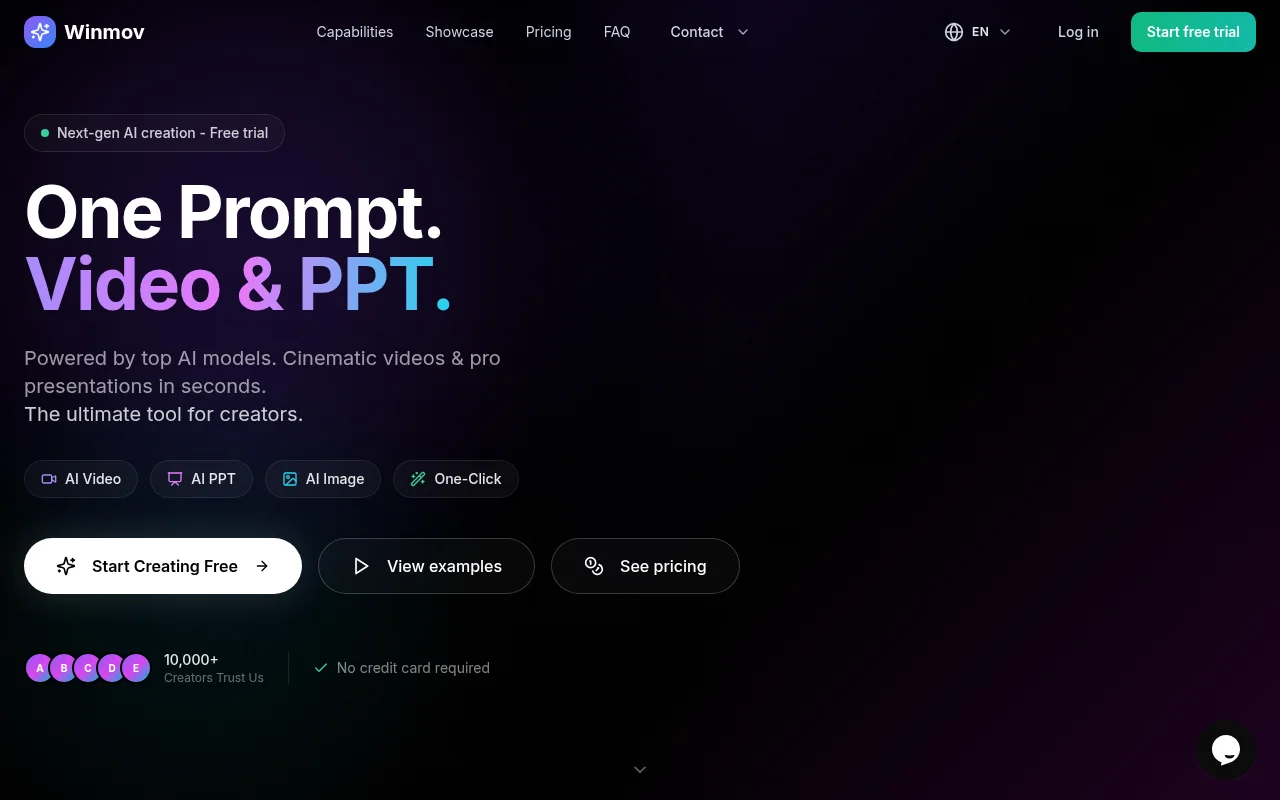
Screenshot archived from the listing page, for preview only.











