
windybot
Free background removerCut out a subject in seconds
Highlights
What you can do with it
- Cutting a personal photo down to a transparent avatar
- Removing a background from a product shot and adding white
- Putting a portrait on a different background for a social post
How to use it
- 1 Open the windybot background remover page.
- 2 Upload the image you want to edit.
- 3 Let the automatic cut run, or select the area by hand.
- 4 Change the background colour if you need a new one.
- 5 Download the finished image.
Who it is for
Pros
- Free to use with no signup tier mentioned
- Automatic and manual options cover easy and hard cutouts
- Background colour change is included
Limitations
- Free status can change, and there is no published pricing to compare against
- The tool removes backgrounds rather than doing full retouching, so colour and lighting work stays manual
- Results depend on how cleanly the subject separates from the background
What windybot is
windybot is a free AI background removal tool. You give it an image, and it splits the subject from the background, which is the first step for avatars, product shots, and social posts. When the automatic cut is not clean, you can select the area to remove by hand instead, which matters for edges like hair or reflective surfaces. After the background is gone, you can swap in a different background colour, which covers the common case of a white or plain backdrop. The listing describes the tool as free and does not mention a paid plan, and it points at photo editing, e-commerce product photography, social media posts, and design work as the main settings.
What you can do with it
- Remove a background automatically from a photo
- Select the area by hand when the automatic cut needs correction
- Replace the background with a different colour
- Prepare images for avatars, listings, and social posts
Who it is for
- Anyone turning a personal photo into a clean avatar
- E-commerce sellers preparing product images
- Social media users who want a quick background change
- Designers who need a fast cutout for a layout
What to watch out for
The free status is how the listing describes it today, and free access can change, so do not build a paid workflow on it without checking. The scope is narrow: it removes backgrounds and changes colour, but it does not handle colour grading, compositing, or detailed retouching, so plan on another tool for that work. Cut quality also depends on the photo. Busy backgrounds, fine detail, and low contrast between subject and backdrop are where automatic separation usually struggles, and that is where the manual selection earns its place. Keep the original file until you are happy with the result.
FAQ
Is it really free?
The listing describes windybot as a free background removal tool.
Can I fix a bad automatic cut?
Yes, manual selection of the area to remove is listed.
Can I change the background?
Yes, background colour change is one of the listed features.
Why it is free
What the official page says: 免费
Free limits, trial length and features are decided by the official site and can change at any time.
Product preview
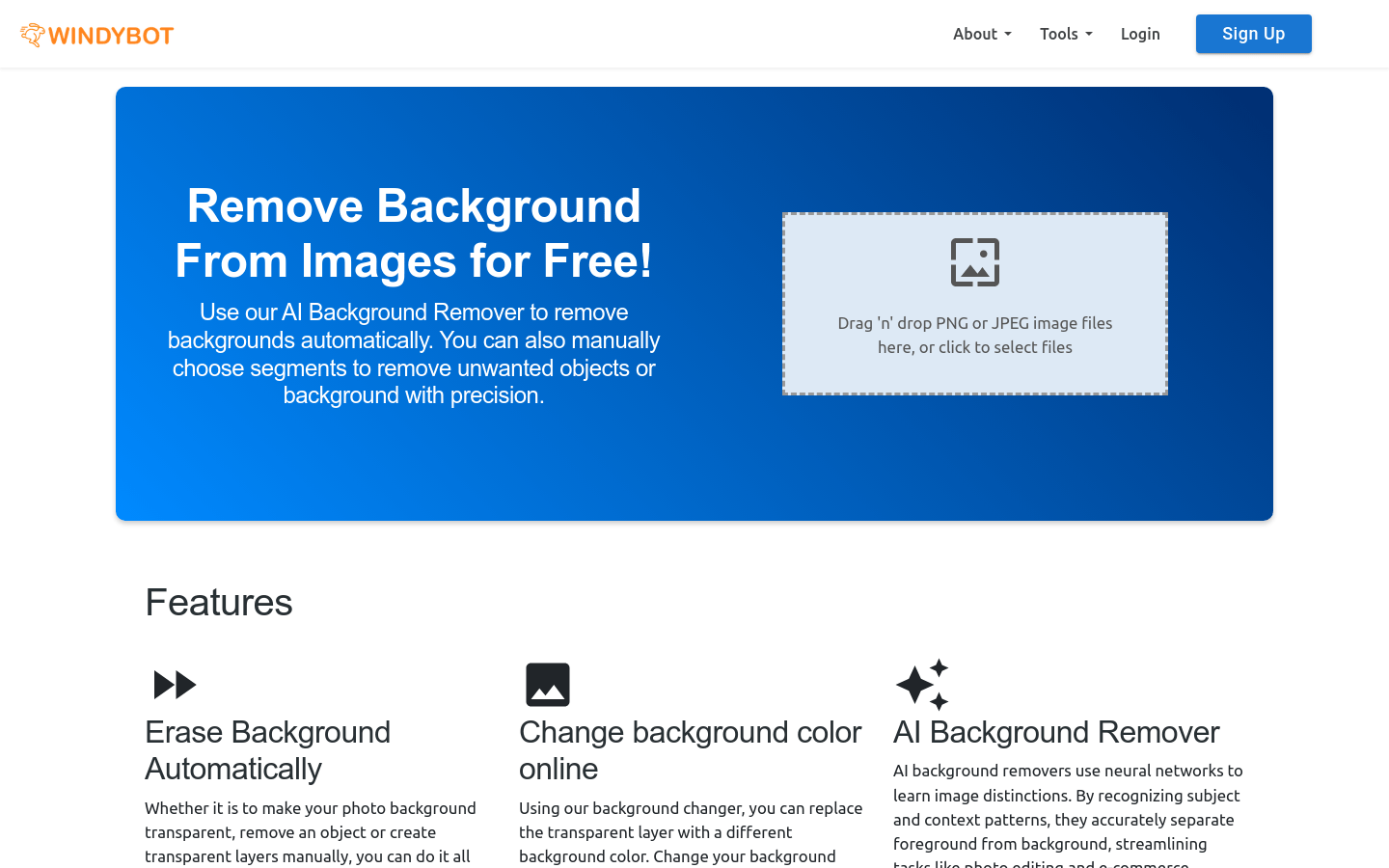
Screenshot archived from the listing page, for preview only.











