Windsurf
An AI coding assistant with an AI native IDECascade reads your codebase and codes alongside you
Highlights
What you can do with it
- Build an application from a single prompt with Cascade handling edits
- Use one click preview to set up and check a running project
- Connect custom tools such as GitHub, PostgreSQL, Playwright, Neon, Figma, or Slack
- Standardize a team on one AI assisted development environment
How to use it
- 1 Visit windsurf.com and download the Windows desktop client
- 2 Install and open the client, then complete the initial settings
- 3 Learn the interface and core features such as Cascade and Windsurf Tab
- 4 Add plugins and servers from the plugin store as needed
- 5 Write code and use smart completion and automatic lint fixing
- 6 Use memory and sequential thinking to manage the codebase and plan work
- 7 Configure custom tools through MCP support in settings
- 8 Preview and debug the finished application before shipping
Who it is for
Pros
- Cascade works across the codebase instead of a single file
- Automatic lint fixing reduces manual cleanup after generation
- MCP support and a plugin store connect external tools and services
Limitations
- Some features, such as Windsurf Tab, work only inside Windsurf Editor, so adoption means changing editors
- The free tier is limited and continued use follows a token based paid plan set by the official site
- Connecting MCP servers and plugins grants the assistant access to external services, so configure permissions carefully
What Windsurf is
Windsurf is an AI coding assistant for developers and enterprises, paired with Windsurf Editor, which the company describes as the first AI native IDE. Its core technology is the ability to deeply understand codebases, combine a range of advanced tools, and sense user actions in real time, producing a collaborative coding workflow rather than isolated suggestions. The Cascade feature carries most of that work, supported by a memory function that keeps track of codebase patterns, automatic fixing of lint errors in generated code, MCP support for connecting custom tools, sequential thinking for planning, a plugin store, and quick resume of previous sessions. A free tier exists, and its limits are set by the official site, while continued use follows a token based paid plan. The company states that over a million users worldwide and 4,000 enterprise customers use the product.
What you can do with it
- Describe a task and let Cascade write or edit code across the codebase.
- Get completions and automatic lint fixes as you work in the editor.
- Connect custom tools and services through MCP support with one click setup.
- Install plugins such as GitHub, PostgreSQL, Playwright, Neon, Figma, and Slack from the plugin store.
Who it is for
- Developers who want an AI native editor instead of a plugin bolted onto another IDE.
- New developers who benefit from one click preview, guided workflows, and automatic fixes.
- Enterprise teams that want to standardize on a single AI assisted development environment.
What to watch out for
Some features, such as Windsurf Tab, are available only inside Windsurf Editor, so adopting the product means changing editors and relearning shortcuts, which is a real switching cost. The free tier is limited and continued use follows a token based paid plan, with amounts and rules set by the official site and subject to change. Generated code still needs review, and because MCP servers and plugins grant the assistant access to external services and data, configure those permissions carefully and only connect tools you trust.
FAQ
What is Windsurf?
Windsurf is an AI coding assistant for developers and enterprises, paired with Windsurf Editor, described as the first AI native IDE.
What is Cascade?
Cascade is the core feature that deeply understands codebases, combines advanced tools, and senses user actions in real time for collaborative coding workflows.
Is there a free tier?
A free tier exists, and its limits are set by the official site, with continued use following a token based paid plan.
Can it connect to other tools?
Yes. MCP support and the plugin store let you connect services such as GitHub, PostgreSQL, Playwright, Neon, Figma, and Slack.
Why it is free
What the official page says: free tier
Free limits, trial length and features are decided by the official site and can change at any time.
Product preview
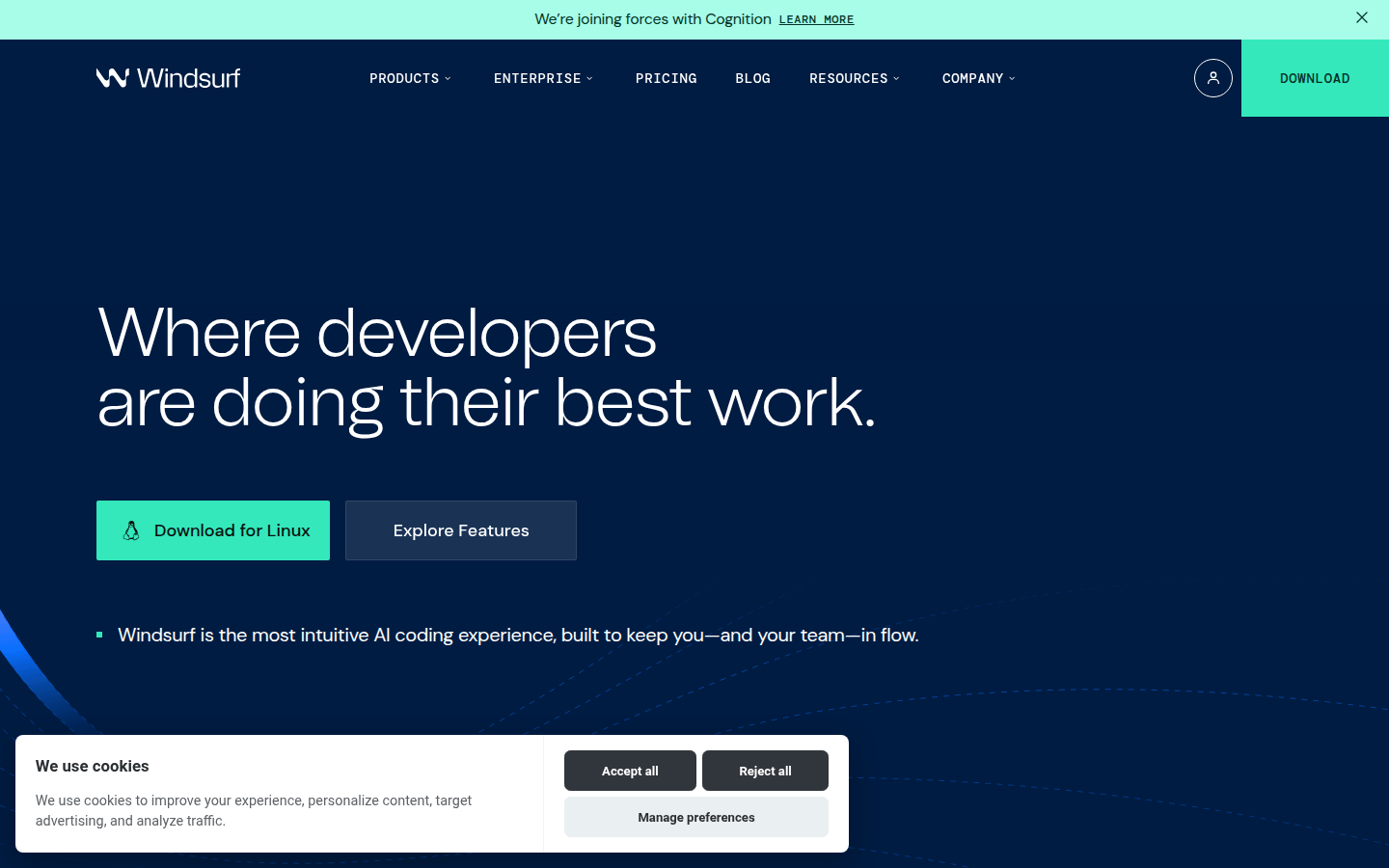
Screenshot archived from the listing page, for preview only.