
Whisper Thunder
Free AI video generator for 10-second clipsImage or text in, HD clip out, no editing
Highlights
What you can do with it
- Produce quick 10-second clips for social media
- Turn homework content into a short video
- Create a simple promotional video for a product
How to use it
- 1 Open whisper-thunder.ai
- 2 Choose to upload an image or enter text
- 3 Click generate and wait for the result
- 4 Preview the video and download it
Who it is for
Pros
- Free of charge
- No editing skills required
- Both image and text inputs are supported
- Fast turnaround on short clips
Limitations
- Clips are capped at 10 seconds
- Free access can change without notice
- There is no timeline editor, so fine control is limited
- Audio synchronisation quality should be checked before publishing
What Whisper Thunder is
Whisper Thunder is a free and fast AI video generator. You hand it an image or a text description, and it produces a short high-definition video with synchronised audio, usually in a short wait. The design assumption is that you have no editing background, so there is no timeline, no keyframes and no rendering queue to manage: you choose material, click generate, and download the result. The service is free of charge. Clips are fixed at 10 seconds, which the tool frames as a feature that forces you to focus on one core idea rather than padding a longer video.
What you can do with it
- Turn a still image into a short moving clip
- Turn a written description into a video
- Get audio synchronised with the picture automatically
- Download an HD clip for social posting
- Make quick assignment or promo videos without editing
Who it is for
- Social media creators who publish short-form content
- Students who need a simple video for coursework
- Small business owners making a basic promotional clip
- Content marketers who need a fast visual
What to watch out for
Clips stop at 10 seconds, so anything longer needs a different tool or several clips stitched together elsewhere. There is no editing layer, which means you cannot fine-tune timing, crops or audio after generation, so the prompt or image has to be right. Check the synchronised audio before you publish, since mismatched sound is obvious to viewers. Because the tool is free, access and limits can change, so keep local copies of anything you rely on. Generated suggestions are for reference only, so verify anything that affects professional judgment or important data.
FAQ
Is Whisper Thunder free?
Yes, it is described as free of charge.
How long are the videos?
Videos are limited to 10 seconds.
What can I start from?
You can upload an image or type a text description.
Do I need editing skills?
No. The tool is designed for users without professional video editing knowledge.
Why it is free
What the official page says: free of charge
Free limits, trial length and features are decided by the official site and can change at any time.
Product preview
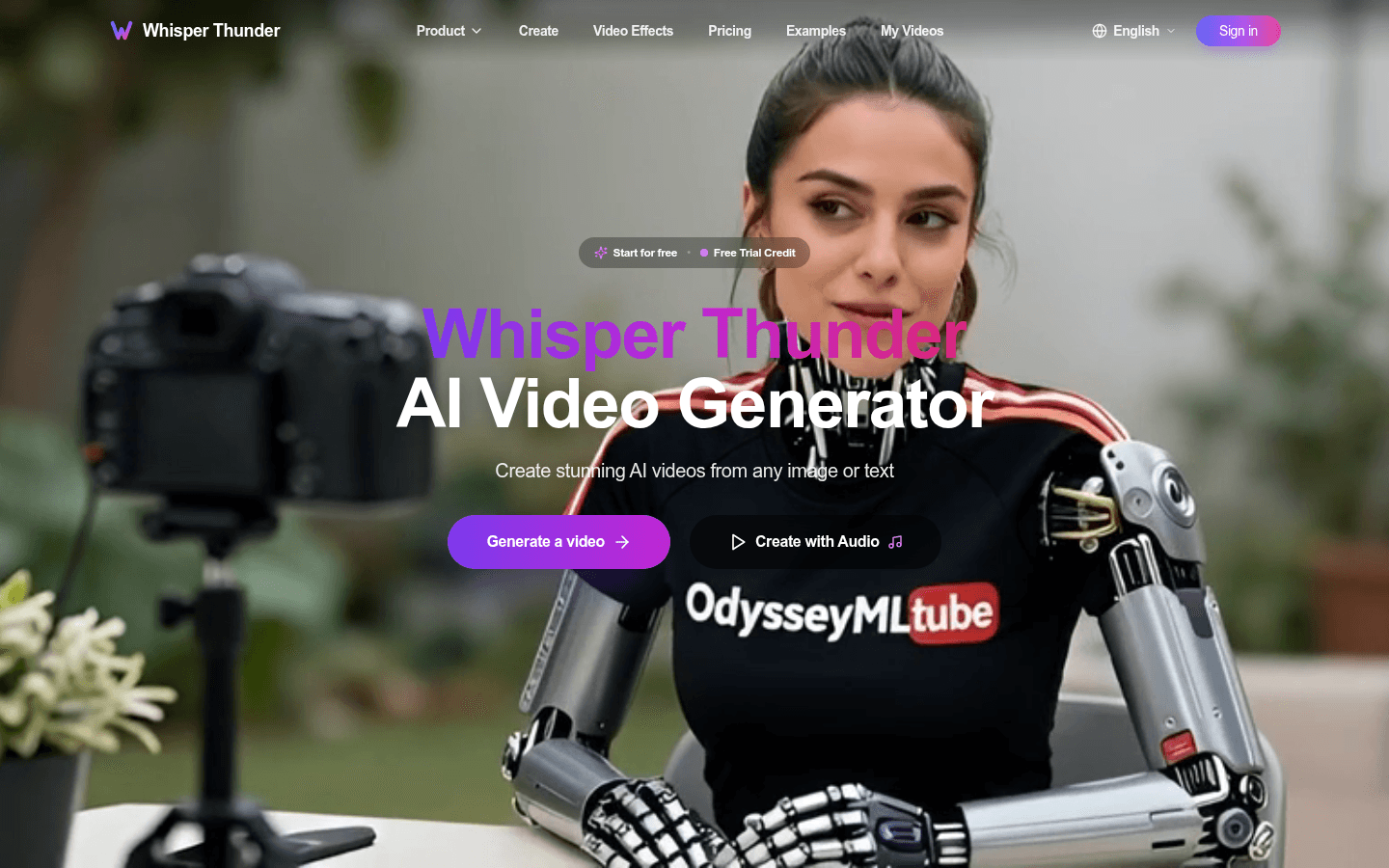
Screenshot archived from the listing page, for preview only.











