
Highlights
What you can do with it
- Generating images from a simple sentence with no prompt craft
- Learning what a stronger prompt looks like by comparing inputs
- Quick visual ideas for slides, posts, or mockups
How to use it
- 1 Open the Whisk Ai site
- 2 Type a plain description of the image you want
- 3 Let the system expand it into a fuller prompt
- 4 Review the generated image and rephrase if needed
- 5 Save the result you like
Who it is for
Pros
- No prompt engineering knowledge required
- Backed by Google's Gemini model and Labs experimentation
- Free to use while the experiment runs
Limitations
- It is an experiment, so features and access can change or end
- Less direct control over prompt wording than raw prompt tools
- Results still vary, and rephrasing is often needed
What Whisk Ai is
Whisk Ai is an experimental image generation tool from Google Labs. It is built on Google's Gemini model and trained on thousands of successful prompts, and its main job is to expand a plain natural language description into a richer, more effective prompt. That means you do not need to learn prompt engineering to get a usable image: you describe what you want in ordinary words and the system handles the structure behind the scenes. The product was created to close the gap between casual users and advanced users of AI image tools. As a Google Labs experiment it is free to use, though experimental projects can change shape, gain limits, or be retired without much notice.
What you can do with it
- Generate images from a simple sentence with no prompt craft
- See how a plain description becomes a detailed prompt
- Produce quick visuals for slides, posts, and mockups
- Iterate by rephrasing your description in your own words
Who it is for
- Casual users who have never written an image prompt
- People who want quick visuals without learning prompt structure
- Anyone curious how prompt wording affects the final image
What to watch out for
It is an experiment, so availability and features can change or end without a long notice period, and you should not build a critical workflow on it. You also get less direct control over prompt wording than you would in a tool that exposes the raw prompt box, which limits fine tuning of style and composition. Results still vary, and rephrasing is often needed to get closer to what you pictured. If you need predictable, production ready output with exact prompt control, a tool with manual prompt editing will serve you better.
FAQ
Who makes Whisk Ai?
It is an experimental tool from Google Labs, built on Google's Gemini model.
Do I need to know prompt engineering?
No. You write a plain description and the system converts it into a more complex prompt.
Is it free?
Yes, as a Google Labs experiment it is currently free to use, though experimental access can change.
Why it is free
What the official page says: 免费使用免费
Free limits, trial length and features are decided by the official site and can change at any time.
Product preview
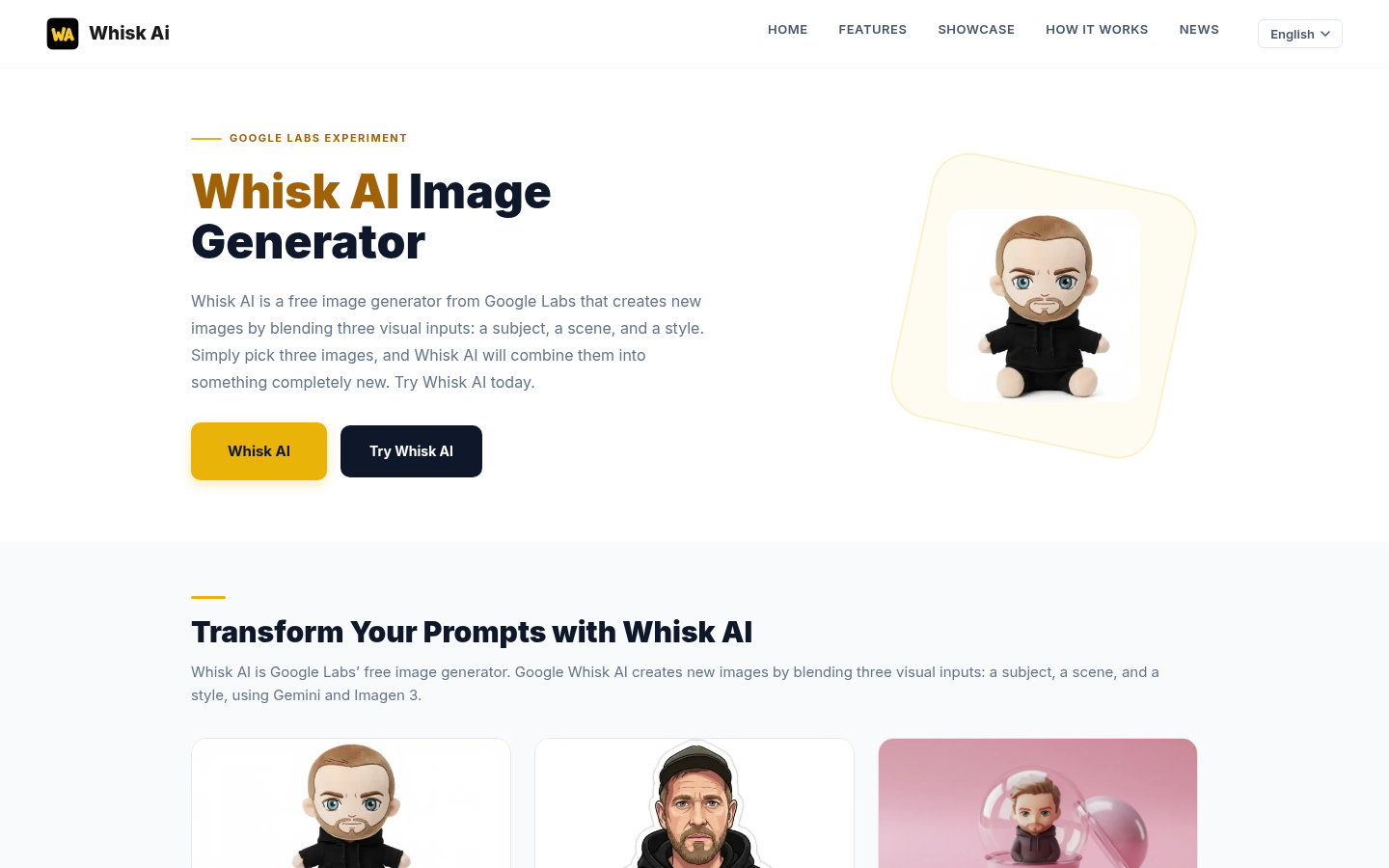
Screenshot archived from the listing page, for preview only.