
WeryAI
All-in-one AI creation platformImages, video, and music in one place
Highlights
What you can do with it
- Designers generating image material for advertising or packaging work
- Video bloggers producing clips from text descriptions
- Music lovers creating tracks and sharing them
How to use it
- 1 Visit the WeryAI website
- 2 Log in if a function requires it, or use the tool directly for a quick try
- 3 Select the module you need, such as image, video, music, or character chat
- 4 Enter the description or parameters as prompted
- 5 Generate, review, edit, then save or share the result
Who it is for
Pros
- Several models accessible without switching sites
- Described as free to use
- Covers image, video, music, and chat in one place
- Editing toolkits are included for post processing
Limitations
- Free access and model availability can change
- Model names and features may shift as the platform updates
- Generated media still needs editing before professional use
- A login is required for some functions
What WeryAI is
WeryAI is an integrated AI creative platform that gathers several strong models behind a single interface. The listing names Kling, Google Veo, Sora, and Flux as examples of what is available, and the stated purpose is convenience: instead of maintaining accounts and credits across several services, you work in one place and switch between models as the job requires.
The platform covers the main creative outputs. Image generation turns a text description into a picture using several advanced models. Video generation aims for cinematic results, with the listing referencing Kling 2.6 Pro for audio and video synchronization and advanced physical simulation. Music generation is a one click action for people who want a track without production knowledge. Character chat lets you converse with virtual characters that have their own settings and backstories. Editing toolkits then let you post process the images and video you generated. Some functions require a login while others can be tried directly, and the platform is described as free to use.
What you can do with it
- Generate images from text descriptions
- Create video with synchronized audio
- Make music in one click
- Chat with AI characters that have defined settings
- Post process generated images and video with built in toolkits
- Try several models without leaving the platform
Who it is for
- Designers generating image material for projects
- Video bloggers producing content from text
- Students making report videos and visual work
- Music hobbyists creating and sharing tracks
- Anyone who wants several models behind one interface
What to watch out for
Free access is a current description rather than a permanent guarantee, and model availability on an aggregator can change quickly when an upstream provider changes its terms. The listing references specific model names and versions, which will drift as the platform updates, so check what is actually offered today rather than assuming a named model is present. Some functions require a login, which means an account is needed for part of the workflow. Finally, generated media usually needs editing, cleanup, and a human eye before it is fit for professional use, and a one click result is a starting point rather than a finished asset.
FAQ
Which models does WeryAI include?
The listing names Kling, Google Veo, Sora, and Flux, among others.
Is it free?
The listing describes the platform as priced for free use. Some functions may still require a login.
What can I create?
Images, video with synchronized audio, music, character conversations, and edited versions of generated media.
Do I need an account?
Some functions need a login, while others can be tried directly, according to the listing.
Why it is free
What the official page says: for free
Free limits, trial length and features are decided by the official site and can change at any time.
Product preview
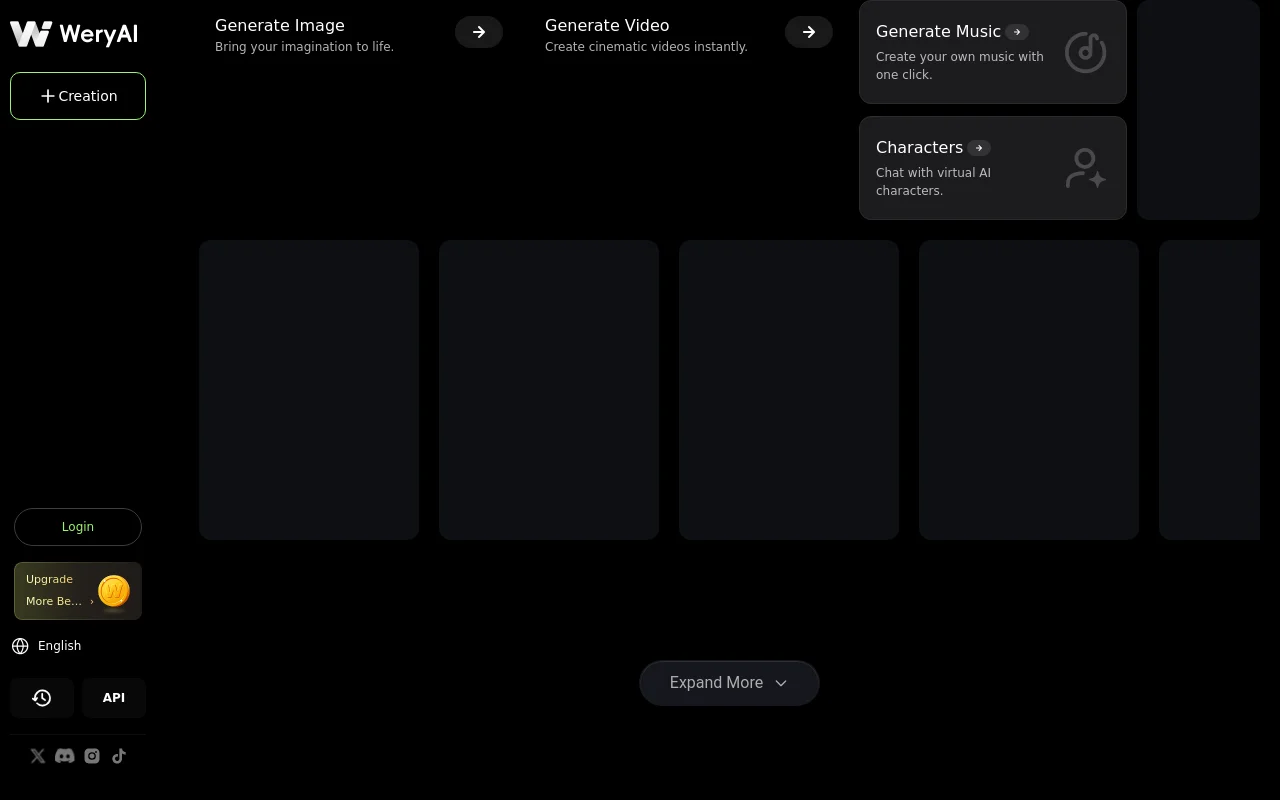
Screenshot archived from the listing page, for preview only.











