
WeInstaReply
AI auto reply platform for Microsoft TeamsLet AI answer Teams messages using your own knowledge
Highlights
What you can do with it
- A support team keeps answering questions outside office hours
- A manager stops losing time to routine internal replies
- A team routes answers through a knowledge centre it maintains
How to use it
- 1 Register an account on the WeInstaReply site
- 2 Log in with your Microsoft work or school account
- 3 Upload the information the AI should use into the knowledge centre
- 4 Choose which team members should receive AI replies
- 5 Start receiving automatic replies and review them in the chat log
Who it is for
Pros
- 7 day free trial before paying
- 200 AI auto replies a month at 3.99 pounds
- Unlimited users and upload storage on the paid plan
Limitations
- Reply quality depends entirely on what you upload
- The 200 reply allowance may run out on busy teams
- Automated answers should be reviewed before they reach customers
What WeInstaReply is
WeInstaReply is an AI driven platform integrated with Microsoft Teams. Its purpose is to answer incoming messages automatically so people are not typing the same reply over and over. You upload your own knowledge and business processes, and the AI uses that material to generate answers that are accurate and relevant to your organisation rather than generic. It supports 57 languages, and setup is described as taking about five minutes by connecting a Microsoft account. You choose which team members receive AI replies, and a chat log records every message received along with the reply that was sent.
What you can do with it
- Auto reply to incoming Teams messages
- Feed the AI your own knowledge and business processes
- Cover out of office periods without a backlog
- Pick which team members receive AI replies
- Review every message and reply in the chat log
Who it is for
- Teams running on Microsoft Teams for internal and external traffic
- Support functions that need coverage outside working hours
- Managers and staff losing time to routine replies
- Organisations that already maintain a knowledge base
What to watch out for
Answer quality tracks the material you upload, so a thin knowledge centre produces thin replies. The paid plan includes 200 AI auto replies a month at 3.99 pounds, and a busy team can exhaust that allowance before the month ends. Automated replies still need human review before they reach customers, because a confident wrong answer does more damage than no answer. The trial is 7 days, which is short, so give it a real test during a normal working week rather than a quiet one.
FAQ
How much does it cost?
There is a 7 day free trial, then 3.99 pounds a month including 200 AI auto replies, unlimited users and upload storage, plus customer support.
How many languages does it support?
The platform supports 57 languages.
Can I control who gets AI replies?
Yes. You choose which team members should receive AI generated replies.
Why it is free
What the official page says: free trial
Free limits, trial length and features are decided by the official site and can change at any time.
Product preview
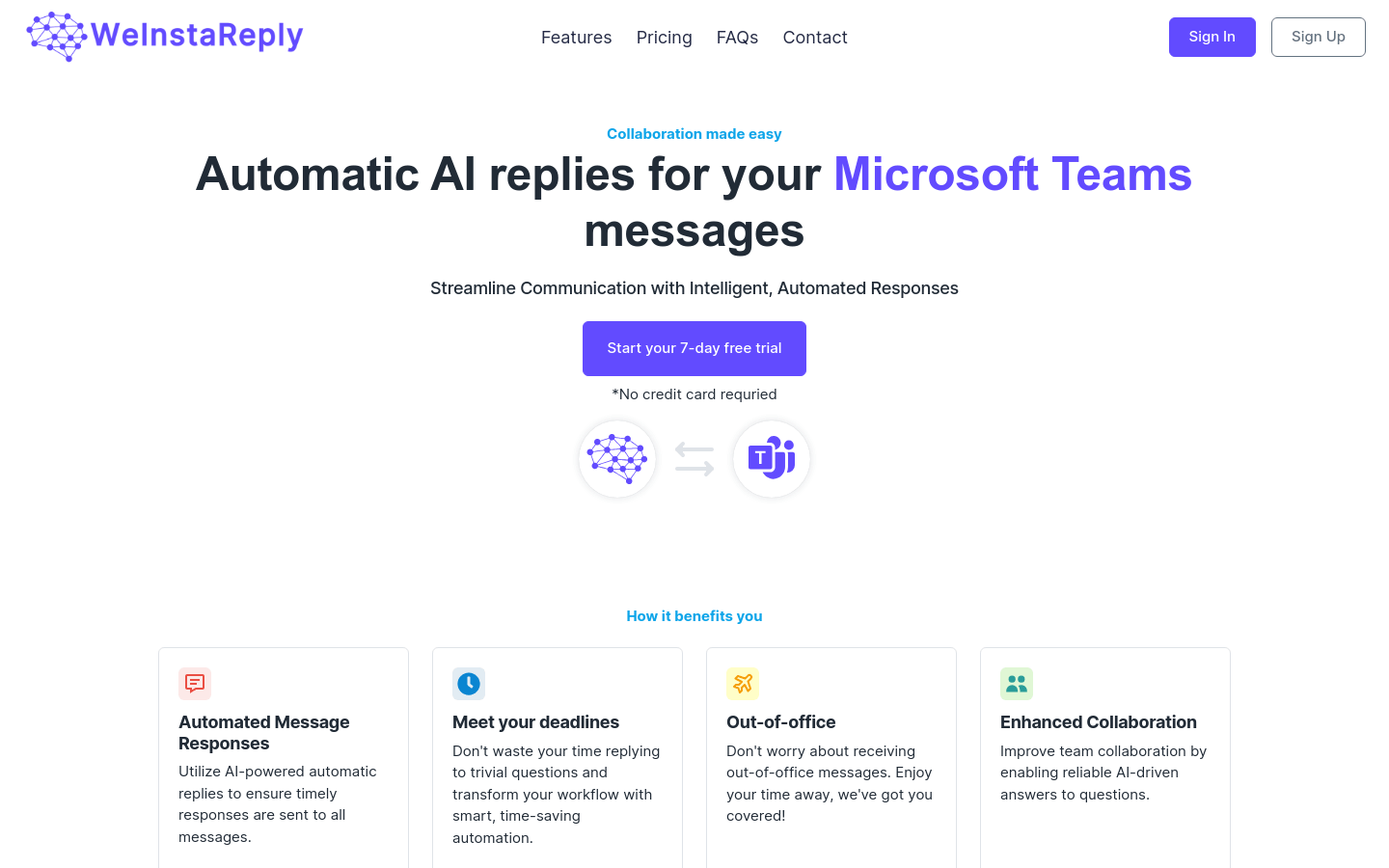
Screenshot archived from the listing page, for preview only.











