
Weesify
All-in-one links, bio pages, and AI contentShorten links, build bio pages, create content
Highlights
What you can do with it
- Shortening campaign and tracking links
- Building a bio link page for social profiles
- Generating QR codes for print and packaging
- Creating quick text and images for posts
How to use it
- 1 Create a Weesify account
- 2 Paste a long link to shorten it, or start a bio link page
- 3 Customize the bio page with your own blocks and links
- 4 Use the AI writing or image tools to create content
- 5 Generate a QR code that points to your link or page
- 6 Share the link, page, or code wherever you publish
Who it is for
Pros
- Several separate tools bundled into one account
- A free plan is available for individual users
- Bio link pages are customizable
Limitations
- Free plan limits are not spelled out and can change
- A broad toolset means you may pay for parts you never use
- AI written and generated content still needs editing
- Short links and bio pages depend on the service staying online
What Weesify is
Weesify is a combined toolbox for people who publish online. It brings link shortening, bio link pages, AI writing, AI image generation, and QR code generation together in a single account, so you are not jumping between five services to run one profile. The link tools are the core: you shorten long addresses into something tidy and you build a customizable bio link page that points to everything you care about. The AI tools cover the content side, generating text and images you can drop straight into a post. QR codes handle the offline side, so a printed card, poster, or package can point at the same destinations. Both free and paid plans are offered, aimed at individual users as well as businesses.
What you can do with it
- Shorten long links into clean, shareable addresses
- Build and customize a bio link page for your profiles
- Generate QR codes that point to your links or page
- Create supporting text and images with the AI tools
- Keep links, pages, and codes in one account
Who it is for
- Creators who manage many links across social profiles
- Small businesses that need short links and QR codes
- Marketers running campaigns with trackable links
- Anyone who wants one page that collects all their links
- Individuals who post regularly and need quick visuals
What to watch out for
Free plan limits are not spelled out clearly and can change, so confirm what the free level actually includes before you move real traffic onto it. Because the product spans five different jobs, there is a good chance you will use two or three of them and pay for the rest, which is worth checking against single-purpose tools that may do one job better. AI generated text and images are a starting point and still need editing before they go out. Finally, short links, bio pages, and QR codes all depend on the service staying online, so keep a copy of your important destinations somewhere else in case a link rots.
FAQ
Is Weesify free?
It offers both free and paid plans for individual users and businesses. Check the site for what the free level includes.
What can I do besides shortening links?
You can build bio link pages, generate QR codes, and use AI writing and AI image generation tools.
Can I use it for a business?
Yes, the site describes plans for individual users and businesses. Compare the paid tiers if you need custom domains or higher limits.
Do I need design skills for a bio page?
No. Bio link pages are described as customizable, so you can arrange your own links and blocks without building a site.
Why it is free
What the official page says: 免费
Free limits, trial length and features are decided by the official site and can change at any time.
Product preview
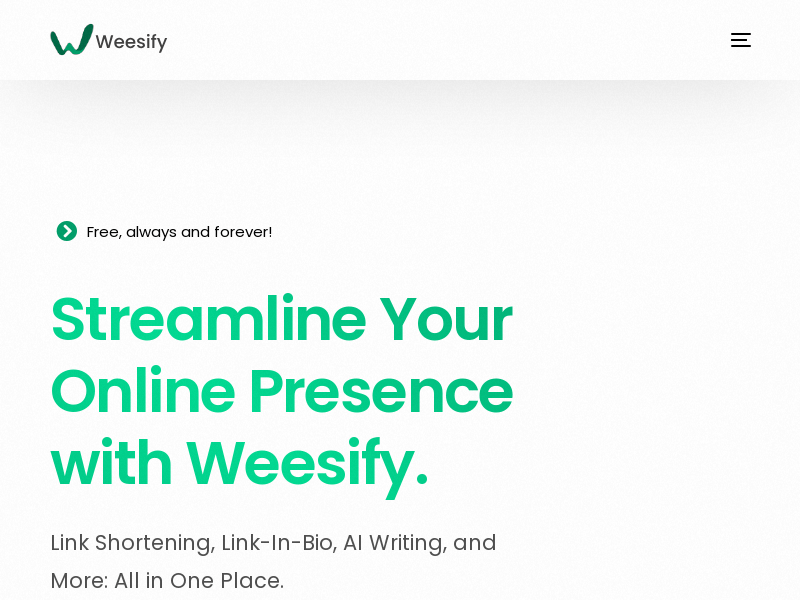
Screenshot archived from the listing page, for preview only.











