
WedGenie
AI wedding planning chatVendors, vows, and invites in one chat
Highlights
What you can do with it
- Finding a wedding venue shortly after getting engaged
- Writing a bridesmaid or best man speech under time pressure
- Creating AI engagement photos for a wedding album
How to use it
- 1 Go to wedgenie.ai and start talking to Genie with 10 free messages
- 2 Say what you need, such as a venue, a speech, or an invitation
- 3 Check the vendor results and follow the source links to confirm details
- 4 Create a free account for a persistent wedding board and daily speech drafts
- 5 Keep the conversation going, or move to Pro for unlimited chat
Who it is for
Pros
- Vendor answers come with citations rather than invented listings
- Memory across the conversation avoids repeating context
- Several tools work without an account at all
Limitations
- Free usage is capped at 10 messages, and account limits may change
- Vendor details still need to be confirmed with the business itself
- AI-generated photos and speeches are a starting point, not a finished product
What WedGenie is
WedGenie is an AI wedding planner made by a small independent team. Everything runs through one conversation: you describe what you need and the planner searches for real vendors, builds checklists and budgets, drafts speeches and vows, designs printable invitations, and generates AI engagement photos and save-the-date videos. Vendor results are pulled from real-time Google Places and web searches and come with source links, so you can confirm the details rather than trusting a made-up listing. It also remembers what you have already said, which matters when a wedding plan stretches over months. You can start with 10 free messages without creating an account, and the standalone tools work with no sign-up at all. Pro adds unlimited chat, 20 studio credits a month, and 15 in-depth vendor research reports.
What you can do with it
- Search for real local vendors with source links attached
- Keep a checklist and budget updated inside the conversation
- Draft speeches and vows, and design printable invitations
- Generate engagement photos, save-the-date videos, and hashtags
Who it is for
- Newly engaged couples who need a structure to plan against
- Best men and bridesmaids facing a speech deadline
- Professional planners who want a second set of vendor options
What to watch out for
Free access is capped: 10 messages before you register, then a free account with a wedding board, two speech drafts a day, and two photo generations. Those limits can change, and the paid tier is $14.99 a month or $99 a year. AI-generated photos are not the same as a real shoot, so read the terms on how you may use them, and do not hand them to a printer expecting studio quality. Speeches and invitations should be read and edited before they are used, and any vendor found through search still needs to be contacted directly to confirm availability and price.
FAQ
Can I try WedGenie without an account?
Yes. You can start a conversation with 10 free messages, and the speech generator, budget calculator, checklist, and hashtag generator work without signing up.
Are the vendors real?
WedGenie uses real-time Google Places and web searches and provides source links, so you can confirm the details with the vendor.
What does Pro cost?
Pro is $14.99 per month or $99 per year, and includes unlimited chat, 20 studio credits per month, and 15 in-depth vendor research reports.
Will it remember my details?
Yes. It keeps the information from your conversation so you do not have to explain it again.
What can it create besides plans?
Speeches, vows, printable invitations, AI engagement photos, save-the-date videos, and wedding hashtags.
Why it is free
What the official page says: free account
Free limits, trial length and features are decided by the official site and can change at any time.
Product preview
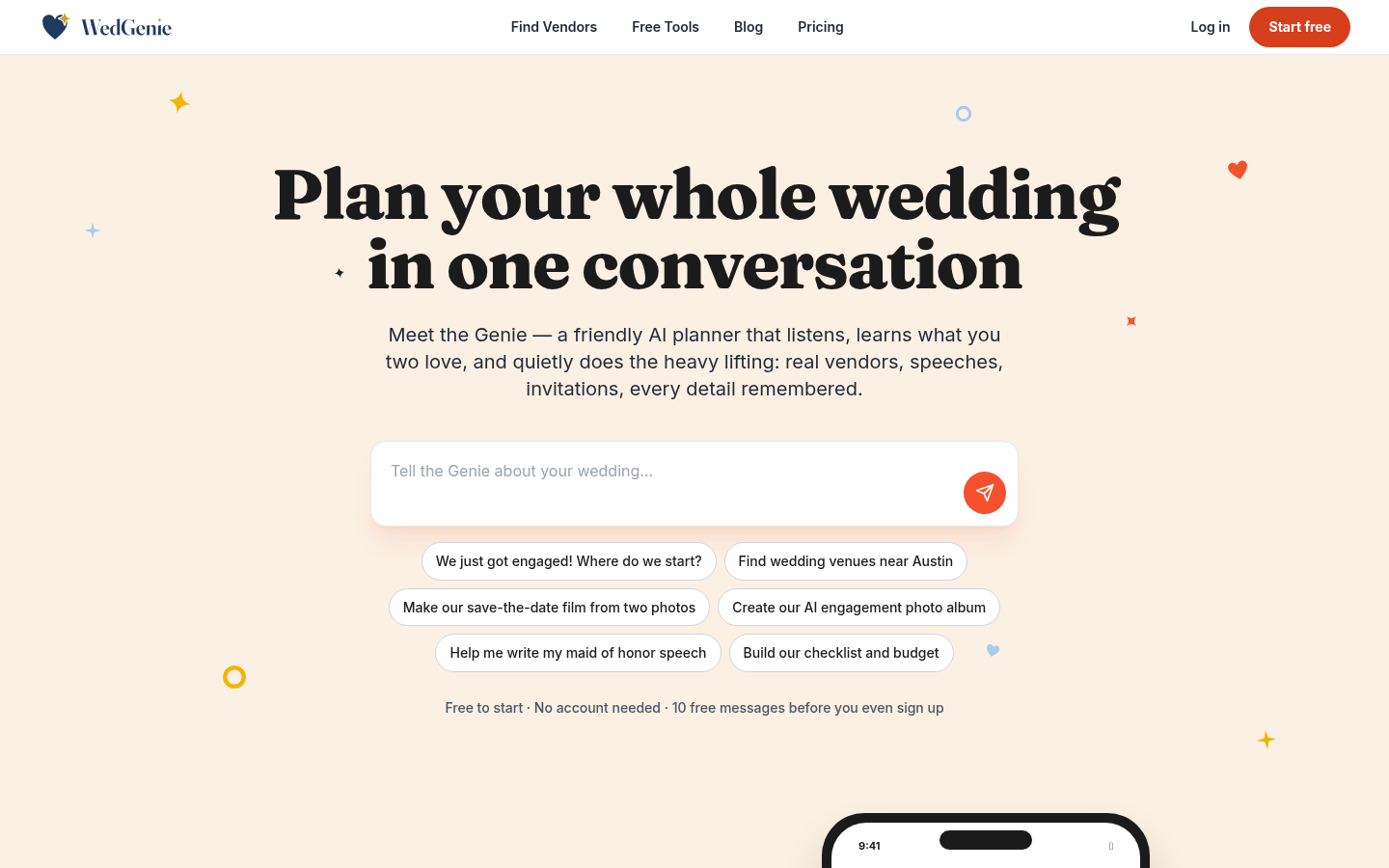
Screenshot archived from the listing page, for preview only.











