
WearView
AI fashion models and virtual try-on imagesTurn flat product photos into model shots
Highlights
What you can do with it
- Create model photos for a new product line
- Turn flat-lay product images into lifestyle shots
- Keep one model look consistent across campaigns
How to use it
- 1 Upload a clothing photo
- 2 Pick a model, pose, and background
- 3 Generate the photo in about 15 seconds
- 4 Download it for your site or social media
Who it is for
Pros
- Fast image generation without a photo shoot
- Virtual try-on and pose control included
- Free trial with a commercial use license noted
Limitations
- Free trial limits how many images you can make
- Results depend on the quality of your clothing photo
- Best fit is fashion, not all product types
What WearView is
WearView is an AI platform for the fashion field. It generates fashion models and professional fashion photos, and you upload a clothing photo, choose a model, and get a finished image in about 15 seconds. It includes a virtual try-on studio, an AI model generator you control with text, a tool that turns flat product photos into model shots, pose control, and features that keep a model's look consistent across campaigns. The pitch is lower cost and faster output than a photo shoot. It offers a free trial, and the listing notes a commercial use license.
What you can do with it
- Generate AI fashion models from text descriptions.
- Preview outfits in a virtual try-on studio.
- Turn flat product photos into model shots.
- Control pose and keep one look consistent across campaigns.
Who it is for
- Fashion brands that need regular model imagery.
- E-commerce sellers improving product photos.
- Content creators making fashion visuals.
What to watch out for
The free trial limits how many images you can make, so ongoing use needs a paid plan. Results depend on the quality of your clothing photo, so a clean, well-lit upload gives a better shot. The platform is aimed at fashion, so other product types may not come out as well. Since it is a trial-first tool, the free terms and pricing can change over time, and it is worth testing on your own products first. Start with a small sample to confirm the output meets your expectations before processing the full batch. Free tiers and usage limits can change, so check the current rules on the official page before relying on it long term.
FAQ
What does WearView do?
It generates AI fashion models and turns clothing photos into professional shots.
How fast is it?
The listing says a photo can be generated in about 15 seconds.
Is there a free trial?
Yes, it offers a free trial and mentions a commercial use license.
Why it is free
What the official page says: free trial
Free limits, trial length and features are decided by the official site and can change at any time.
Product preview
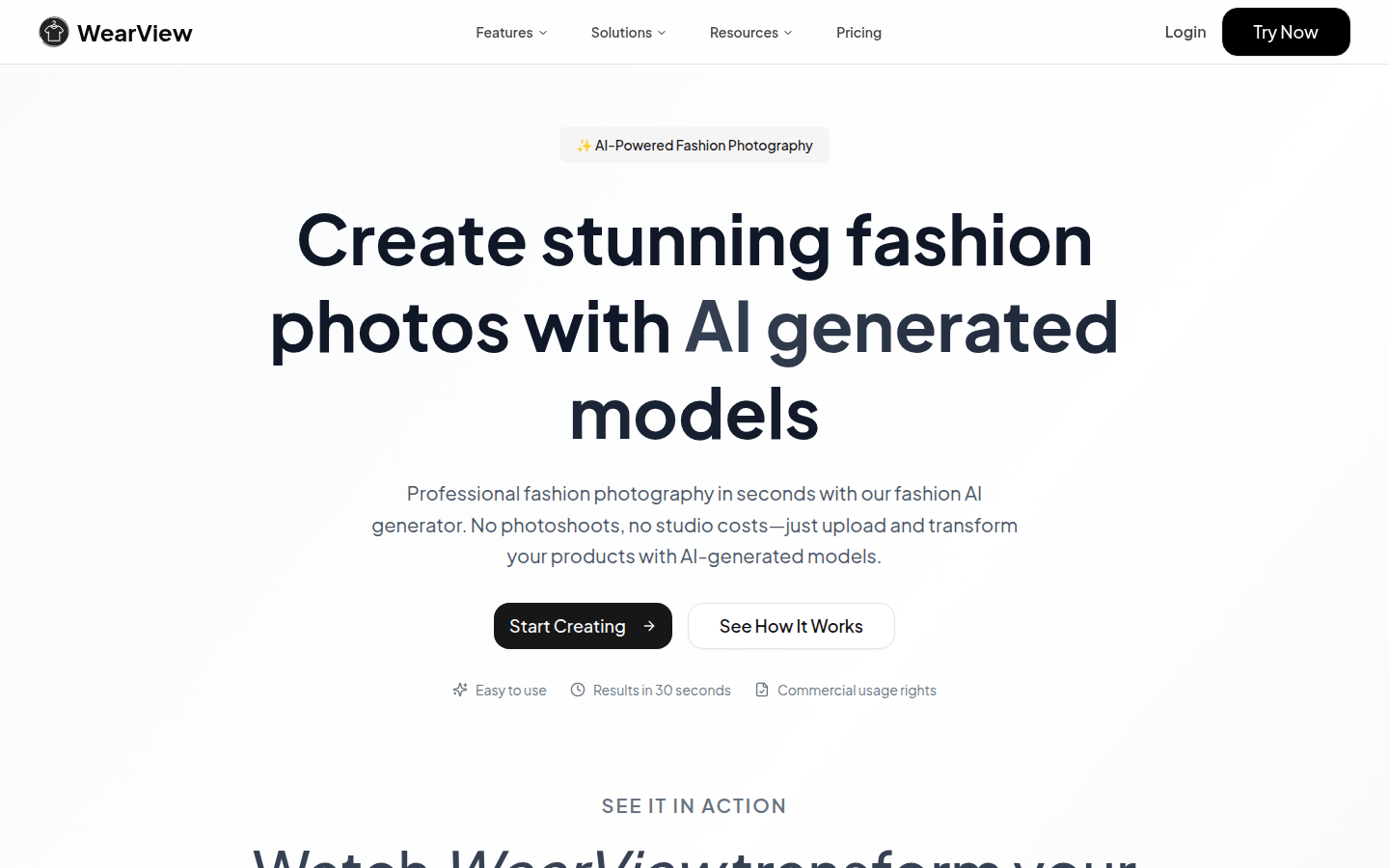
Screenshot archived from the listing page, for preview only.











