
Wav2Lip
Free online AI lip sync tool for audio and facial movement.Precise AI lip sync from a photo or video, right in your browser.
Highlights
What you can do with it
- Sync a dubbed voice track to an existing talking head video
- Animate a still portrait so it appears to speak an audio clip
- Prepare localized educational videos where the instructor's mouth matches the new language track
How to use it
- 1 Open the Wav2Lip website in your browser
- 2 Upload the video or static image containing the face you want to animate
- 3 Provide the audio track you want synchronized with the lips
- 4 Run the model and wait for the synchronized video to be generated
- 5 Preview and download the result
Who it is for
Pros
- Research backed model with a focus on sync accuracy
- Works with both images and videos
- Free and browser based, with no installation
Limitations
- Lip sync of real people's faces can be misused for deepfakes, which may violate laws, school rules, or platform policies, and consequences fall on the user
- Output quality depends heavily on input face angle, lighting, and audio clarity
- Free rules and availability may change over time, so verify current terms on the official site
What Wav2Lip is
Wav2Lip is a free online tool that achieves precise synchronization between audio and facial lip movements, producing realistic video output. The underlying model was developed by researchers at the Indian Institute of Technology Hyderabad, and it builds on an enhanced version of SyncNet combined with a custom lip sync discriminator, with a deliberate focus on visual fidelity as well as timing accuracy. In practical terms, you supply a face, either in a static image or in a video, plus an audio track, and the model makes the mouth move in believable alignment with the sound. The tool generates high quality results in real time and is easy to use without installing anything, which makes it accessible to people who would never run a research codebase locally. It is positioned as a free online lip sync solution for creators, educators, and developers.
What you can do with it
- Re-sync a video so a new voice track, such as a dubbing in another language, matches the speaker's lips.
- Bring a still portrait to life by pairing it with an audio clip.
- Produce talking avatar style content for lessons, presentations, or explainers.
- Test audio visual synchronization quality as a developer exploring this class of models.
Who it is for
- Content creators who dub their videos or produce multilingual versions of talking head footage.
- Educators building lecture or explainer videos where the presenter's mouth should match the narration.
- Developers and researchers who want to see lip sync models applied through a simple web interface.
What to watch out for
Lip synchronization of real people's faces is exactly the technology behind certain deepfake abuses. Using it to make a real person appear to say things they never said, without their consent, may violate laws, school rules, or platform policies, and any consequences are entirely the user's responsibility. Use it only on your own face, on footage you own, or with clear permission from the person involved. On the technical side, results depend on input quality: poor lighting, profile angles, or noisy audio reduce accuracy. Finally, free rules and availability may change over time, so confirm current terms on the official site.
FAQ
What model is Wav2Lip based on?
It is based on the Wav2Lip AI model developed by researchers at IIIT Hyderabad, using an enhanced SyncNet architecture and a custom lip sync discriminator.
Can I use a still photo instead of a video?
Yes. The tool supports both static images and videos as the visual input.
Do I need to install anything?
No. It runs as a free online solution in the browser.
Why it is free
What the official page says: 免费
Free limits, trial length and features are decided by the official site and can change at any time.
Product preview
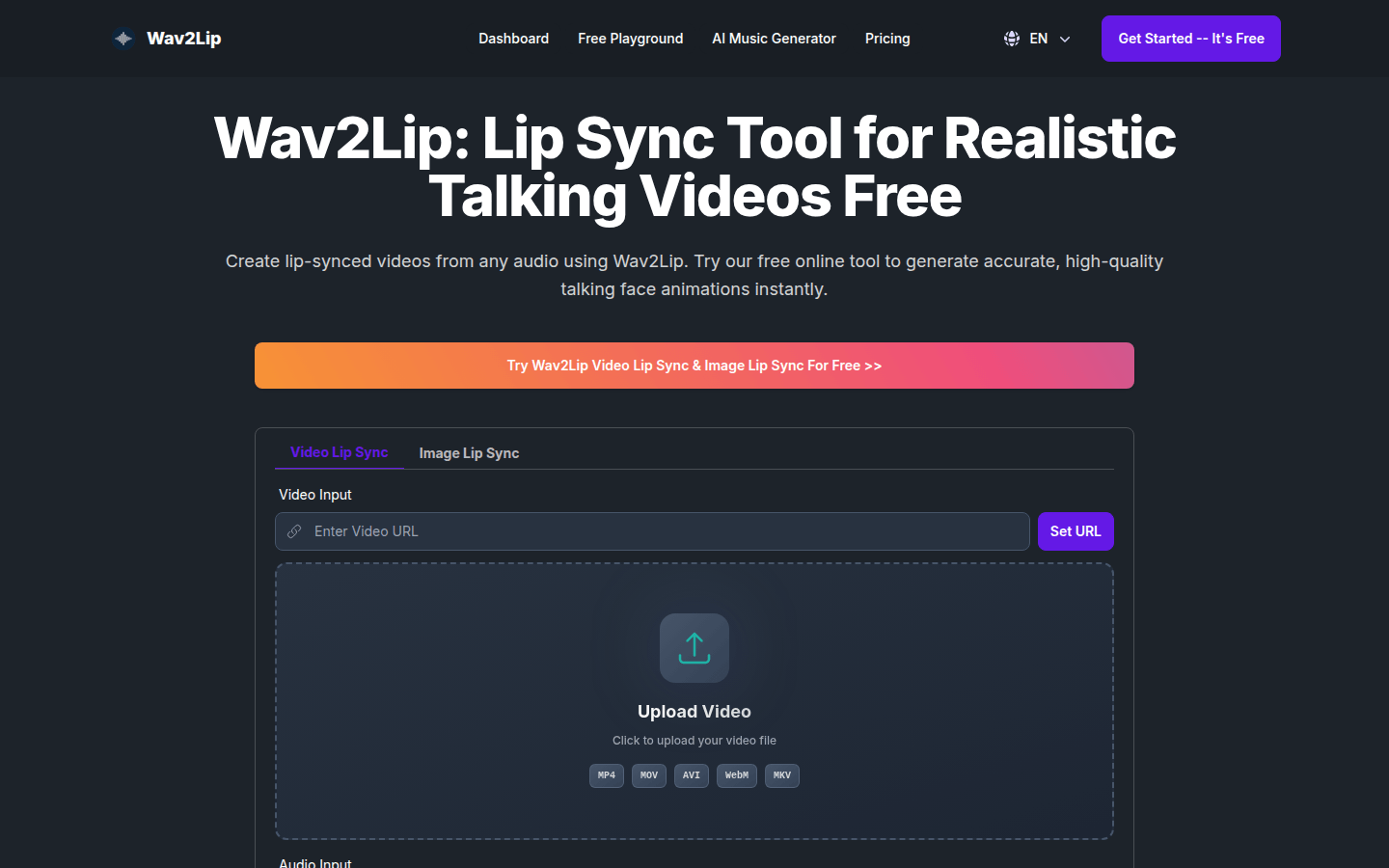
Screenshot archived from the listing page, for preview only.