
warmwind
Cloud AI workers that automate computer workflowsAutonomous AI workers that run your workflows in the cloud
Highlights
What you can do with it
- An e-commerce team automates product uploads and information updates
- A design company uses AI workers for image processing and organization
- A research institution speeds up data processing and analysis
How to use it
- 1 Visit warmwind.com and click the free start option to claim a trial seat
- 2 Register and log in with your email or the offered method
- 3 Pick the worker that fits the job, such as Worker 1 or Worker 2
- 4 Define the workflow and the specific tasks the worker should perform
- 5 Start the worker, monitor the run, and adjust as needed
- 6 Use the site FAQ, blog and help resources when you get stuck
Who it is for
Pros
- Free trial seats lower the cost of testing the product
- Automation runs on the user own computer, which keeps the workflow local
- Both desktop and mobile access are offered
- Clear public legal pages covering privacy and terms
Limitations
- Free trial seats are limited and paid terms can change, so verify current pricing
- Automation still needs careful workflow setup, and a misconfigured worker can repeat mistakes at speed
- The speed claim is a vendor statement, not a measured result on your machine
- Visual automation can break when interfaces change, so monitoring is required
What warmwind is
warmwind is a platform for autonomous cloud AI workers. The idea is to replace a pile of separate automation tools with one place where workers are chosen, configured and started. The workers use visual automation on your own computer to carry out a workflow, and the vendor states a working speed three times faster than the average human office clicking speed. More than one worker is offered, including Worker 1 and Worker 2, so different jobs can be assigned to different agents. Desktop and mobile apps are both listed. Free trial seats are available, which means you can test the service before committing to a paid plan. The product is developed in Germany and publishes privacy, terms and legal notice pages.
What you can do with it
- Claim a free trial seat and set up an account.
- Choose a worker and define the workflow it should run.
- Let the worker perform repetitive computer tasks while you monitor.
- Run the same setup from desktop or mobile apps.
- Use the FAQ, blog and help resources to troubleshoot.
Who it is for
- Enterprise teams that want to automate high volume operational work.
- Office workers whose day is filled with repetitive clicking tasks.
- Developers and technical staff who want to build on the workers through APIs.
What to watch out for
Free trial seats are limited and the paid terms can change, so check current pricing before you plan around it. Setup is not zero effort: a badly defined workflow will be repeated quickly and at speed, which can multiply errors rather than save time. The three times speed figure is a vendor claim and your own result will depend on the task, the machine and the software being automated. Visual automation can also break when an interface changes, so someone still needs to watch the run. Finally, giving a worker access to your computer means reading the privacy and terms pages before you connect anything sensitive.
FAQ
What is an AI worker?
It is an autonomous agent that performs a workflow on your computer using visual automation.
Is there a free option?
Yes, warmwind offers free trial seats before you move to a paid plan.
Which devices are supported?
The product lists both desktop and mobile applications.
Why it is free
What the official page says: free trial
Free limits, trial length and features are decided by the official site and can change at any time.
Product preview
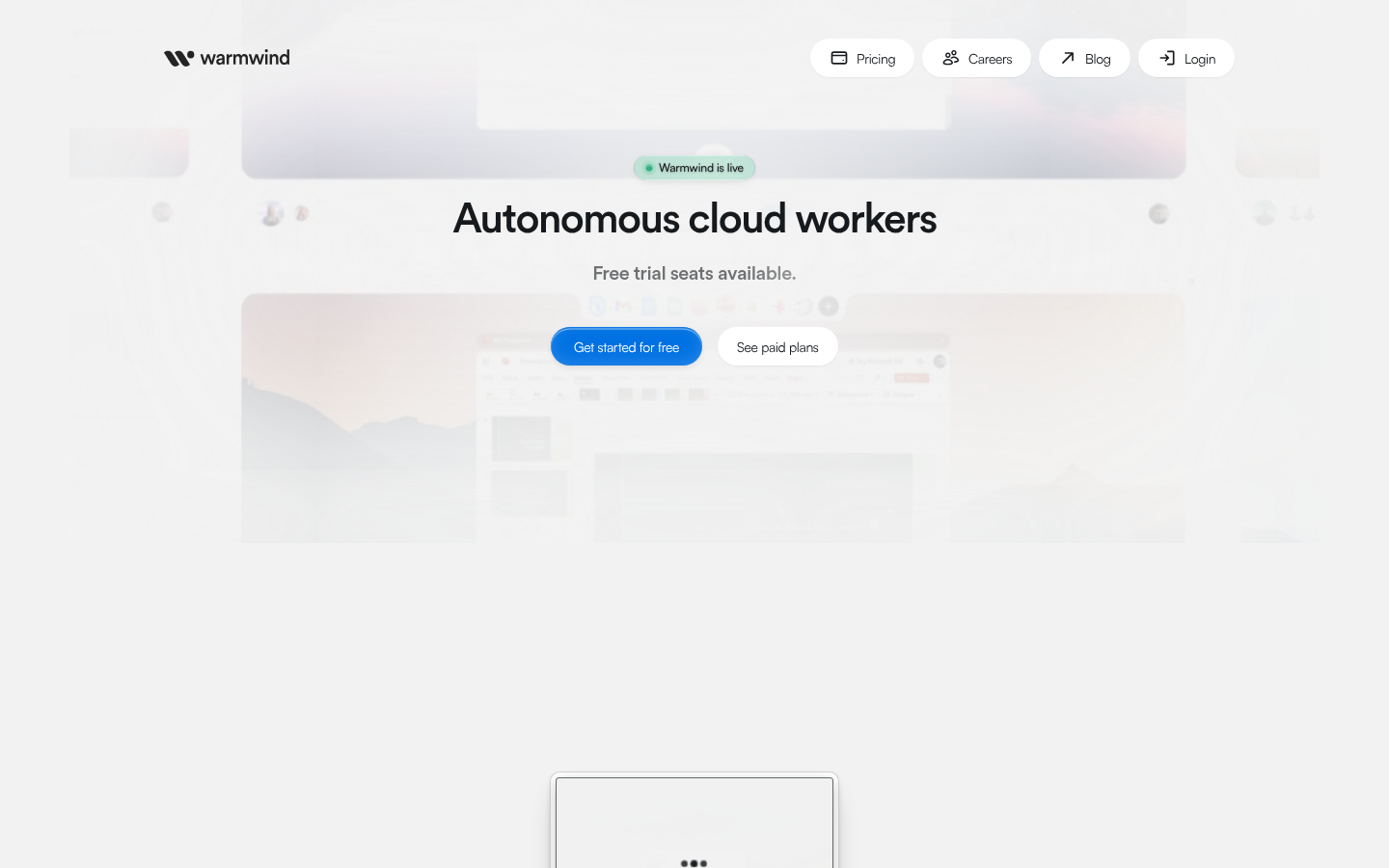
Screenshot archived from the listing page, for preview only.