
Wancai Animation Master
Beginner-friendly animation video software with templatesMake animated videos without animation skills
Highlights
What you can do with it
- Creating an animated product introduction video
- Making a micro-lecture for training or class
- Producing a public welfare animation
How to use it
- 1 Download and install the desktop client
- 2 Pick a template or start a blank project
- 3 Add images, text, and characters to the timeline
- 4 Set animation effects and preview the result
- 5 Export the video in the format you need
Who it is for
Pros
- No animation skills required
- Rich templates and effects to start from
- Free version available
Limitations
- It is a desktop client, so it needs a download and install
- Advanced assets and export options favor paid membership
- Free version limits and pricing may change over time
What Wancai Animation Master is
Wancai Animation Master is animation video production software designed for the corporate and educational sectors. Its main appeal is that it does not require professional animation skills: a drag-and-drop interface and a large template library let you assemble high-quality animated videos quickly. It suits scenarios such as corporate promotion, product introduction, and educational training, and it aims to make information more engaging. It includes motion animations, text animations, and transition effects, HD vector images and character designs, and support for multiple export formats. A free version is available alongside paid membership services.
What you can do with it
- Build an animated video by dragging elements onto a timeline
- Start from templates for promotion, training, or public welfare
- Add motion, text, and transition animations
- Use HD vector images and character assets
- Export in multiple formats for different platforms
Who it is for
- Businesses making promotional and product videos
- Educators creating course micro-lectures
- Self-media creators who want quick animated content
- Anyone who needs animated video without design skills
What to watch out for
This is a desktop client, so it needs a download and install rather than working in the browser, and it will take some disk space and a reasonably capable computer. The most useful assets and export options lean toward paid membership, so the free version is best for trying the workflow and simple projects. Animation still takes time to lay out element by element if you want a polished result, even with templates as a base. Free version limits and membership pricing may also change over time, so confirm current terms before committing.
FAQ
What is Wancai Animation Master?
It is animation video production software for corporate and educational use, with templates and drag-and-drop editing that do not require professional animation skills.
What can I make with it?
You can create animated videos for corporate promotion, product introductions, educational training, and public welfare campaigns.
Is there a free version?
Yes. It offers a free version as well as paid membership services.
Why it is free
What the official page says: free version
Free limits, trial length and features are decided by the official site and can change at any time.
Product preview
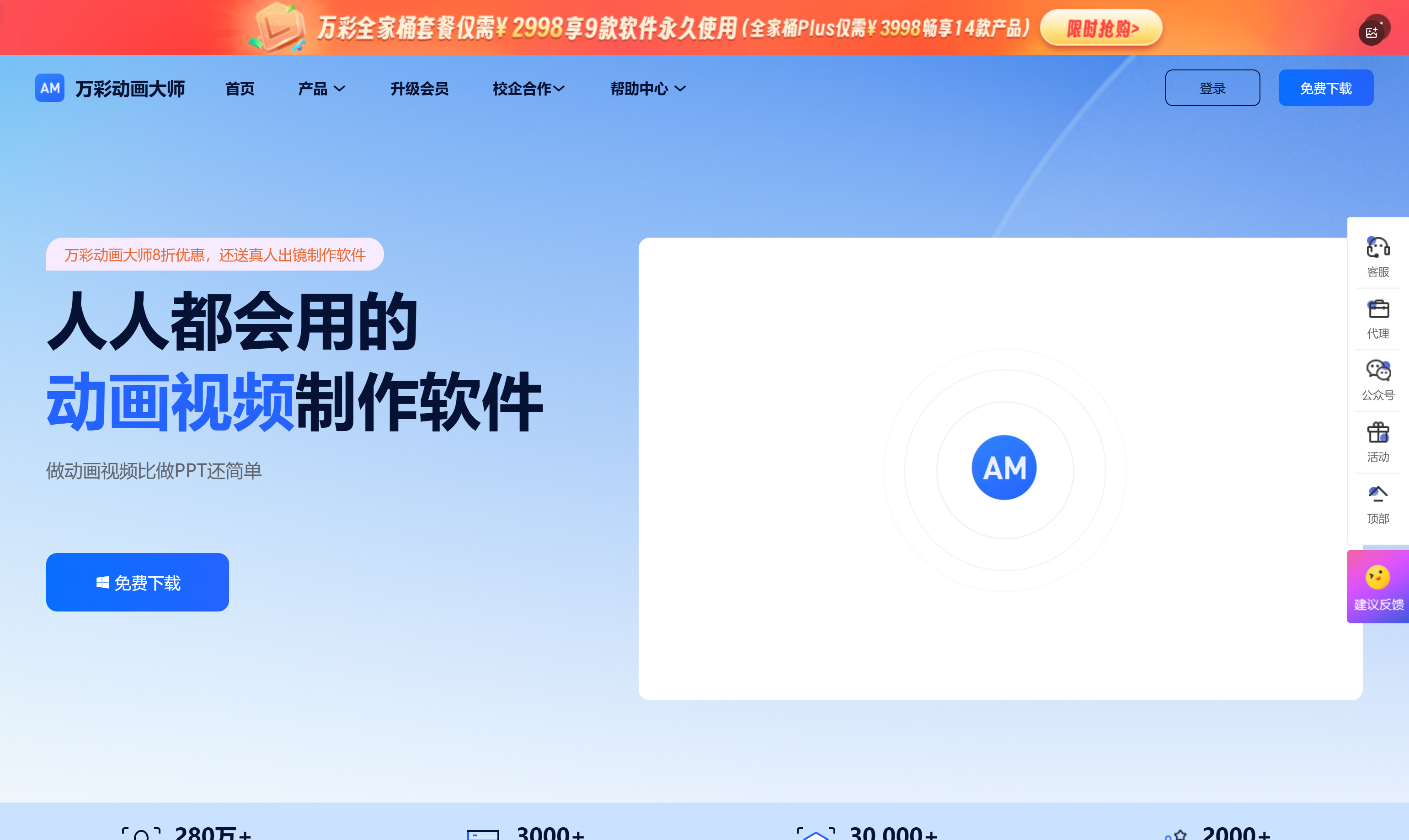
Screenshot archived from the listing page, for preview only.











