
Wan2.2 AI
Free AI video and image generatorTurn text and photos into video and music
Highlights
What you can do with it
- Make short social media videos from a script
- Turn product photos into animated clips
- Create simple learning or explainer videos
How to use it
- 1 Open the Wan2.2 AI website
- 2 Enter text or upload photos
- 3 Pick a style and settings
- 4 Wait for the video to render, then download or share
Who it is for
Pros
- Free to use with no software install
- Combines video, animation, and music in one place
- Aims for high-quality, cinema-style output
Limitations
- Free access can change over time
- Render times and quality depend on the input
- Limited editing control compared with pro video tools
What Wan2.2 AI is
Wan2.2 AI is a free tool for creating video, images, and music with AI. It turns text into video, animates photos into moving clips, and generates original music to go with them. The source says it can be used without installed software and aims for cinema-grade video quality, with styles that fit social media, marketing, education, and creative projects. Because it is free and browser-based, it lowers the barrier for people who do not own video editing software.
What you can do with it
- Convert a text prompt into a video.
- Turn a photo into an animated clip.
- Generate original music for your video.
- Produce varied styles that fit different social platforms.
Who it is for
- Social media creators who need quick, eye-catching videos.
- Marketers making short promotional clips.
- Educators and hobbyists producing simple learning or creative videos.
What to watch out for
Free access today can change over time, so confirm current terms before you build a workflow around it. Render time and quality depend on your input and the current load on the service. It is a generation tool rather than a full editor, so fine control over scenes, timing, and audio mixing is limited. Generated suggestions are for reference only, so verify anything that affects professional judgment or important data. Start with a small sample to confirm the output meets your expectations before processing the full batch. Name and archive exported files consistently so you can find and reuse them, and keep a backup copy of key data. When quality matters, export a small draft first to confirm the result before producing the final file.
FAQ
Is Wan2.2 AI free?
The source describes it as a free tool.
What can it create?
Videos from text, animated videos from photos, and original music.
Do I need to install anything?
No, it can be used without installed software.
Why it is free
What the official page says: 免费
Free limits, trial length and features are decided by the official site and can change at any time.
Product preview
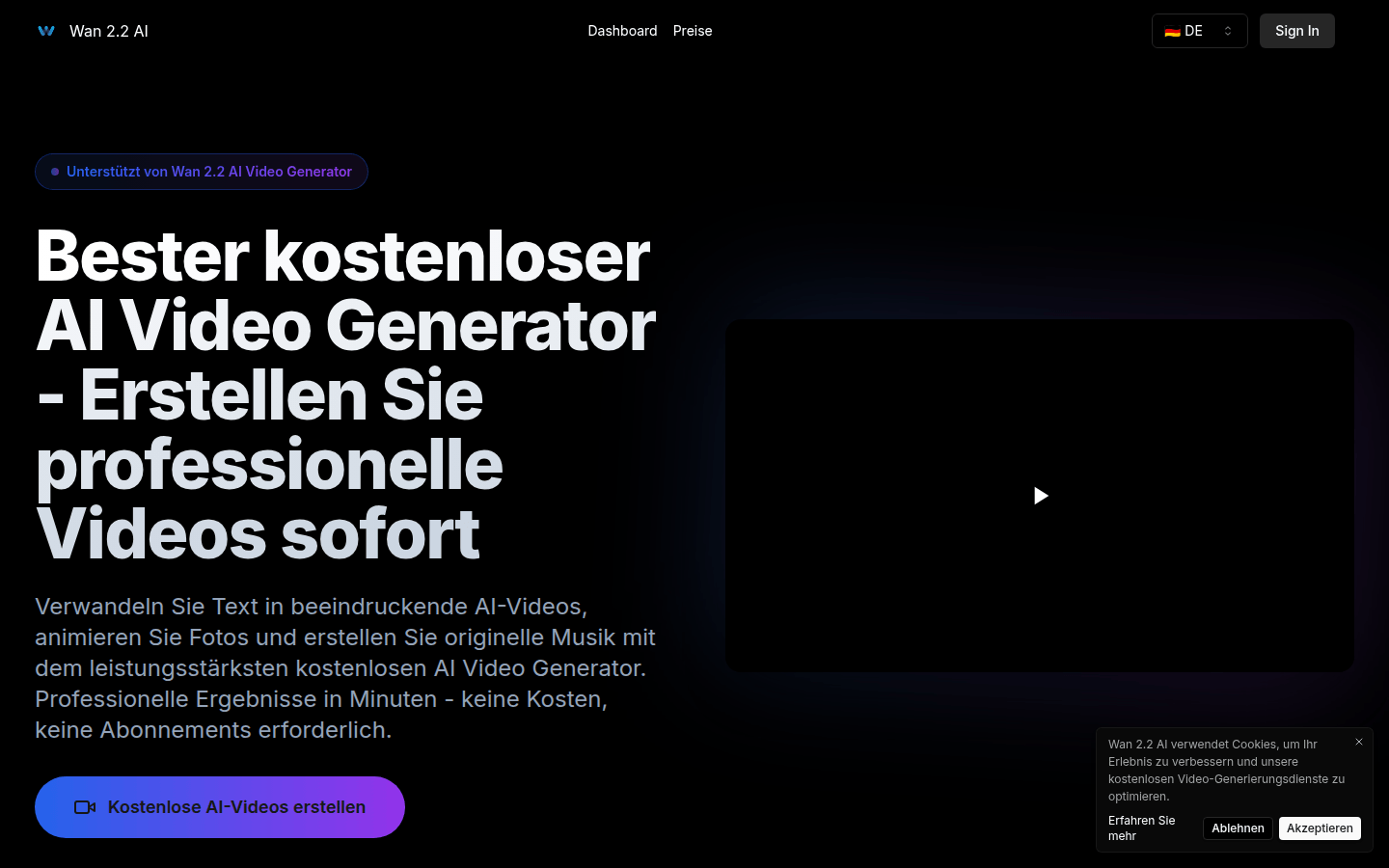
Screenshot archived from the listing page, for preview only.











