
Wan 2.7 AI
4K AI video maker with native audio and lip-sync4K video, native audio, lip-sync, and image generation in one tool
Highlights
What you can do with it
- Produce 4K video clips with matching dialogue audio
- Create talking-head style content with lip-sync
- Generate and edit still images alongside video
- Build short films or ads with reference-guided shots
How to use it
- 1 Start the free trial on wantvideo.ai
- 2 Choose video or image generation
- 3 Enter your prompt and set reference controls
- 4 Generate the 4K output with native audio
- 5 Edit, then export for your project
Who it is for
Pros
- 4K output with native audio and lip-sync
- Multi-reference control helps consistency
- Image generation and editing included
- Annual plans come with a 50% discount
Limitations
- Credit-based pricing means heavy use gets expensive
- The free trial is limited and terms may change
- It leans on several underlying models, so availability can shift
- The page does not list credit costs per generation
What Wan 2.7 AI is
WantVideo Wan 2.7, at wantvideo.ai, is an AI video and image generator built on the Wan 2.7 model and combined with technologies such as Seedance and Veo. The page presents it as a tool for creators who want high-quality output without a production crew: 4K resolution video, realistic images, native audio, and lip-sync are the headline features. Multi-reference control is included to keep shots consistent, and image generation and editing sit in the same product. Pricing runs on credits, with monthly and annual plans, a 50% discount when you pay annually, and a free trial for new users. It is aimed at professional creators as well as general users.
What you can do with it
- Generate 4K video clips with native audio
- Create lip-synced dialogue or talking-head content
- Produce and edit realistic still images
- Use multi-reference control to keep characters and scenes consistent
- Mix video and image assets inside one project
Who it is for
- Professional creators who need 4K delivery
- Teams producing dialogue-driven or lip-synced video
- Marketers and social creators making short high-quality spots
- Anyone who wants image and video generation in one subscription
- Studios that rely on reference-guided consistency
What to watch out for
The free trial is a taste of the workflow, and the service runs on credits, so long rendering sessions or many attempts at a scene will consume your balance faster than you expect. The page does not publish the credit cost per generation, so start with short tests to learn your own usage pattern before committing to a plan. The product draws on several underlying models, which means feature availability can change as those models are updated. Annual billing is cheaper, but only worth it once you know the tool fits your routine. Trial and pricing terms can change, so verify them on the site.
FAQ
What is WantVideo Wan 2.7?
An AI video and image generator using the Wan 2.7 model.
What resolution does it support?
4K video, with realistic image generation.
Does it include audio?
Yes, native audio and lip-sync are listed features.
Is there a free trial?
Yes, with monthly and annual paid plans on top.
Why it is free
What the official page says: 免费试用免费
Free limits, trial length and features are decided by the official site and can change at any time.
Product preview
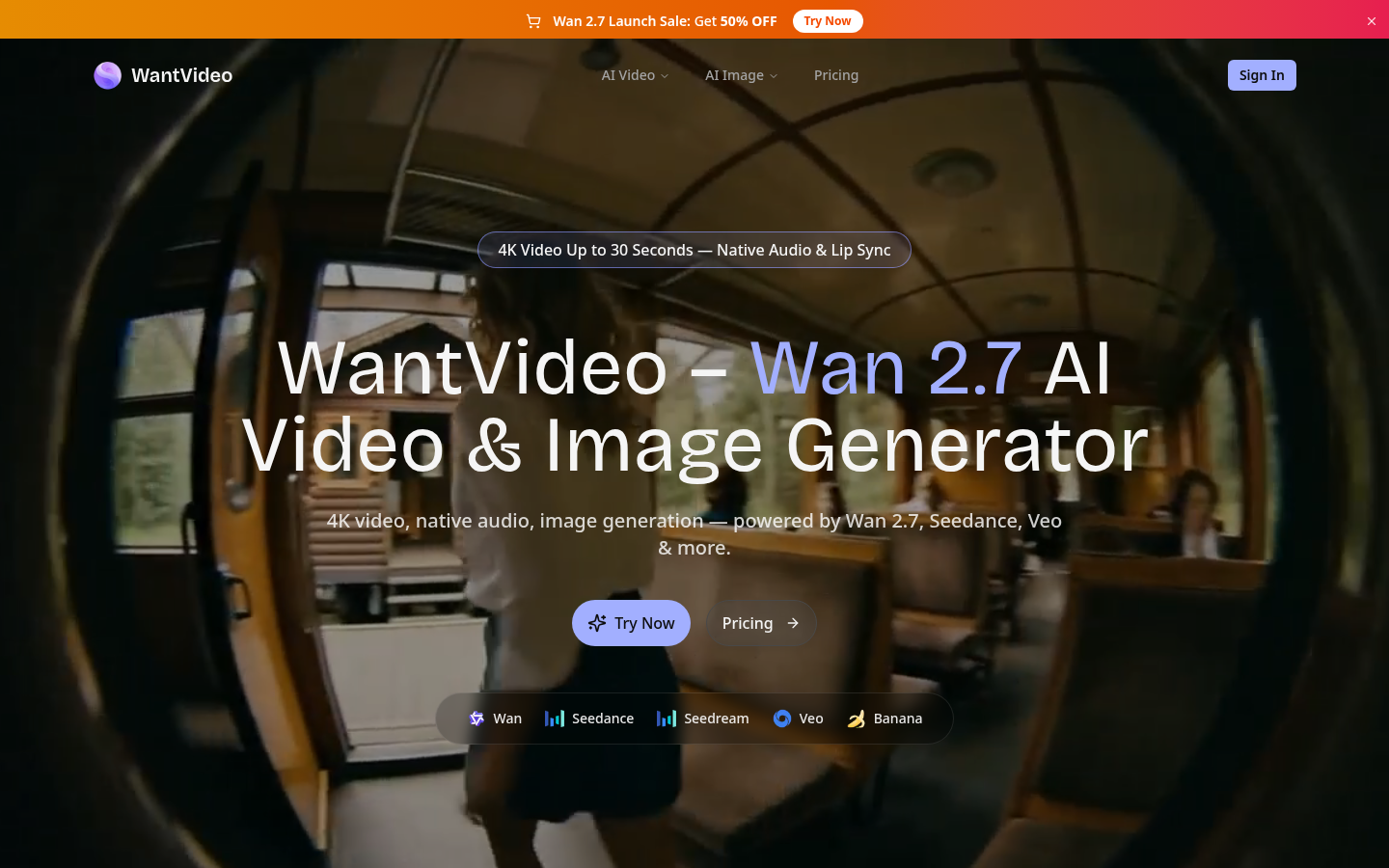
Screenshot archived from the listing page, for preview only.