
WA Export
Export WhatsApp contacts and group membersPull group numbers into Excel, CSV, or VCard
Highlights
What you can do with it
- A marketer filters group members by country for outreach
- A sales manager exports names and last message dates
- A small business owner gets enterprise export features free
How to use it
- 1 Set the format you want: VCard, CSV, or Excel, and enable filters if needed.
- 2 Select a group or all groups, optionally exclude administrators, then export.
- 3 Filter by country code, then export contacts with last message and date.
Who it is for
Pros
- Free with no stated daily limits
- Multiple export formats including vCard
- Local processing claimed for privacy
Limitations
- Extracting numbers and bulk messaging can break WhatsApp terms and local privacy law, and you are responsible for how the data is used
- Export depends on the WhatsApp web interface, which changes often
- Cold outreach to scraped numbers risks spam complaints and blocks
What WA Export is
WA Export is a free tool for getting data out of WhatsApp. It exports group members, chat contacts, and phone numbers into Excel, CSV, or VCard, and the site says it can carry up to 12 fields per contact, including publicly displayed name, country code, and the date of the last message. Filters let you exclude saved contacts or narrow by country code. It also converts Excel, text, or CSV into vCard for phone imports, searches WhatsApp group links, and doubles as a mass messaging extension that can send without saving numbers first. The site says everything runs 100 percent locally and that there are no advanced daily limits.
What you can do with it
- Export group members and chat numbers in several formats
- Filter by country code or exclude existing contacts
- Convert spreadsheets into vCard for phone imports
- Search group links and send messages without saving numbers
Who it is for
- Marketers building targeted lists from WhatsApp groups
- Sales managers who want context attached to each number
- Small business owners handling their own outreach
What to watch out for
This is the important part: extracting numbers and sending bulk messages can break WhatsApp's terms of service and local privacy law, and responsibility for how the data is used sits with you. Cold outreach to scraped numbers produces spam complaints, blocks, and reputational damage, and in some regions it carries legal risk. The tool also depends on WhatsApp's web interface, which changes often, so exports can break without warning and you should not build a critical process on it. Finally, the site claims local processing and free use, but verify current terms before you rely on either, and only contact people who have a genuine reason to hear from you.
FAQ
What can it pull out?
Group members, chat contacts, and phone numbers, with up to 12 fields such as displayed name, country code, and last message date.
Which formats are supported?
Excel, CSV, and VCard, plus conversion from Excel, text, or CSV into vCard.
Is it safe to use for marketing?
Only if you respect WhatsApp terms and privacy law. Unsolicited bulk messaging can get numbers blocked and can carry legal risk.
Why it is free
What the official page says: for free
Free limits, trial length and features are decided by the official site and can change at any time.
Product preview
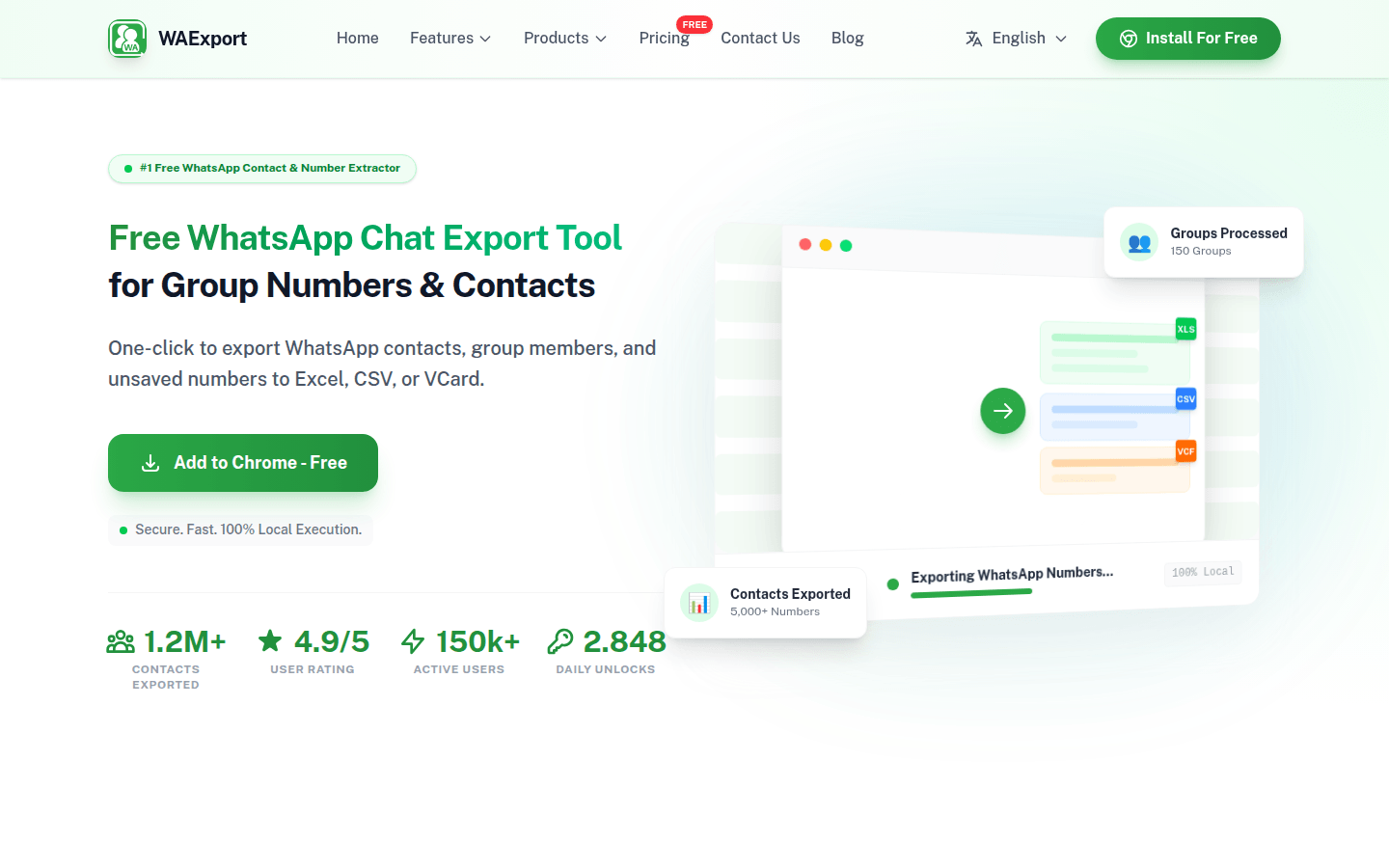
Screenshot archived from the listing page, for preview only.











