
Voxxio
Voice to storyboard generatorSpeak an idea, get a storyboard
Highlights
What you can do with it
- Blocking out shots for an animation
- Pitching a film or advertising concept visually
- Building a quick visual aid for a lesson
How to use it
- 1 Open Voxxio and pick the version you want to use
- 2 Speak your idea or type it into the input
- 3 Let the AI generate the storyboard
- 4 Edit frames and switch art styles
- 5 Export or share the board with your team
Who it is for
Pros
- Speaking is faster than sketching every frame
- Boards can be edited after generation
- A free tier is available for trying it out
Limitations
- The free tier has usage limits and fewer features than paid tiers
- Voice recognition quality depends on your input and setup
- Detail is bounded by the art style presets on offer
What Voxxio is
Voxxio is an AI creative generation tool for people who think out loud. Instead of sketching frames by hand, you speak your idea or type it in, and the tool returns a storyboard that shows the concept. The point is speed: getting a visual on screen while the idea is still fresh. Boards stay editable and customizable after they are generated, and there are several art styles to pick from. The product comes in free, basic, and advanced versions, each with its own feature set and usage limits, so you can start on the free tier and move up if the workflow suits you.
What you can do with it
- Turn spoken ideas into storyboards
- Use typed prompts when speaking is not practical
- Edit and customize the generated boards
- Switch between different art styles
Who it is for
- Animators and filmmakers blocking out shots
- Advertisers and photographers who need to pitch a look
- Teachers building a quick visual for a lesson
What to watch out for
The free tier carries usage limits and does not include everything the paid tiers offer, so heavy projects will hit a ceiling. Voice input depends on your microphone and environment, and a noisy room changes the result. Storyboard detail is bounded by the art styles available, so a very specific visual language may still need manual work. Check the version limits on the official page before you plan a long project around it. For best results, start with a small test file and review the output carefully before working on anything important. Free tiers can change over time, so it is worth checking the current limits on the official page before you rely on the tool daily.
FAQ
Can I just talk instead of typing?
Yes. Voice-to-storyboard is one of its main functions, so you can speak your idea and get a board back.
Are the generated boards editable?
Yes. The site describes the storyboards as editable and customizable, so you can change them after generation.
Is there a free version?
Yes. There is a free tier alongside basic and advanced versions, and each has different features and usage limits.
Why it is free
What the official page says: 免费版免费
Free limits, trial length and features are decided by the official site and can change at any time.
Product preview
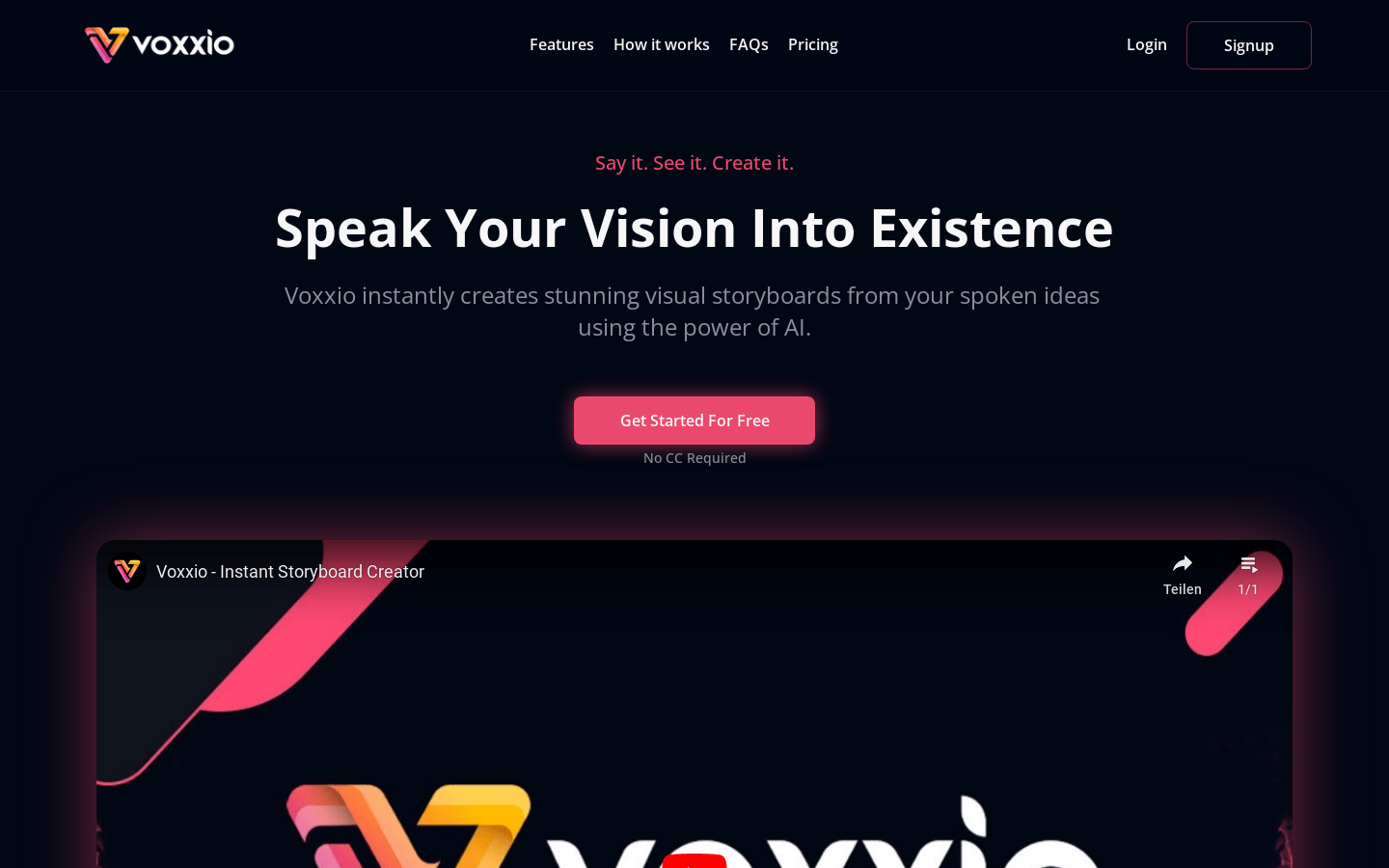
Screenshot archived from the listing page, for preview only.











